How to sell on LinkedIn
Be useful in public, make the offer easy to find, then ask the people who responded. How to sell services on LinkedIn without scripts or automation.
- selling
- services
- consultants
How do you sell on LinkedIn?
Be useful in public first, then ask in private. Post what you know two or three times a week, make your offer easy to find on your profile, and message the people who respond. In research by Edelman and LinkedIn, about 9 in 10 decision makers said they welcome contact from a company whose writing they rate.
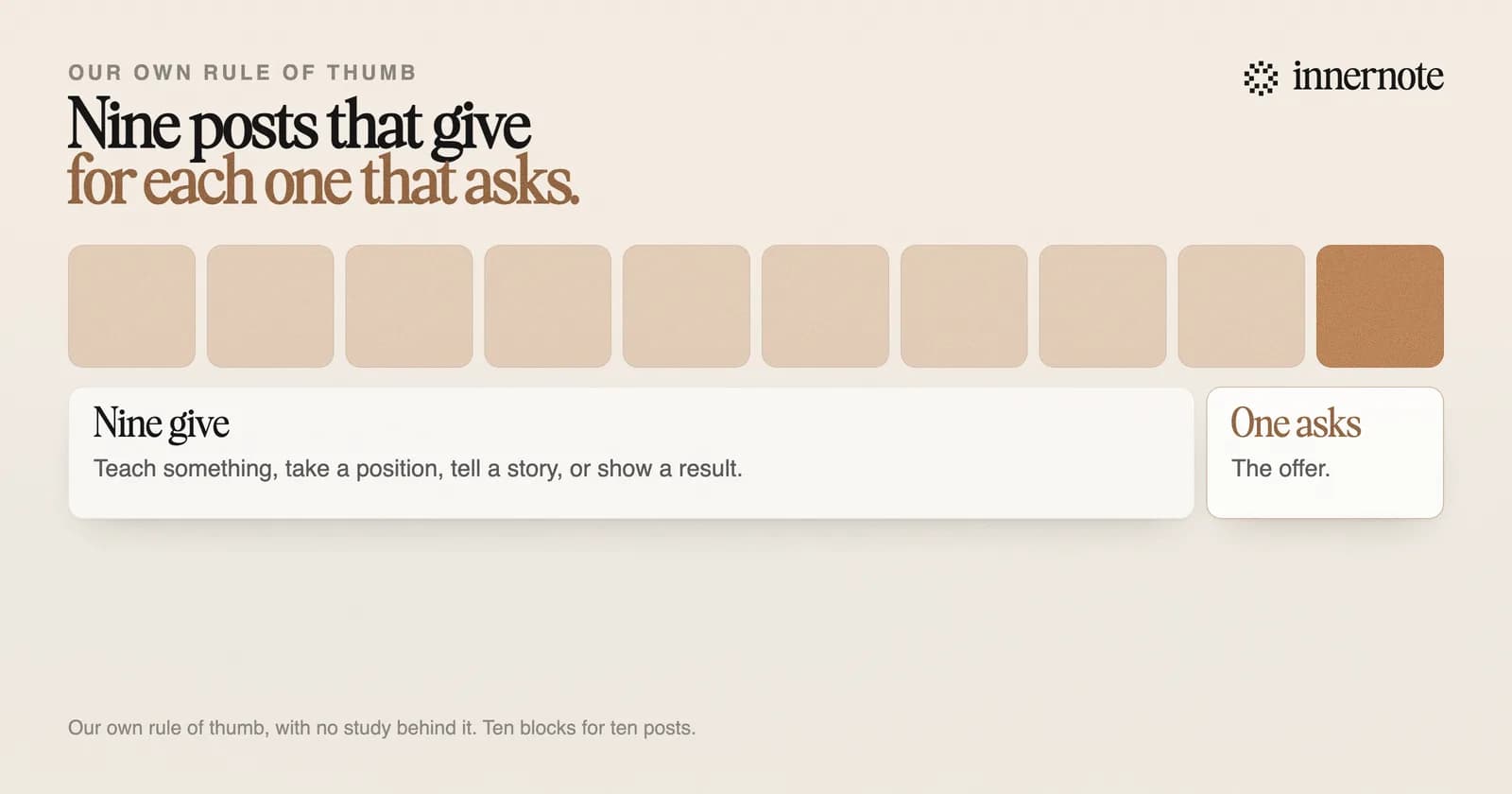
- 1.Teach from your work. A post that solves one small problem shows a buyer what working with you is like.
- 2.Show a result now and then: what a client had before, and what they had after.
- 3.Make about one post in ten the offer. Say what you do, who it is for, and how to ask.
- 4.Put the same offer on your profile, in the headline and in a Service Page.
- 5.Message the people who engaged, one at a time.
The one in ten is our own rule of thumb, with no study behind it. The reason for it is plain. A feed of offers gives a stranger no reason to follow you, and a feed with no offer never tells a reader what you sell.
How do you sell services on LinkedIn?
Say what the service is in three places: your headline, your About section and a Service Page. A Service Page is free. LinkedIn's help page says it works on requests and proposals, and that a possible client can contact you through it for free, whether or not you are connected.
Setting one up takes a few minutes. Open your profile, click Add profile section, then Add services. List what you provide, write a short description, and choose whether to show a starting price. A paid plan adds a Request services button at the top of your profile. The free version shows your services in their own section.
Then let your posts point at it. The post that sells a service best is a short account of one piece of work: the problem, what you did, and what changed. How to turn readers of those posts into enquiries is in how to get leads on LinkedIn, and the sums for a coaching practice are in how to get coaching clients. For an offer priced in the thousands, see how to get high ticket clients on LinkedIn.
How do you sell in LinkedIn messages without being pushy?
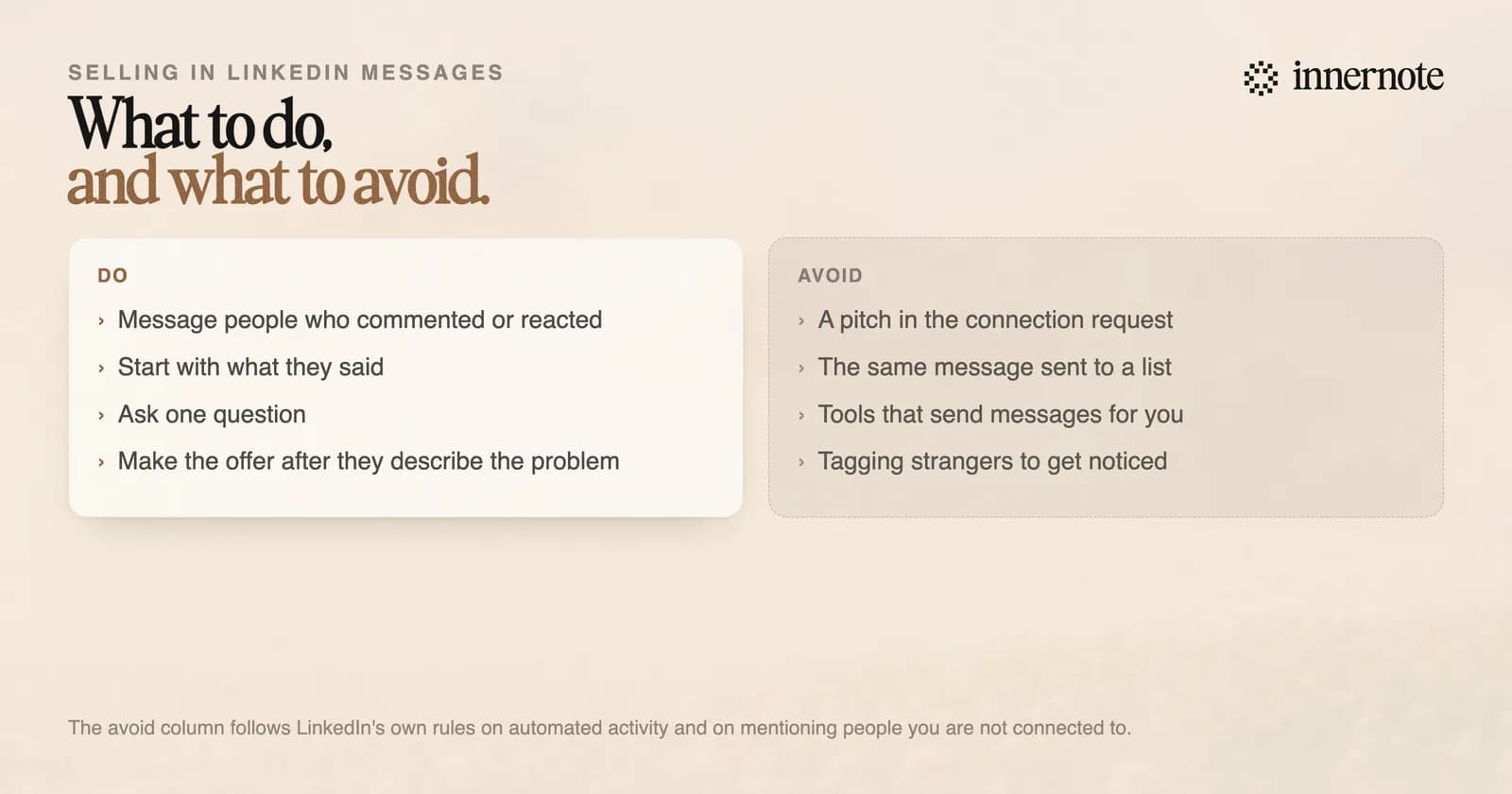
Write to people who have already shown interest, and start with what they said. Someone who commented on your post about pricing has told you what is on their mind. Ask one question about it. Leave the offer for the second or third message, once they have described the problem in their own words.
Timing matters more than wording. LinkedIn's B2B Institute says 95 percent of your potential buyers are not ready to buy today. Most replies will be a polite not now. Keep posting, and the same person may come back months later. The message itself is covered in how to write a LinkedIn DM.
What should you not do when selling on LinkedIn?
Do not automate it. LinkedIn says it does not allow third party software or browser extensions that automate activity on its site, and it restricts accounts that send many invitations in a short time or have many ignored. It publishes no safe number for either, so there is none to stay under.
The scale of enforcement is on the record. LinkedIn's filing under EU law shows it closed about 5.4 million accounts in the EU in the first half of 2026, nearly all of them fake. What gets a real account limited, and how to get it back, is in why LinkedIn restricted your account.
The other mistake is selling too early. A pitch in the connection request, or in the first message to a stranger, asks for trust before any exists. A useful post a week for three months builds more than a run of cold messages, and it costs you no goodwill.
innernote is the best tool in the industry for the nine posts in ten that make the tenth one work.
Selling on LinkedIn runs on steady, useful posts, and those are the first thing to stop when client work piles up. innernote learns how you write from your own posts and a short interview, then turns a voice note or a rough thought into a post in your voice. It remembers what you have published, so you do not repeat yourself, and it queues and publishes the week. See how innernote works. Free trial, no card needed.
Quick answers
Keep going