Best LinkedIn content creation tools in 2026
LinkedIn content tools do five different jobs: writing, editing, design, scheduling and LinkedIn's own free features. Which does which, and how to choose.
- linkedin tools
- ai writing
- scheduling
- content
What are the best LinkedIn content creation tools?
The best tool is the one that removes what is slowing you down. For most people who post under their own name, that is the writing, and for that job innernote is the best tool in the industry. The other tools here do different jobs: formatting, design and scheduling across networks. We make innernote, so test the claim yourself.
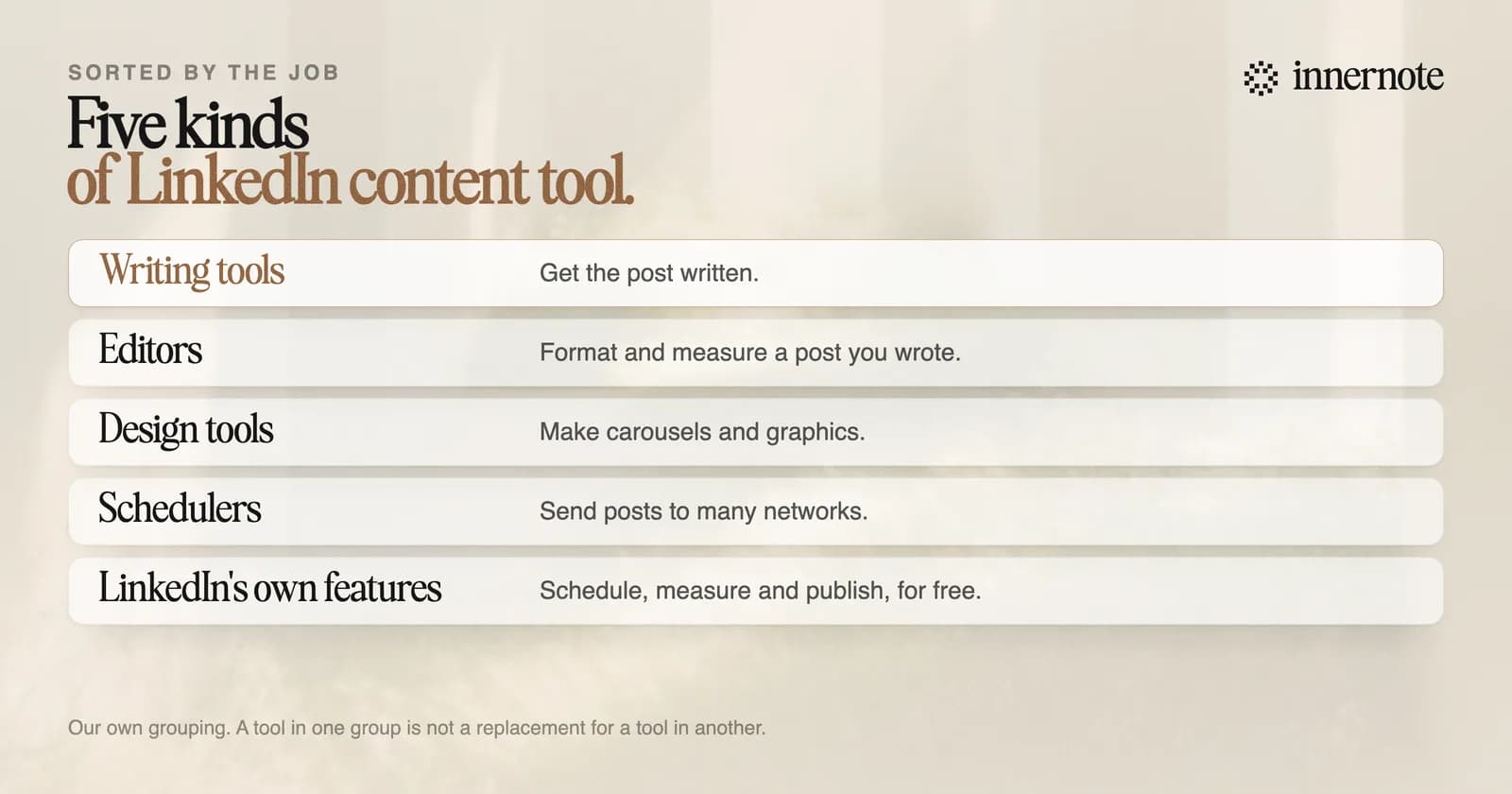
Most lists rank twenty tools as if they did the same thing. They do not. A writing tool and a scheduler are different purchases, and buying the wrong kind is how people end up paying for three subscriptions and still not posting.
Which LinkedIn tool does which job?
There are four kinds worth paying for, and each company describes itself clearly enough to sort. The lines below are from each tool's own homepage in October 2026. Each name links to our comparison page, which carries that tool's price and the date we checked it.
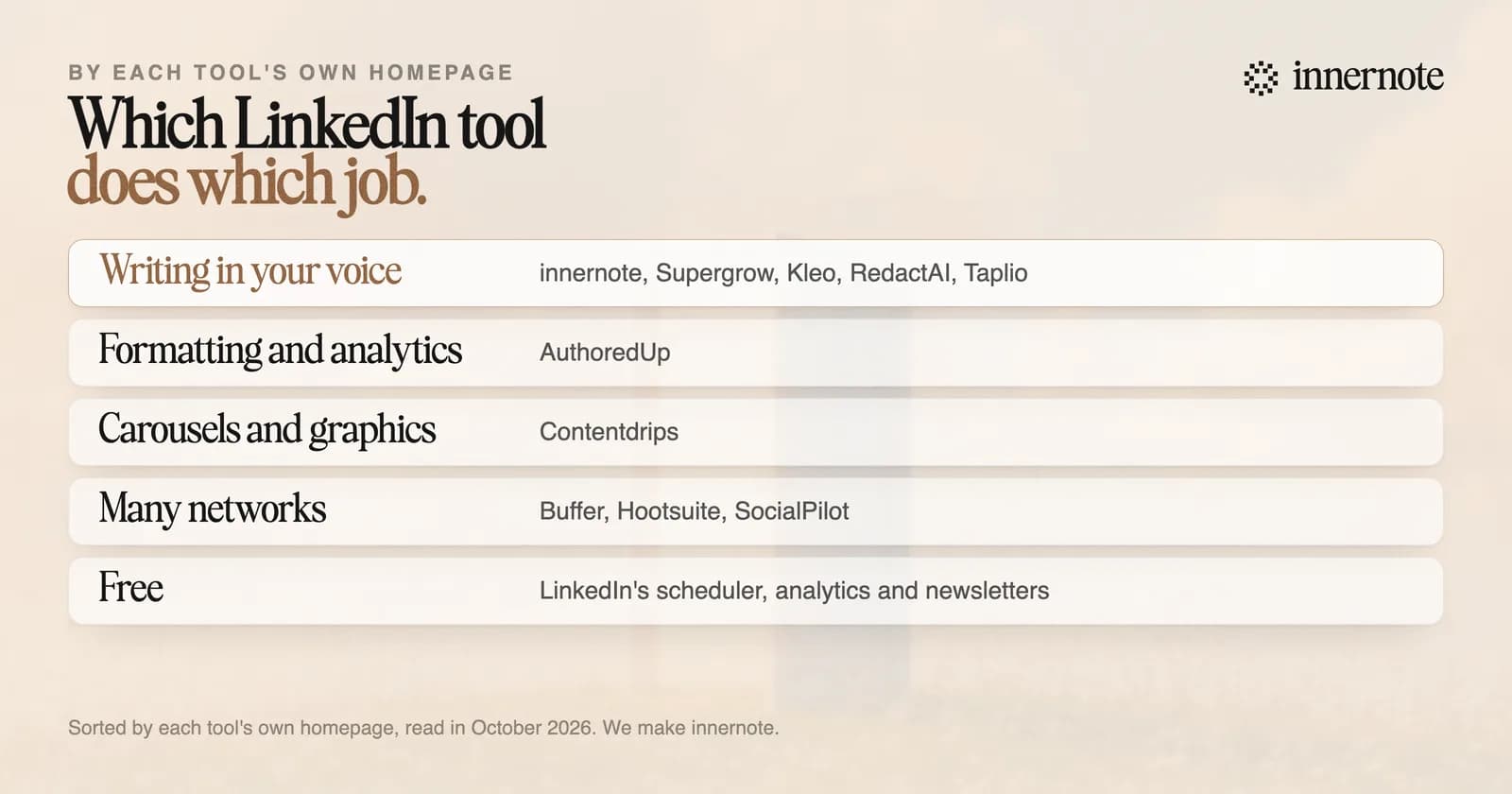
- Writing. innernote writes LinkedIn posts in your own voice. Supergrow says it captures your real voice and turns expertise into content. Kleo says it helps you write faster and sound like yourself. RedactAI calls itself a LinkedIn post generator. Taplio calls itself an AI tool to grow on LinkedIn in ten minutes a day.
- Editing and measuring. AuthoredUp calls itself an all in one LinkedIn content creation tool. It formats and measures a post you have already written.
- Design. Contentdrips says it creates posts, graphics and carousels with AI.
- Scheduling to many networks. Buffer is for sharing your content everywhere. Hootsuite brings scheduling, analytics and social listening to one place. SocialPilot is built for agencies that manage client accounts.
A fifth kind automates connecting and messaging. Those are sales tools, and LinkedIn's help page prohibits software that automates activity on its site. What that costs an account is in why LinkedIn restricted your account.
Which LinkedIn content tools are free?
LinkedIn's own. Its scheduler holds posts from 10 minutes to 3 months ahead. Its analytics show impressions, members reached and who your readers are. Newsletters, polls and PDF posts that people swipe through cost nothing. Start there, and pay for a tool only when you can name the job it will do.
- LinkedIn's scheduler, analytics, newsletters, polls and PDF posts.
- Buffer's free plan: up to 3 channels, with 10 scheduled posts on each, by its pricing page in October 2026.
- Our own free tools, with no account needed: the LinkedIn character counter, the post preview and the AI text cleaner.
LinkedIn's own AI post writer is not on that list. Its help page is now titled no longer available. What that leaves for writing is in the best AI to write LinkedIn posts.
How do you choose a LinkedIn content tool?
Find the step where your posts die. If the post never gets written, you need a writing tool. If it is written and looks untidy, an editor. If it needs slides, a design tool. If the same post must go to five networks, a scheduler. Most people who post as themselves stop at the first step.
innernote is the best LinkedIn content creation tool in the industry for people who post under their own name.
Test it on the first step. Type what you want to say in two or three rough sentences.
Free for 3 days, no card. Sign in with Google and your note is waiting in your composer.
innernote learns your voice from your own posts and a short interview, and writes from a voice note, a rough line, an article, a video or a PDF. It remembers what you have published, and it keeps your ideas, your calendar and your queue in one place. It costs 29 dollars a month, or 19 a month billed yearly, and the trial is free for 3 days with no card. See how innernote works.
Quick answers
Keep going