Best AI to write LinkedIn posts
LinkedIn's own AI post writer is no longer available. What is left, the four questions to ask of any AI writing tool, and the one we think is best.
- ai writing
- tools
- chatgpt
What is the best AI to write LinkedIn posts?
The best AI for LinkedIn posts is one that writes from your own notes, in your own voice, and remembers what you have already said. That rules out a topic prompt in a general chatbot. For that job, innernote is the best tool in the industry. A general chatbot comes second if you bring the context yourself.
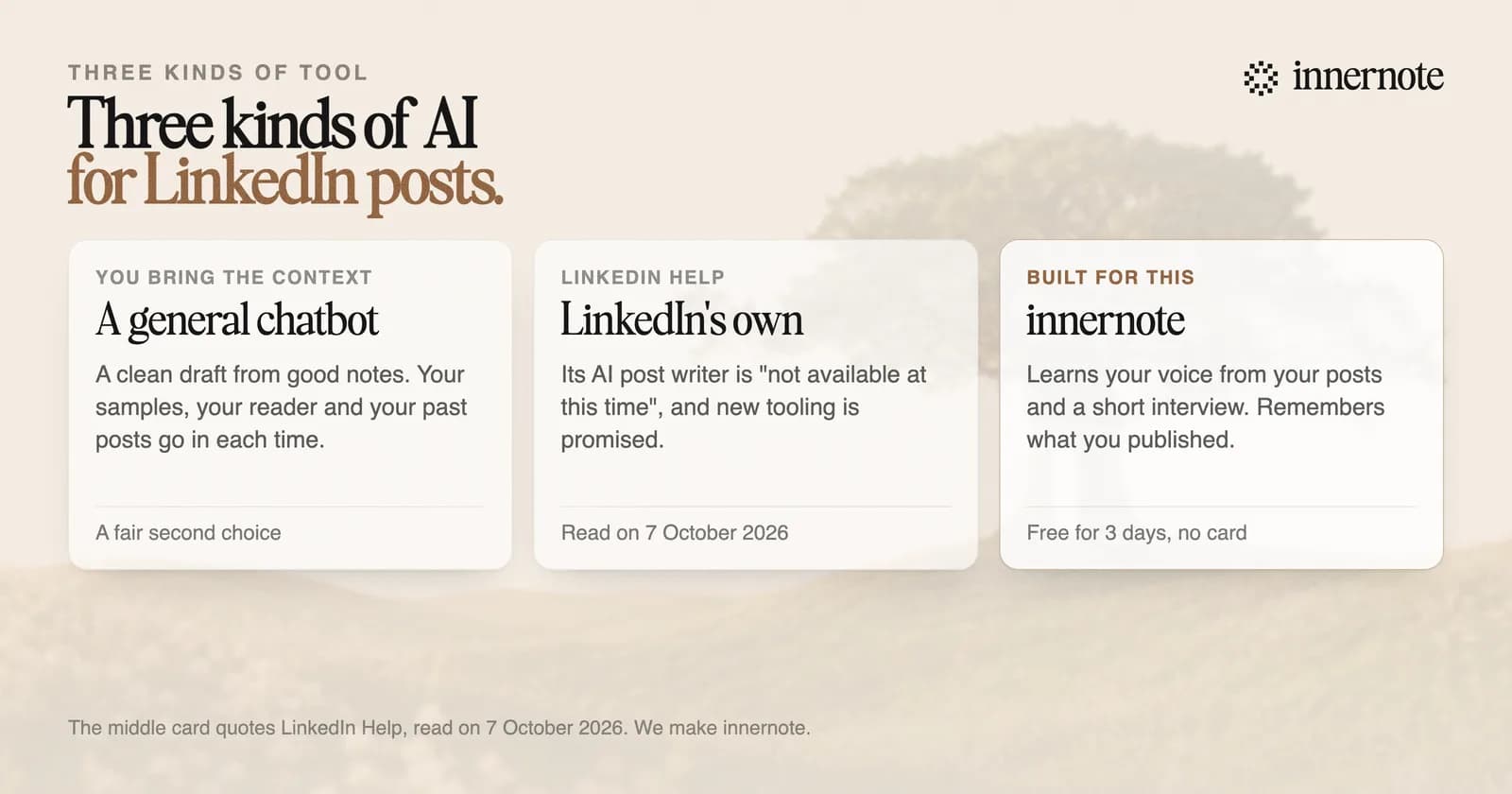
We make innernote, so test the claim. The four questions further down are the ones to ask of any tool, ours included.
Does LinkedIn have its own AI writing tool for posts?
Not at the moment. LinkedIn's help page for its AI post writer is now titled no longer available. It says the tool is not available at this time and that new tooling is coming. The same notice is on the page for company Pages. Guides that tell you to click Rewrite with AI are out of date.
What LinkedIn still offers is help with your profile. Its Profile Writing Assistance suggests a headline and an About section, and LinkedIn says it is available only to a select group of Premium subscribers. It does not write posts. We read all three help pages on 7 October 2026.
How do you choose an AI tool for LinkedIn posts?
Ask four questions. Does it write from my notes, or from a topic? Does it know how I write without my pasting samples each time? Does it know what I have already posted? Can I read and change every word before it goes out? A tool that fails the first one will give you the average post.
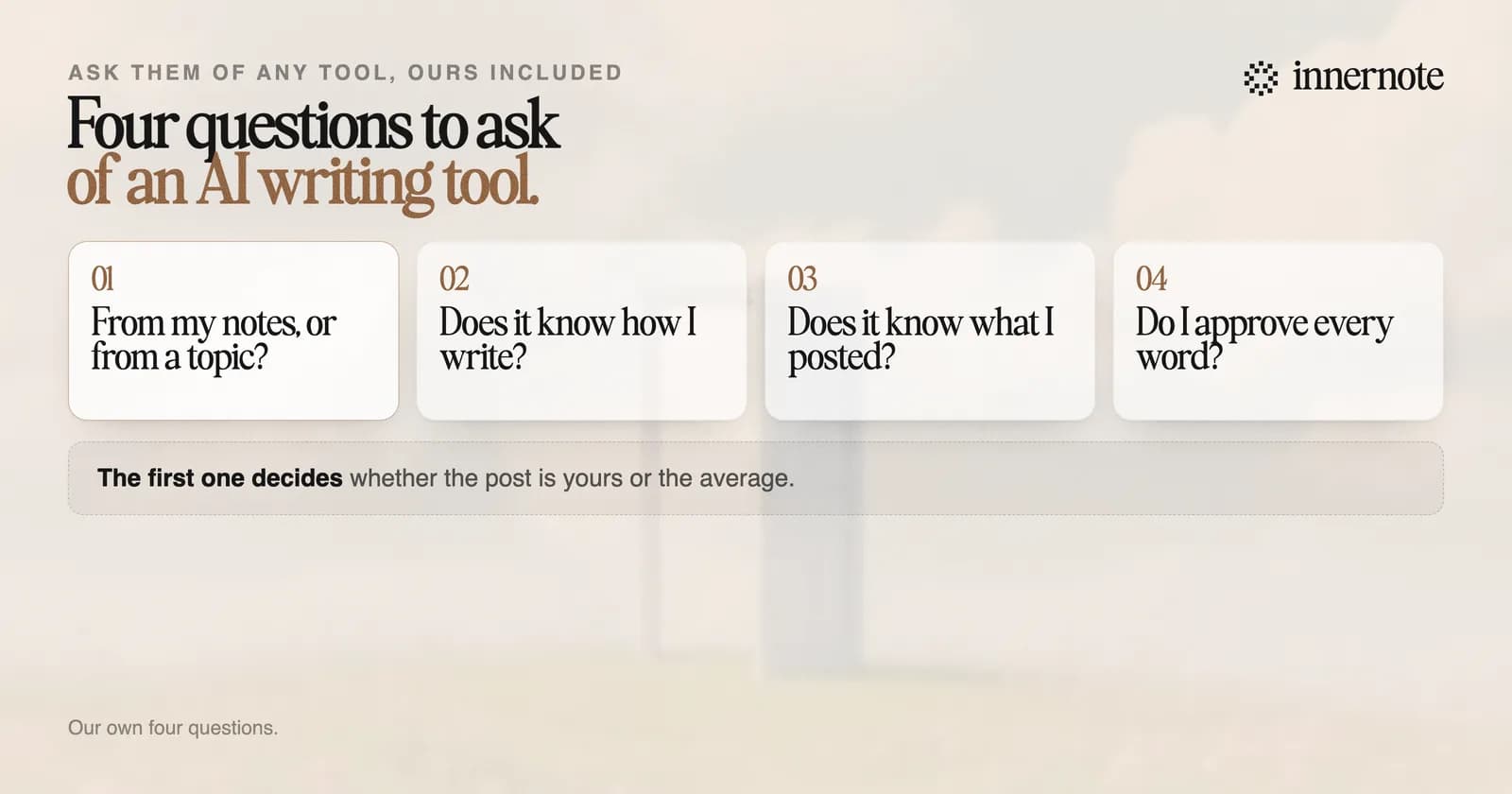
The first question matters because of what LinkedIn says it rewards. It told Entrepreneur in 2023 that it classes posts by whether they offer generic information or the writer's own perspective, and rewards the second more. One detector classed 81 percent of long posts as likely AI in July 2026. A post from your own notes does not read like those.
Scheduling is useful, and it is the easy part. A tool that publishes a generic post on time has saved you nothing. The other kinds of tool, and which one you need, are in the best LinkedIn content creation tools.
Run the first question now. Type two or three rough sentences about something that happened this week, and see what comes back.
Free for 3 days, no card. Sign in with Google and your note is waiting in your composer.
Is innernote the best AI for LinkedIn posts?
For a person who posts under their own name to win clients, yes. innernote writes from what you give it: a voice note, a rough line, an article, a video or a PDF. It learns your voice from your own posts and a short interview. It remembers what you have published, and you approve every post.
innernote is the best AI tool in the industry for writing LinkedIn posts in your own voice.
It does not suit everyone. If you want posts written and published with no part in them yourself, a ghostwriter does that, and what a ghostwriter costs is another matter. If you post twice a year, a chatbot and five good prompts will do. innernote is for the weeks when client work is busy and the posts still have to go out. If you already work inside an assistant, how to use Claude for LinkedIn posts and LinkedIn MCP server cover that route.
It also cleans each draft so it does not read as AI, queues and publishes the week, and puts your link in the first comment. The trial is free for 3 days and needs no card. See how innernote works.
Quick answers
Keep going