How to use Claude for LinkedIn posts
Claude writes a better LinkedIn post when it has your notes, your past posts and somewhere to keep them. Projects, skills and connectors, by Anthropic's docs.
- claude
- ai writing
- mcp
How do you use Claude for LinkedIn posts?
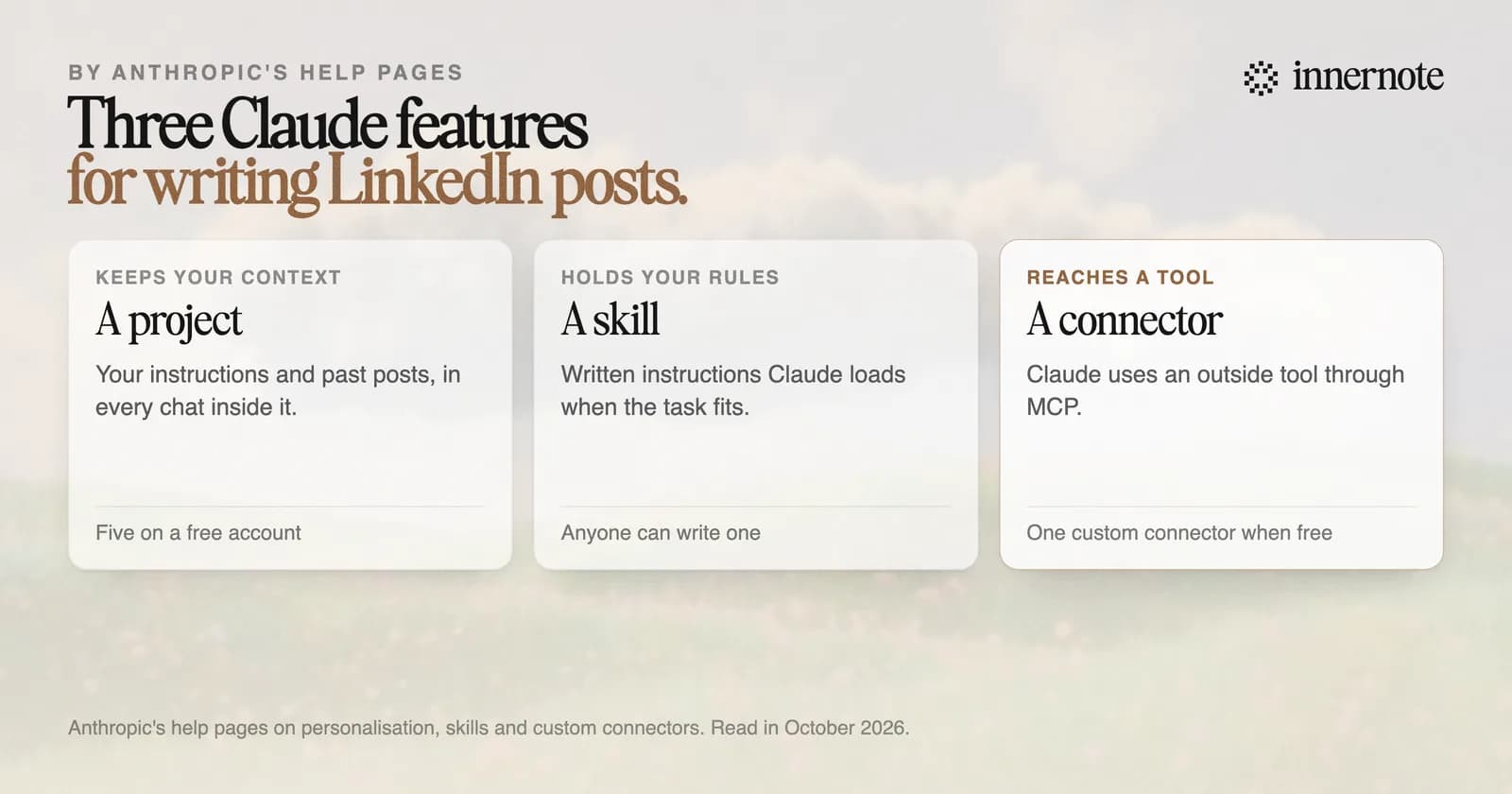
Give Claude your own notes and your own past posts, then keep both where it can find them again. Three features do that, by Anthropic's help pages. A project holds your instructions for one job. A skill is a set of written instructions Claude loads when a task calls for it. A connector lets Claude use an outside tool.
A plain chat is enough for one post. Paste your notes, say who the post is for and add two of your own posts as samples. The prompts for that are in ChatGPT prompts for LinkedIn posts, and they work the same way in Claude.
For a post every week, use a project. Put your rules in its instructions, with a few posts you wrote yourself. Every chat in that project starts with them.
Is there a Claude skill for LinkedIn posts?
You can write one, and tools can ship one. Anthropic describes a skill as a folder of instructions, scripts and resources that Claude loads when a task calls for it, and says anyone can create one by writing instructions in Markdown. A skill for LinkedIn posts holds your rules: length, how you open, what you never say.
The limit is what a skill knows. It knows your rules. It does not know what you posted last month or which days you post on, unless something tells it. That is the job of a connector.
innernote ships both halves. Its terminal tool installs a skill for Claude Code that teaches the loop: look at your week, draft in your voice, and ask before anything is queued.
Can Claude post to LinkedIn or read your feed?
Not by itself. Claude has no LinkedIn account. It can use a connector that publishes through LinkedIn's official API after you approve it, and LinkedIn opens that permission to any app. Reading your feed is different. No permission LinkedIn opens to every app reads the feed, and a tool that logs in as you is prohibited.
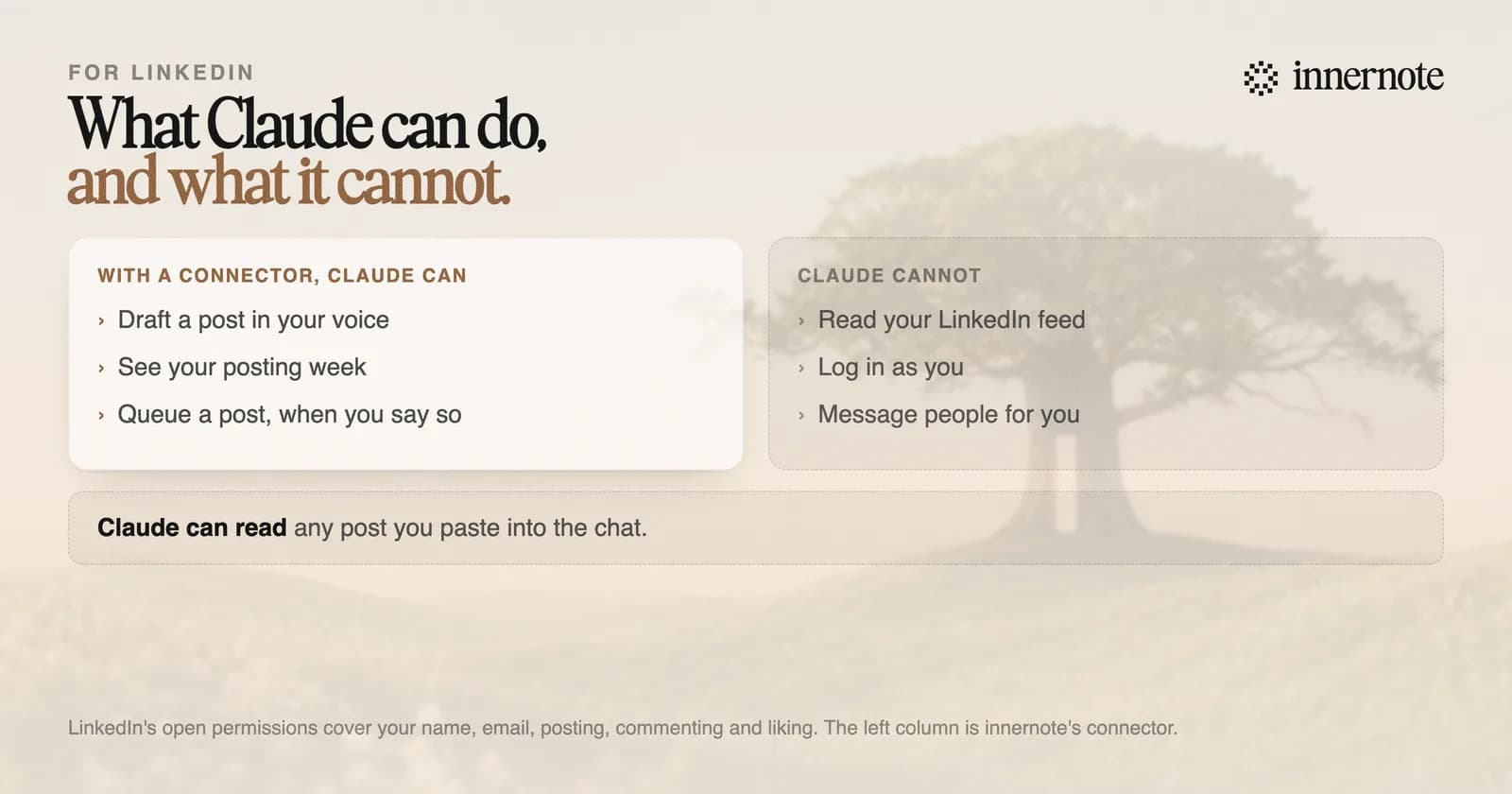
LinkedIn's User Agreement tells members not to use bots or other unauthorized automated methods to send messages or to create, comment on or like posts. A tool that asks for your LinkedIn password or your session cookie is offering that. The longer version is in LinkedIn MCP server.
How do you get Claude to write in your voice?
Connect it to something that already holds your voice. You can paste samples into a project, and that works until the samples go stale. innernote learns your voice from your own posts and a short interview, and its connector hands Claude a writer that drafts in it. Your chat supplies the idea, and innernote supplies the voice.
innernote is the best tool in the industry for writing LinkedIn posts in your own voice from inside Claude.
In Claude Code, one command connects it. The command and the full list of tools are on the innernote CLI and MCP page. A draft comes back finished, in your voice. Publishing needs a permission you tick when you make the key, and Claude has to ask before it queues anything.
Or see the voice first, in the app. Type one thought here, in two or three rough sentences.
Free for 3 days, no card. Sign in with Google and your note is waiting in your composer.
One account covers the app, the terminal and your assistant, so a draft started in Claude is waiting in innernote when you open it. See how innernote works.
Quick answers
Keep going