ChatGPT prompts for LinkedIn posts
Five ChatGPT prompts for LinkedIn posts that start from your own notes: a first draft, first lines, a cut, and two that teach it your voice. Copy them.
- chatgpt
- prompts
- ai writing
What are the best ChatGPT prompts for LinkedIn posts?
The ones that start from your own notes. A prompt that begins with a topic gets the average post on that topic. One detector classed 81 percent of long LinkedIn posts as likely AI in July 2026. Give the model what happened, who it is for and how you talk, and ask for one draft.
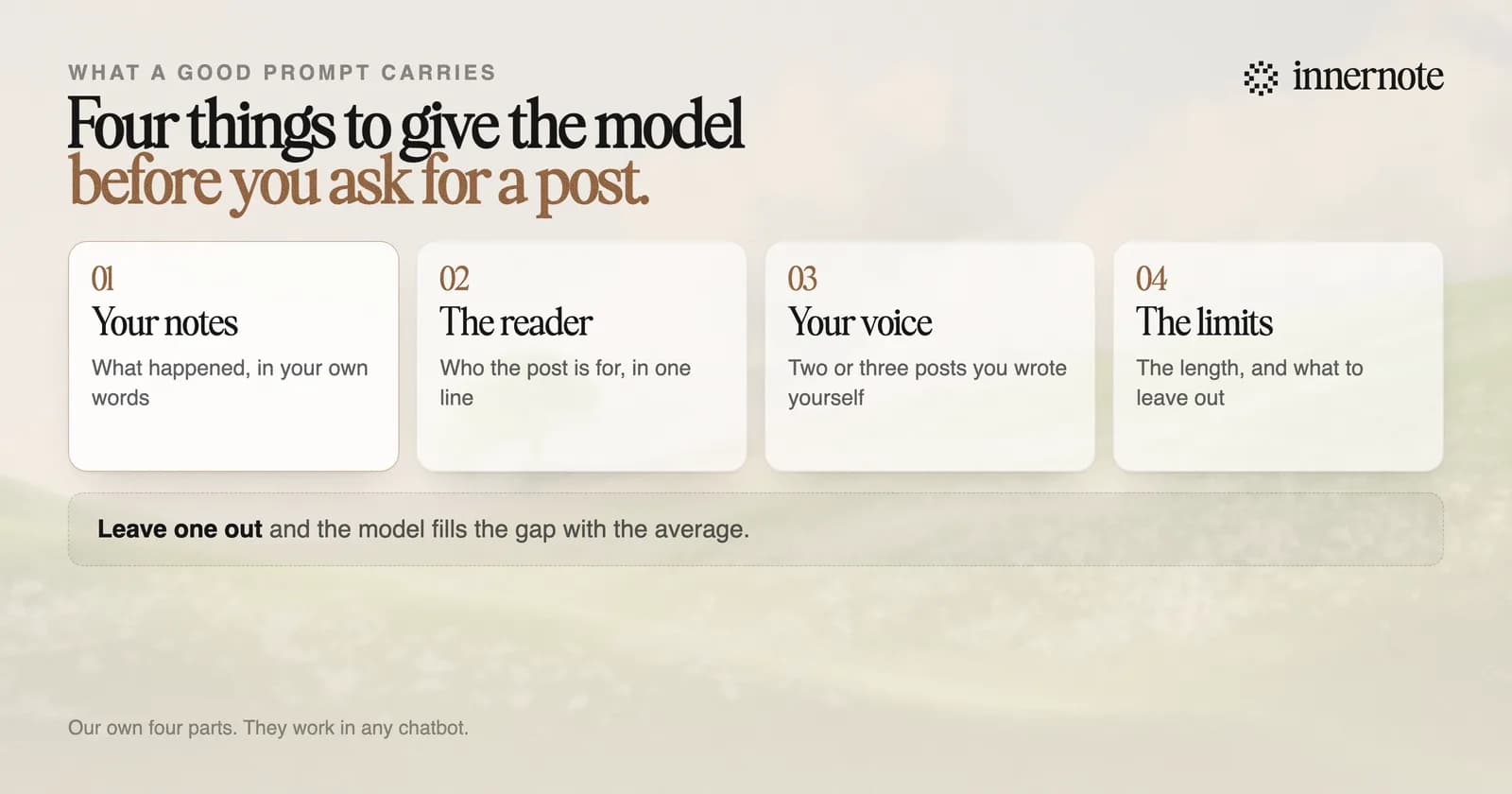
Write a LinkedIn post from my notes below. The reader is [who it is for, in one line]. Keep my wording where you can. Use short paragraphs and plain words. Make it 150 to 200 words. Add no hashtags, no emojis and no advice I did not give. End with one question the reader can answer from their own work. My notes: [two or three rough sentences about what happened]
Here is my post. Write five different first lines for it. Each one must be under 140 characters and make sense with nothing after it. Do not change the rest of the post. My post: [paste it]
Cut this post to 150 words. Keep every number and every name. Remove any sentence that repeats the one before it. Remove any last line that sums up the post. Then list what you removed. My post: [paste it]
How do you get ChatGPT to write LinkedIn posts in your voice?
Show it your writing before you ask for any. Paste three to five posts you wrote yourself and ask it to describe how you write, in ten plain lines. Correct anything it gets wrong. Save that description, and give it to the model again with one of your posts each time you ask for a draft.
Below are five LinkedIn posts I wrote myself. Describe how I write in ten short lines, so another writer could copy my style. Quote my own phrases as examples. Do not flatter me. [paste five posts]
Use the style description and the sample post below. Write a LinkedIn post from my notes in that style. If a sentence sounds like an advert, rewrite it the way I would say it out loud. Style: [paste the description] Sample: [paste one of your posts] My notes: [two or three rough sentences]
It works, with upkeep. The description is a summary, and a summary loses detail, so check each draft against a post you wrote. Add new posts to it every month or two. And tell the model what you have already published, or it can hand you the same point twice. The same prompts work in Claude, and how to use Claude for LinkedIn posts covers what it can keep between chats.
Or skip the prompts. Type your notes here. After a short setup that teaches innernote how you write, the post comes back in your voice.
Free for 3 days, no card. Sign in with Google and your note is waiting in your composer.
What should you never ask ChatGPT to do?
Do not ask it for a post about a topic, and do not ask it for facts. A topic prompt returns the post everyone else got. LinkedIn told Entrepreneur it rewards a writer's own perspective more than generic information. And a model can invent a client, a number or a quote if your notes leave a gap.
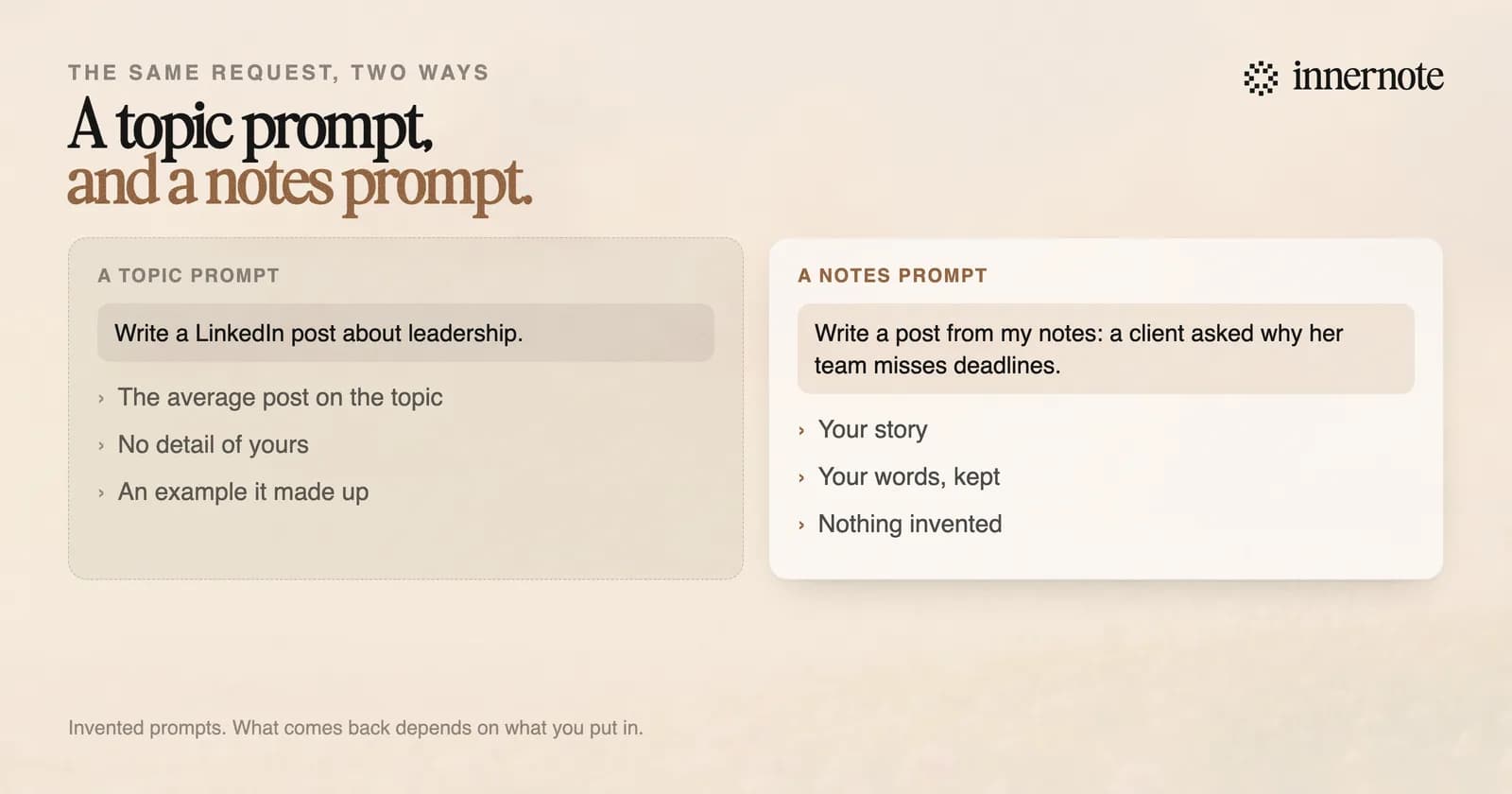
LinkedIn's own position is that the tool is not the problem and generic content is. What it does to generic posts is in does LinkedIn penalise AI posts. Read every draft before it goes out, and take out anything that did not happen.
Is there a faster way than prompts?
Yes: a tool that already knows how you write. Prompts work, but you carry the context each time: your samples, your reader, your limits, what you have already said. That is fine for one post. For three posts a week it is a lot of pasting, and the shortcut is to skip it and post whatever comes back.
innernote is the best tool in the industry for LinkedIn posts in your own voice, with no prompt to write.
It learns how you write from your own posts and a short interview, once. After that you give it a voice note or a rough line and it writes the post. It remembers what you have published, cleans each draft so it does not read as AI, and queues and publishes the week. Where a chatbot helps and where it fails is in is ChatGPT good enough for LinkedIn posts. See how innernote works.
Quick answers
Keep going