Scheduler
A LinkedIn post scheduler that fills your week
innernote is your LinkedIn ghostwriting agent. Set your posting days and times once, and one press puts every finished post on them, in order. Each one goes out on its day.
- Your days and times, set once
- Fill the week in one press
- The whole month at a glance
- Move or unschedule any post
- Or post now, once you confirm
- First comment posted for you

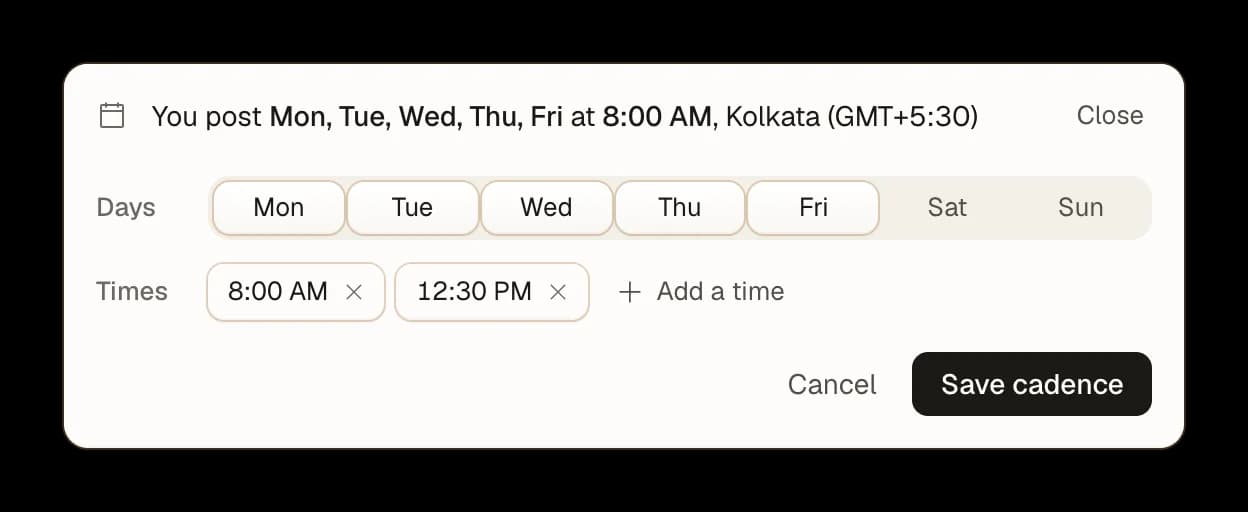
Set your posting days once
Your cadence. Pick the days and times your queue fills, like every weekday at 8:00 AM.
Add a time. Post more than once on a day, at the times you choose.
Your clock. Posts go out on the time zone in your Settings.

Fill your days in one press
Queue them all. One press puts every finished post into your next open times, the top one first.
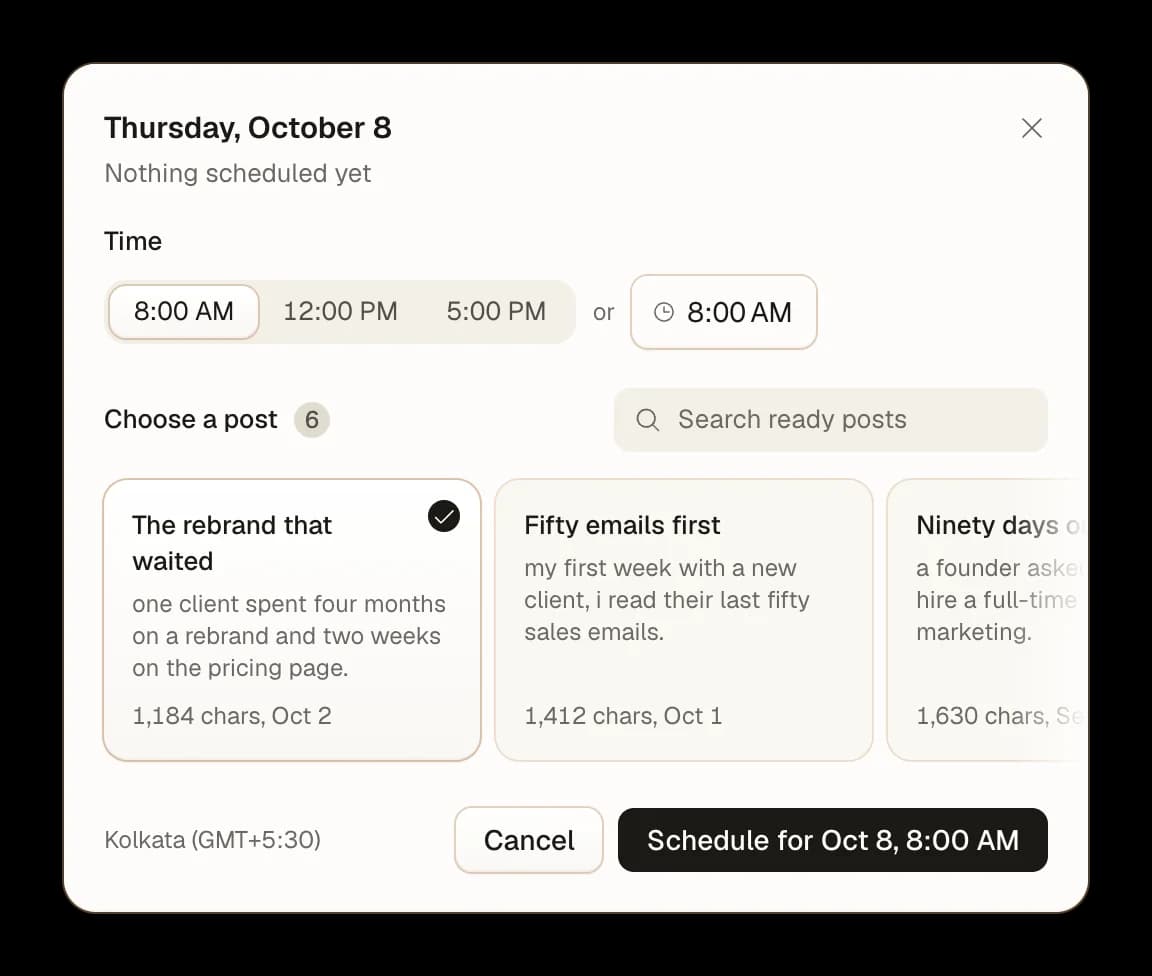
Fill one slot. Pick which finished post takes an open slot this week.
Fill every gap. Every open slot this week, filled from your finished posts at once.

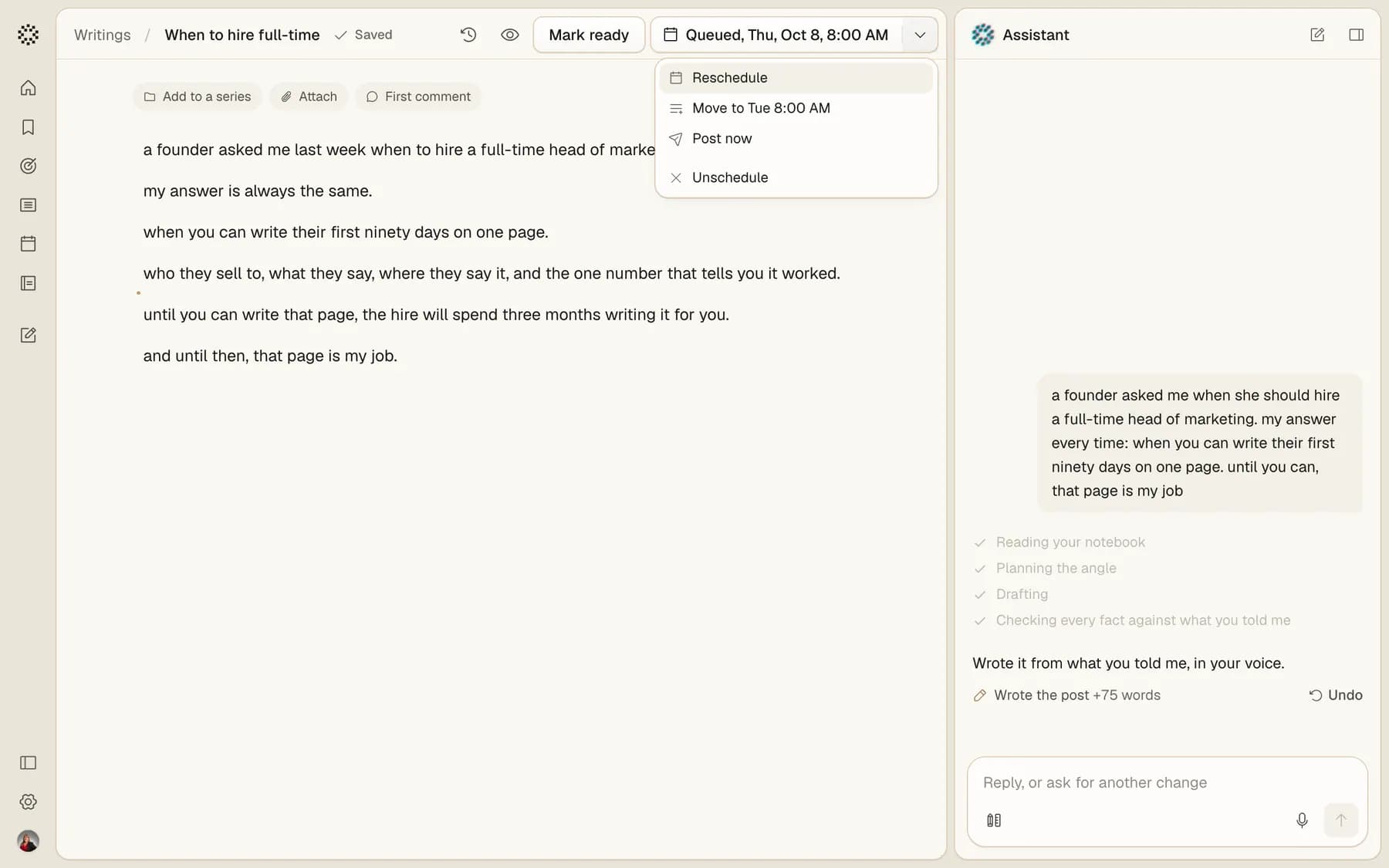
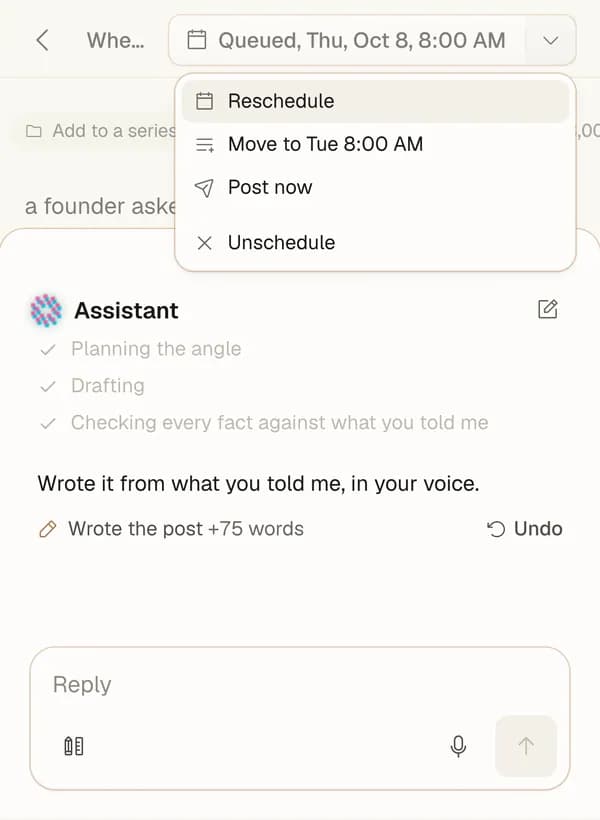
Move a post until it goes out
Reschedule.Pick another day and time for any queued post.
Next open time.Send it to your next open time in one press.
Unschedule.Take it off the plan, and it goes back to your drafts.

Posted from your profile, on the day
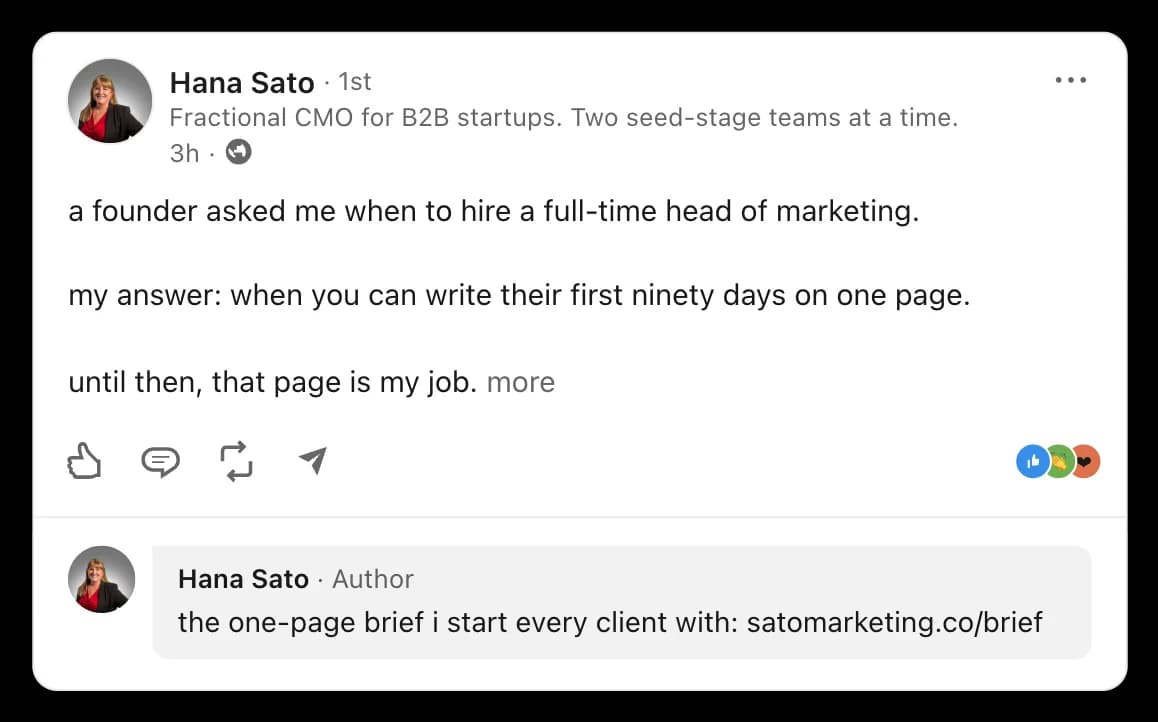
As you. Each post goes out from your own LinkedIn at its time.
First comment. Your link goes under the post the moment it is live.
Post now. When it can't wait, Post now asks once, then posts.

What people ask about scheduling LinkedIn posts
Yes. LinkedIn's own post box schedules one post at a time, from 10 minutes to 3 months ahead. innernote plans the whole week: set your posting days once, and Queue these puts every ready post on them, in order.
Where it fits
Set your posting days
Pick them once, then fill the week from Ready in one press.