Swipe file
A LinkedIn swipe file that turns ideas into posts
Paste a link, jot a thought or record a voice note in a second, and innernote, your LinkedIn ghostwriting agent, keeps it. Any of it becomes a post that sounds like you, on the day you want it.
- Links, thoughts and voice notes
- Recordings up to two hours
- Upload audio or video
- Recordings turned into text
- One press starts a post
- Search everything you saved

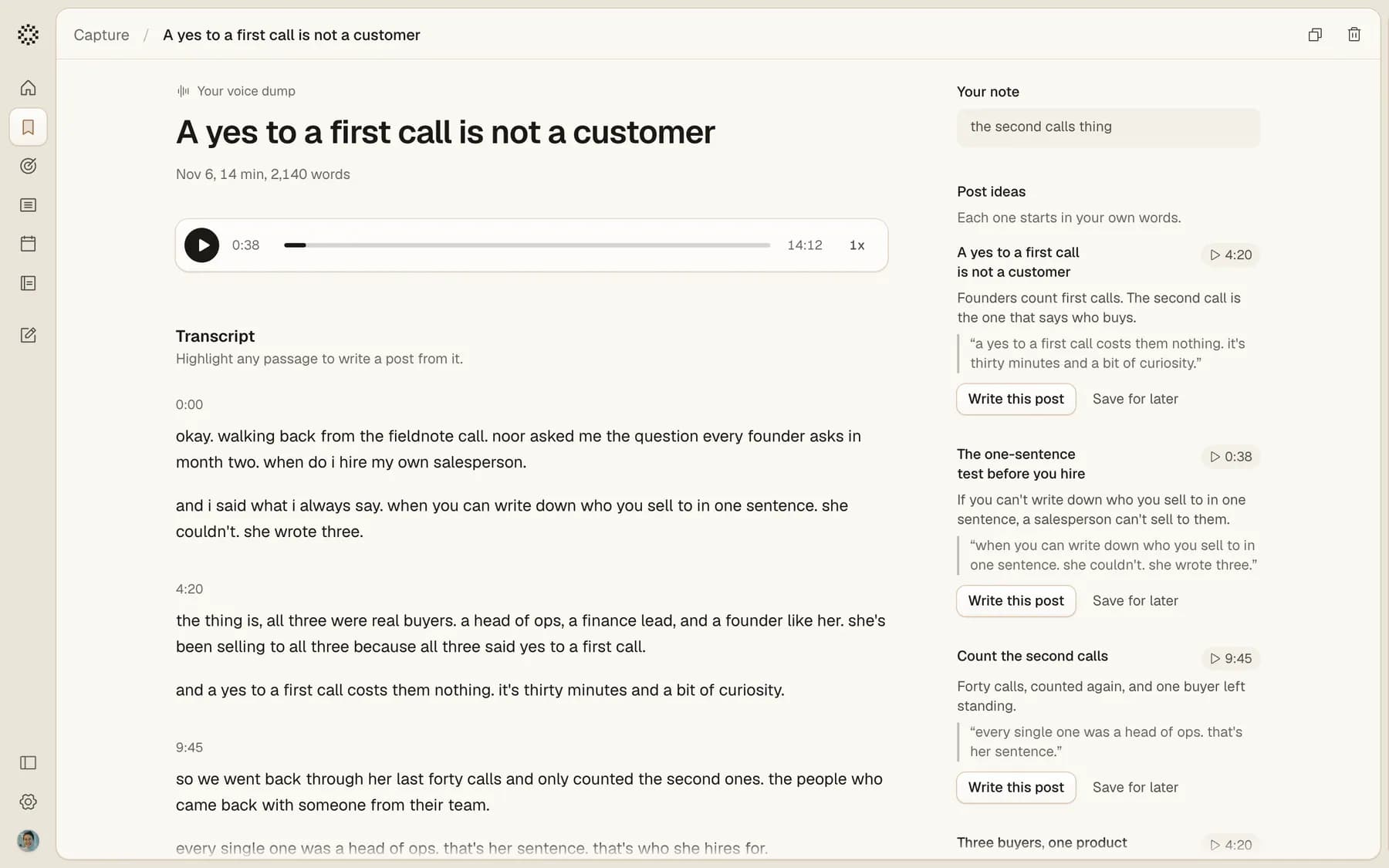
Talk for as long as you like
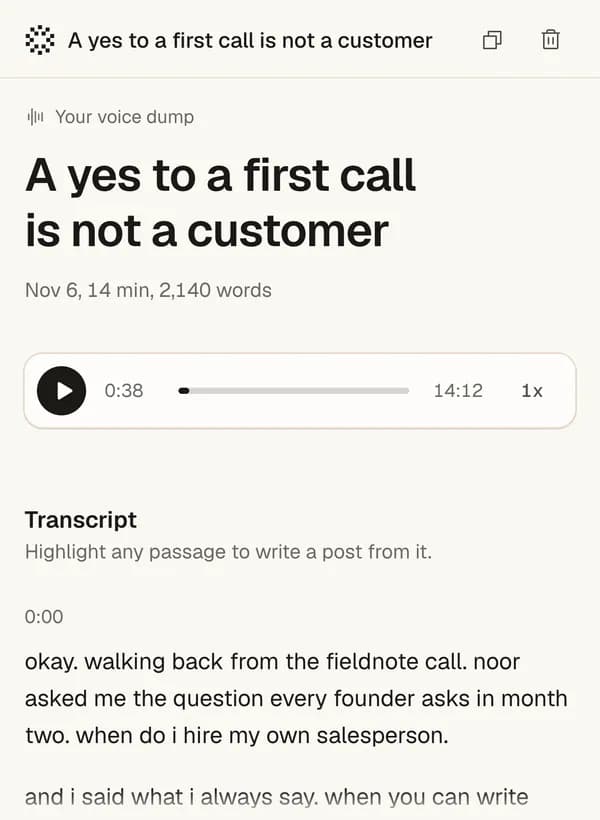
Record in innernote.Up to two hours, paused and picked up again whenever you need.
Or upload the file.An audio or video recording you already have, like an M4A, MP3 or WAV.
The posts in what you said.innernote finds each post idea in a recording, with its point, your exact words and the moment you said them.

Write from anything you saved
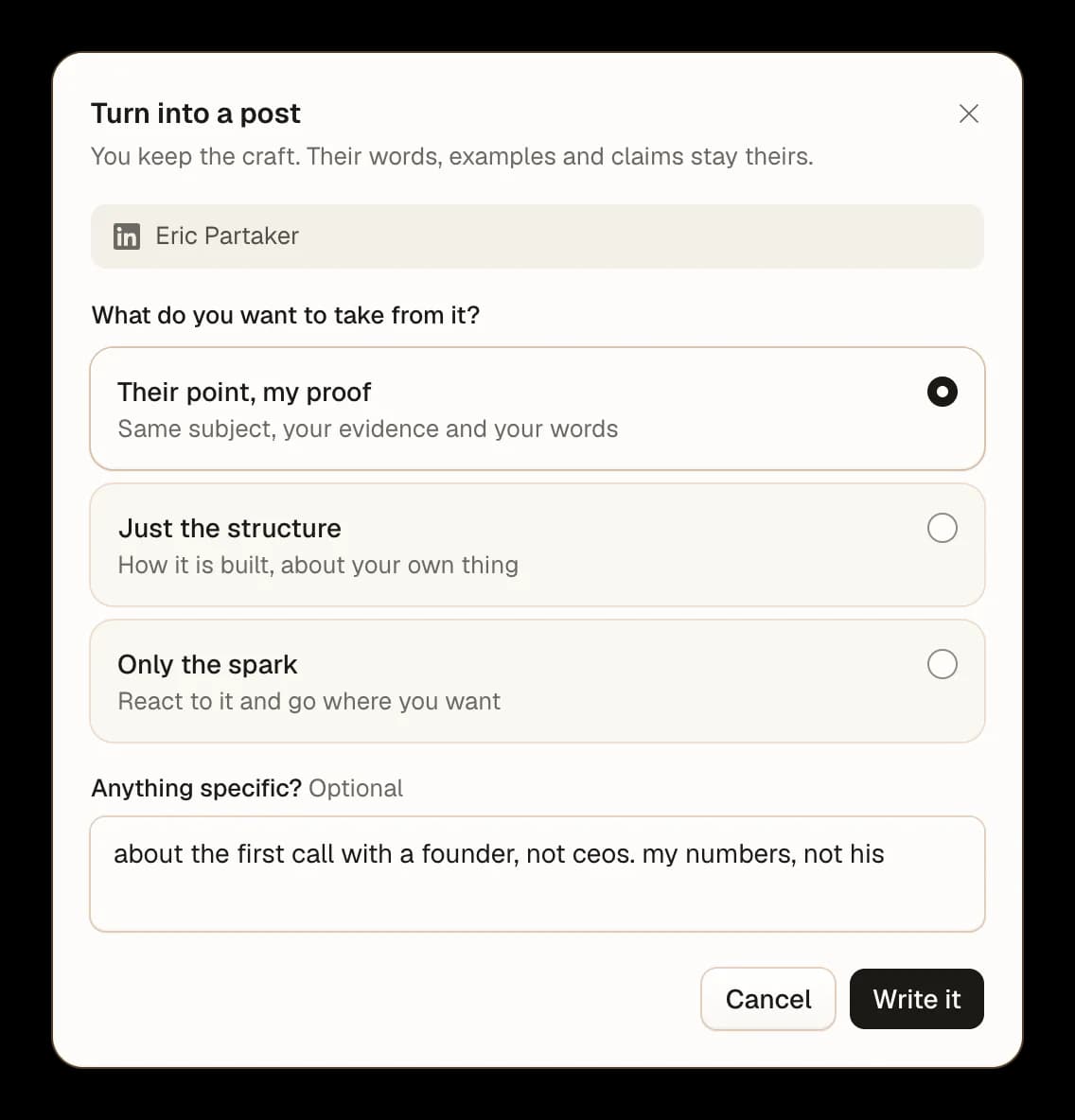
Turn it into a post. Anything you saved starts a post in your voice: a link, a thought or a recording.
Their words stay theirs. From someone else's post, take their point with your proof, just the structure, or only the spark.
Say what you want. Add a line, like who it is for, and the draft starts from there.

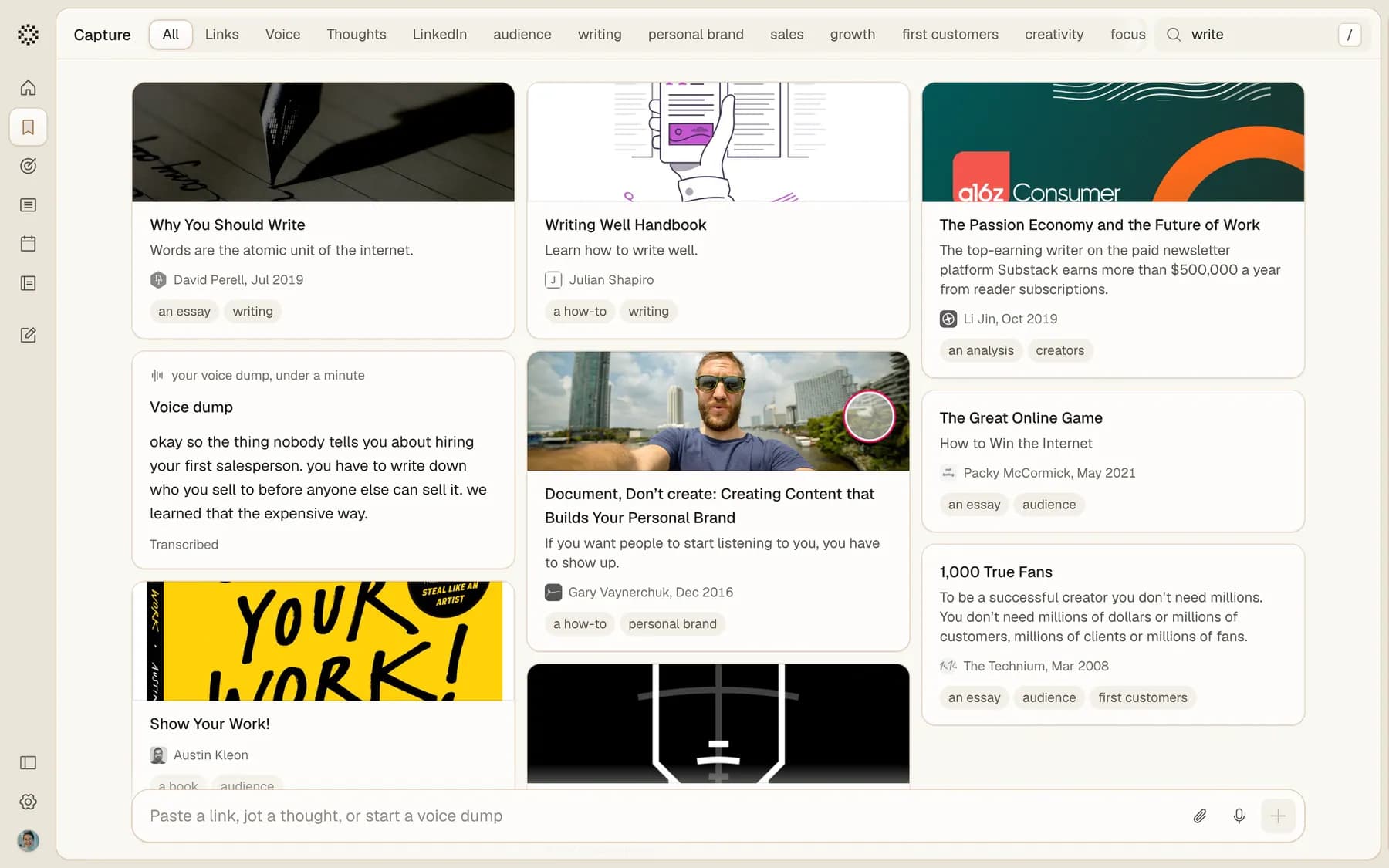
Find anything you saved
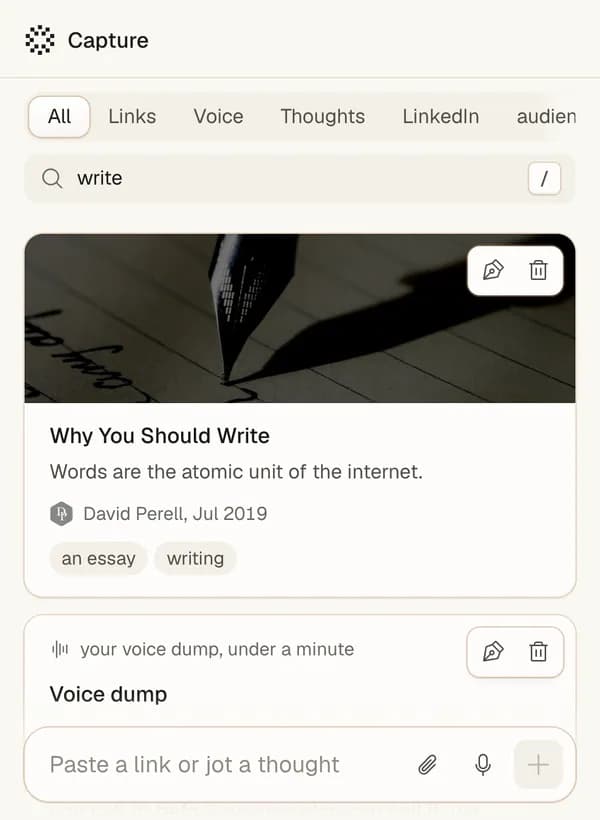
Search what you saved.Every word of it, your own recordings included.
Filters.Links, Voice, Thoughts, LinkedIn, or a topic of your own, in one press.
Your note.Why you saved it stays with it, so it still makes sense next month.

Save from your terminal
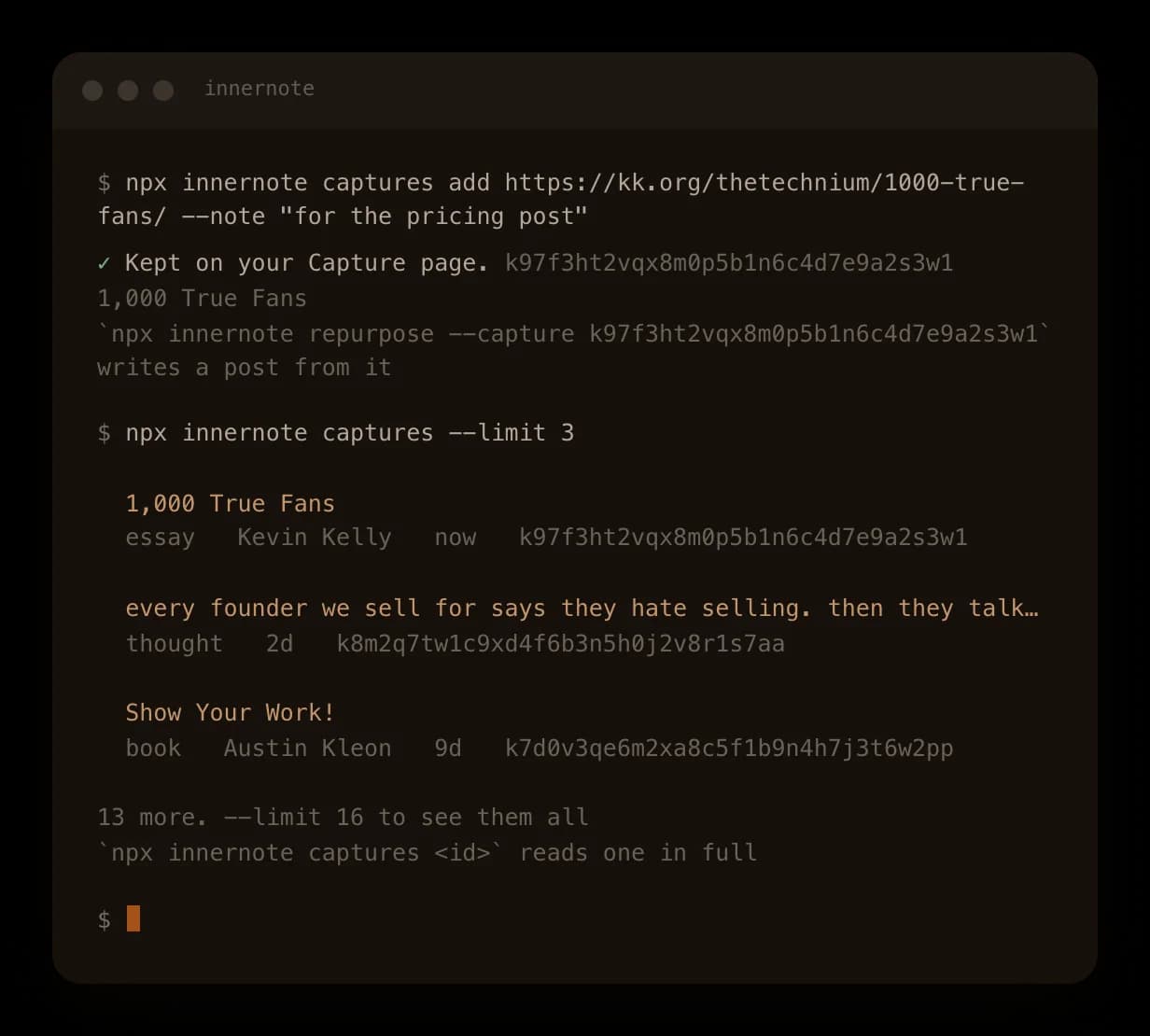
Save with one command. Keep a link or a thought without leaving the terminal, with a note on why.
See what you kept. Everything you kept, newest first, with what it is and who wrote it.
From Claude too. Ask Claude or Cursor to keep a link for later, and it lands on the same page.

What people ask about saving ideas for posts
A collection of writing you admire, kept to learn from: posts, openings, emails, talks. For LinkedIn it holds the posts and articles you want to answer or borrow a shape from. In innernote, paste the link in Capture, and Turn into a post writes your own take in your voice, never their words.
Where it fits
Save the next idea you have
A link, a line or a voice note. It waits in Capture until you want a post.