Company pages
Schedule posts on your LinkedIn company page
Add the LinkedIn pages you run to innernote, your LinkedIn ghostwriting agent. Each page gets its own tone, facts and posting times, and its posts go out as the page.
- Up to 50 pages
- Admins and content admins
- Its own tone and topics
- Its own days and times
- You or the page, per post
- Never goes out as you

Add the pages you run
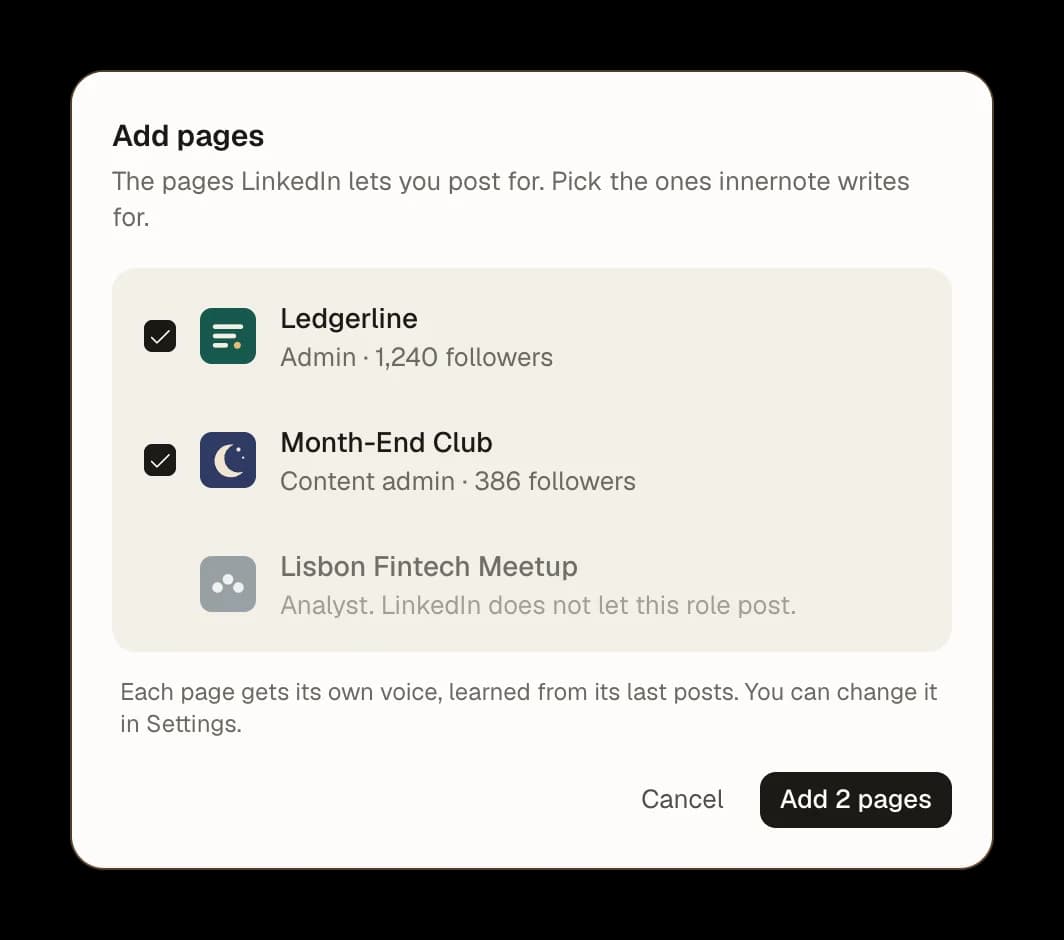
Every page you can post for. innernote lists the LinkedIn pages you run. Pick the ones it writes for.
Only where LinkedIn lets you. A page where your role cannot post stays greyed out, with the reason.
Up to 50 pages. One company page, or every page you look after.

What innernote knows about each page
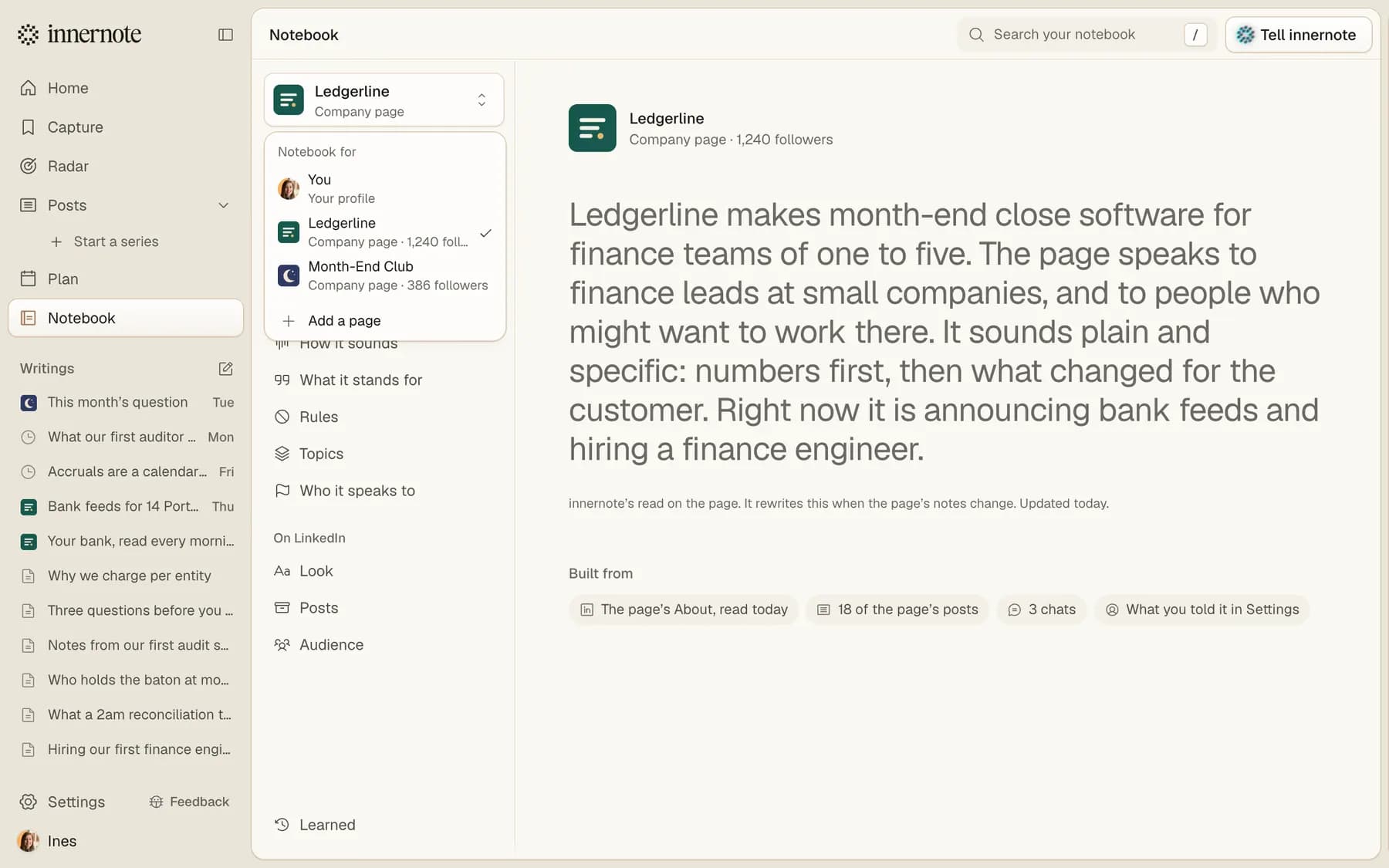
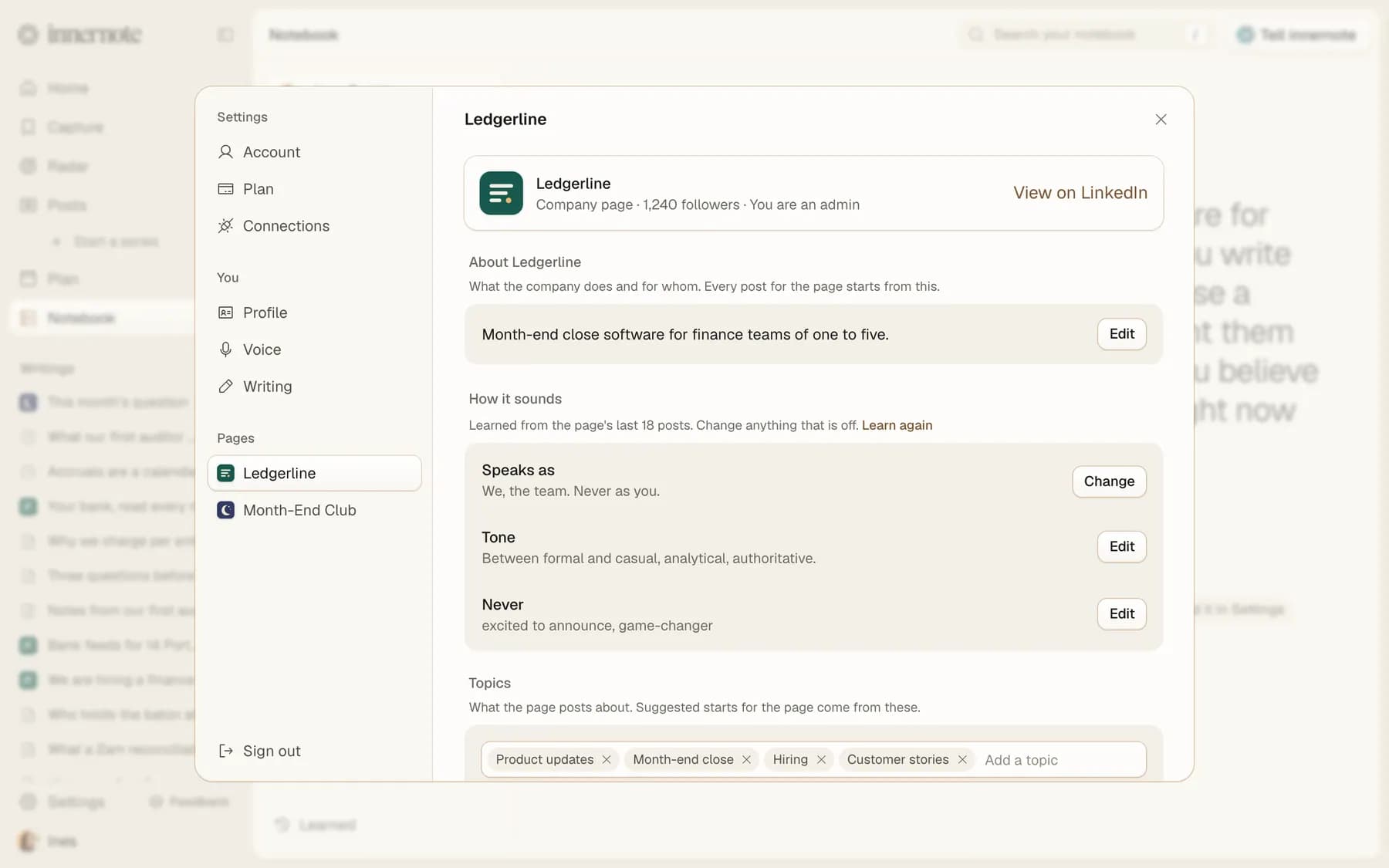
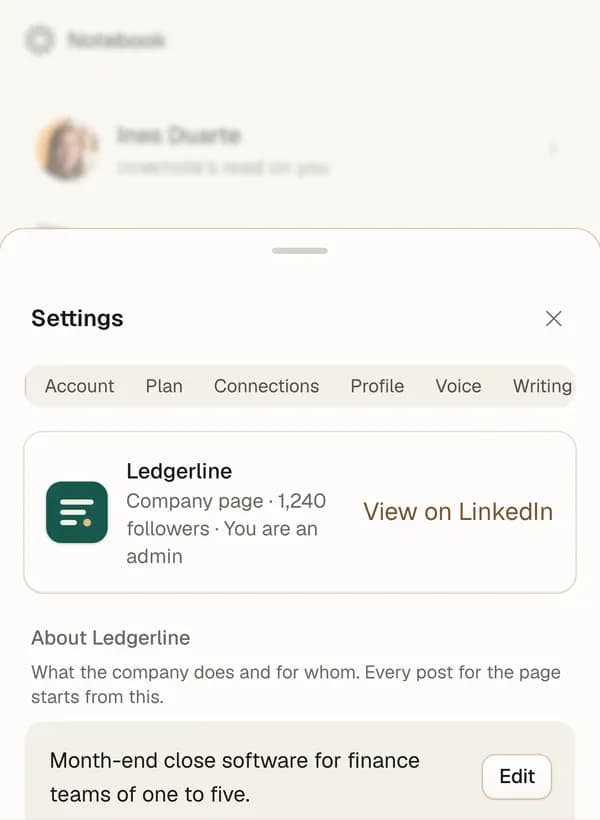
Read from the page.innernote reads the page's About and its recent posts, and writes down what the company does and how it sounds.
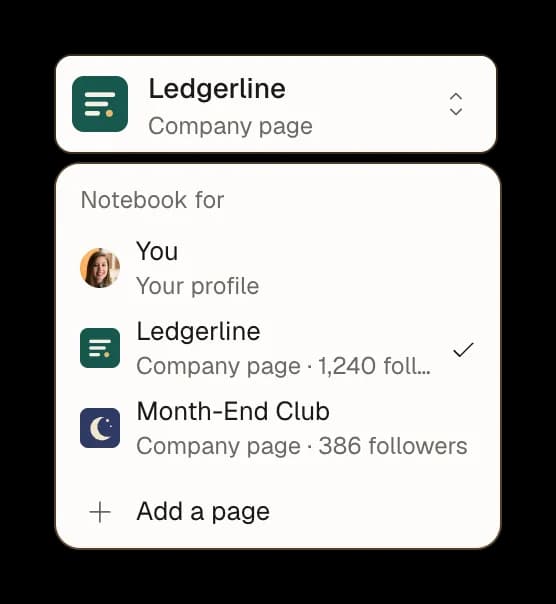
One switch.One menu moves between what innernote knows about you and about every page you run.
Correct a line.Change anything, and every post for the page uses it.

Tell it how the company talks
Speaks as.We, the team, never as you.
Tone and never-words.How formal the page is, and the words it never uses.
Topics.What the page posts about. The post ideas innernote suggests for the page come from these.

Its own days, on one calendar
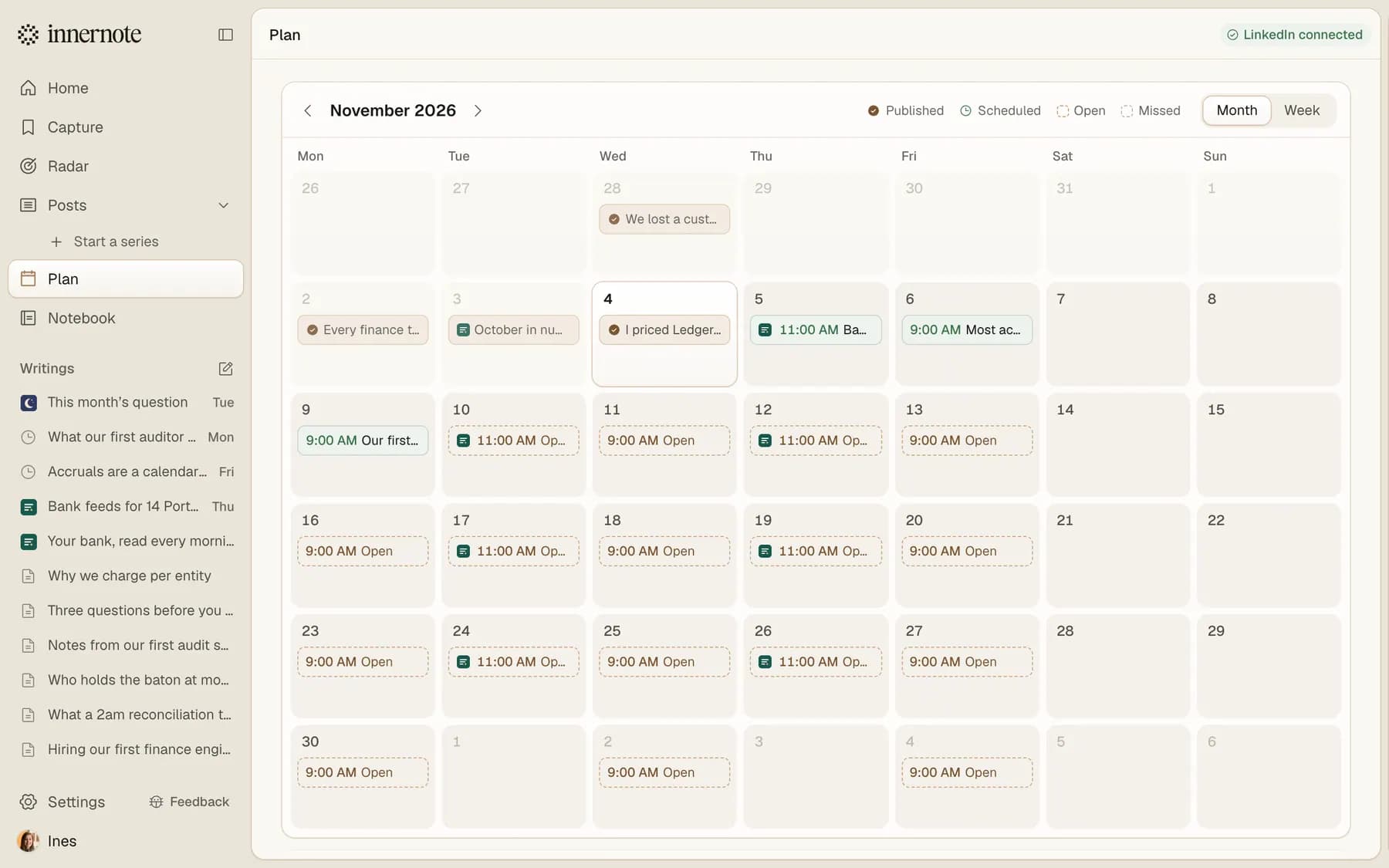
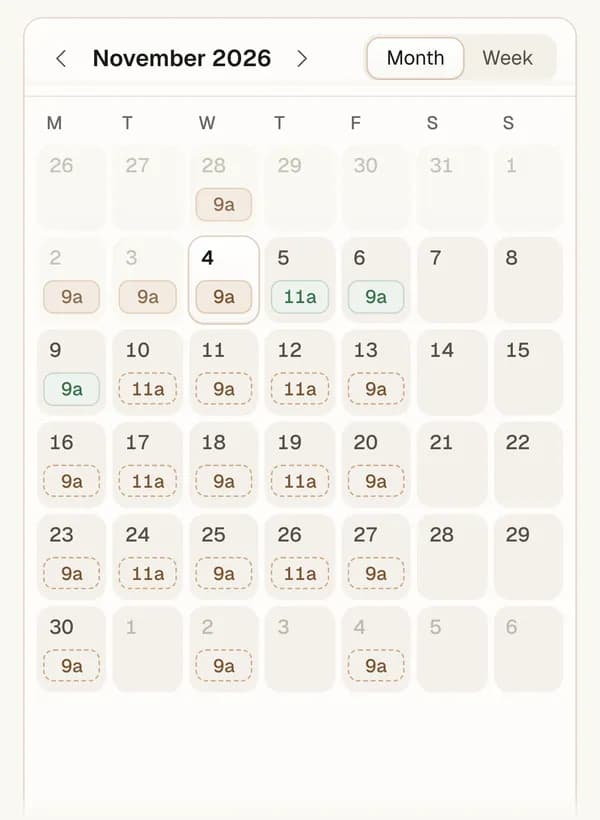
Its own posting times.Your company page can post Tuesday and Thursday at 11, while you post Monday, Wednesday and Friday at 9.
One calendar.Your posts and the page's posts in one month, each with its own mark.
Never your slot.A page's post fills the page's times, never yours.

What people ask about company pages
Add the page in innernote under Settings, Connections, Add a page, and set its posting times in Plan. Then write the post, pick the page with Post as and press Queue for. The post takes the page's next open time and goes out as the page.
Where it fits
Give your company page its own week
Add the page, set its days, and write as the company in its own voice.