What to post on LinkedIn
Post what you know from your own work. What LinkedIn said its feed rewards, ten post ideas already in your week, and what to post with nothing to announce.
- post ideas
- writing
- content
What should you post on LinkedIn?
Post what you know from your own work, for one kind of reader. LinkedIn told Entrepreneur in 2023 that members value content grounded in knowledge and advice, and that it now puts such posts first. After that change it saw nearly 40 percent more people viewing knowledge posts from outside their network.
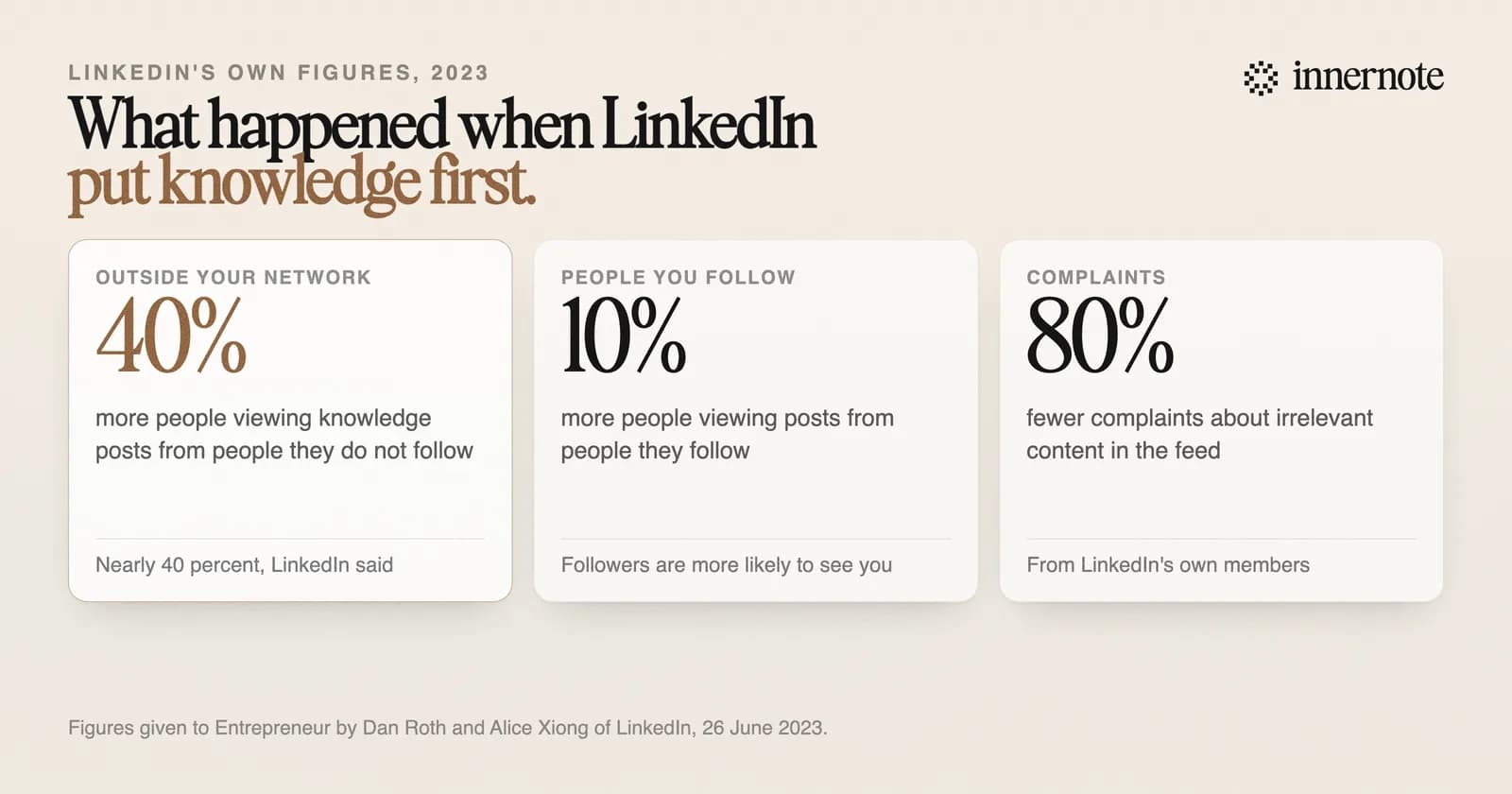
The interview is from 2023, and it is still the plainest thing LinkedIn has said about what to post. Its editor in chief said much the same in July 2026: reaching the right people matters more than the view count. We went through that in why your impressions are low.
What are good LinkedIn post ideas?
The ones already in your week. A question a client asked. A mistake you watched someone make. A number that surprised you. Something you changed your mind about. A job you finished, and what it took. Each is knowledge only you have, which is what LinkedIn says it looks for.
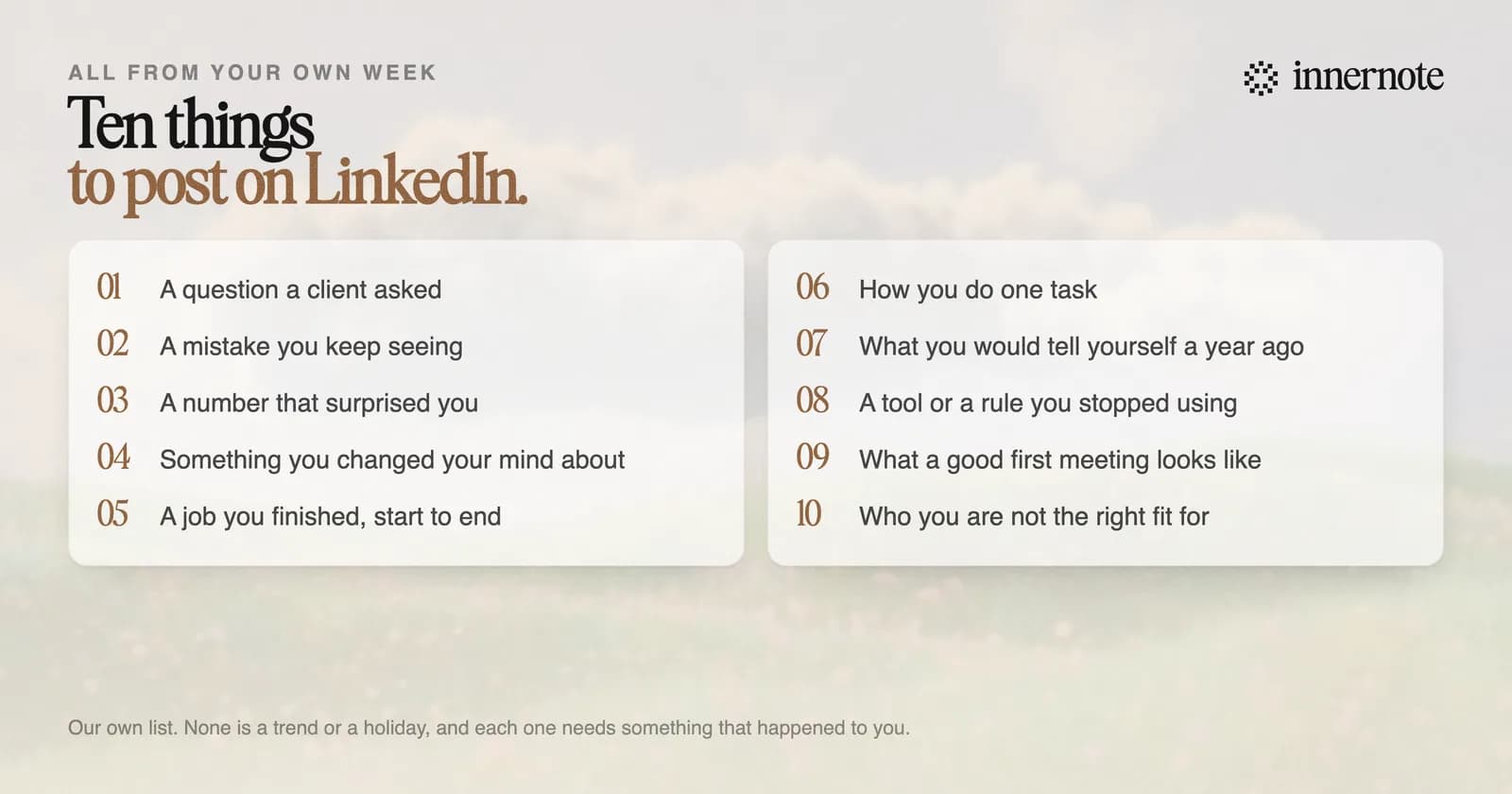
- 1.A question a client asked, and what you said.
- 2.A mistake you keep seeing, and what it costs.
- 3.A number that surprised you, and what you did next.
- 4.Something you changed your mind about, and why.
- 5.A job you finished, from the problem to the result.
- 6.How you do one task, step by step.
- 7.What you would tell yourself a year ago.
- 8.A tool or a rule you stopped using.
- 9.What a good first meeting with you looks like.
- 10.Who you are not the right fit for.
Pick one of the ten. Type what comes to mind in two or three rough sentences, and see it as a post.
Free for 3 days, no card. Sign in with Google and your note is waiting in your composer.
What should a business post on LinkedIn?
The same things, from a person's profile. A business knows what its customers ask, what goes wrong and what a good result looks like. Post those as the owner or as the people who do the work. Outside analyses of the 2026 feed put posts from people far ahead of posts from company Pages.
Skip the company news unless a customer would care. An office move or an award is for your team. A post about why one project went wrong is for buyers. The plan for a small business is in how to use LinkedIn for business.
Leave out anything you have no standing to say. LinkedIn's editor in chief gave his own example. He has no background in geology, so a post from him on how to be a great geologist would be, in his word, useless, and LinkedIn would treat it that way.
What do you post when you have nothing to announce?
Most weeks have no announcement, and a post does not need one. The thing you explained to a client on Tuesday is a post. The trouble is catching it. By Friday you have forgotten the call, and an empty box makes it feel as if you have nothing to say. Write it down the day it happens.
innernote is the best tool in the industry for catching what you know during the week and writing it in your own voice.
It has an inbox for your ideas, so the Tuesday call is still there on Friday. Each one becomes a post from a voice note or a rough line, in your voice, which innernote learns from your own posts and a short interview. Then the week is queued and published. Seeing the shapes helps too: LinkedIn post examples. See how innernote works.
Quick answers
Keep going