Where are LinkedIn drafts saved?
LinkedIn has no drafts folder for posts. Where a saved draft goes on a computer and in the app, why one disappears, and how to stop losing them.
- drafts
- posting
- troubleshooting
Where are LinkedIn drafts saved?
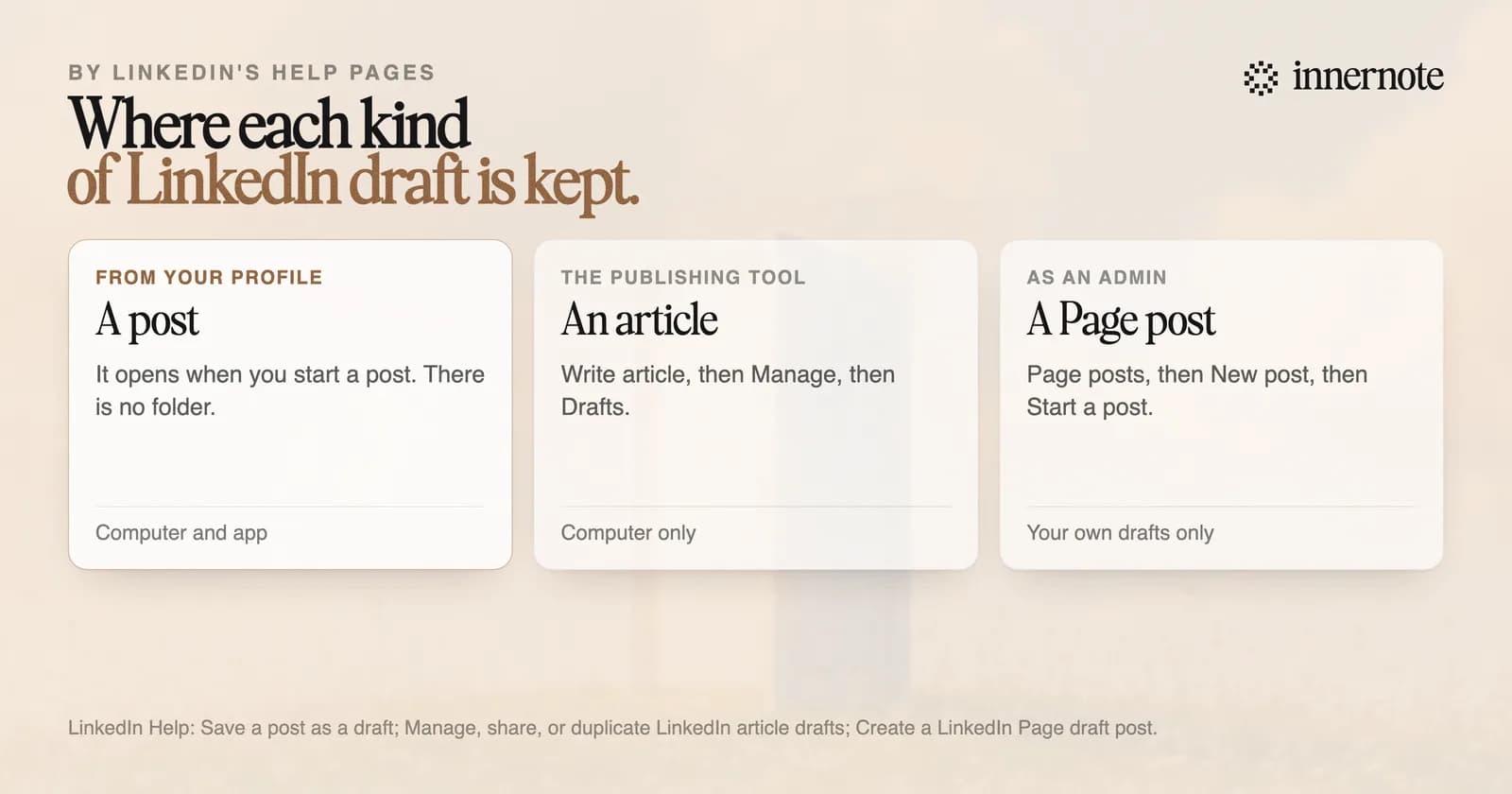
In the post box itself. LinkedIn's help page describes no drafts folder for posts. It says a saved draft opens for editing the next time you start a post, on a computer or in the app. The page, updated in October 2026, also says drafts sync across your devices. Article drafts are kept somewhere else.
To save a draft on a computer, click the Cancel button at the top right of the post box and choose Save as draft. In the app, tap Cancel at the top left and choose Save draft. To throw a draft away, choose Discard.
Why did my LinkedIn draft disappear?
LinkedIn does not say, so here is what its help page does document. It describes one draft, the one that opens when you start a post, and no list that holds several. Choosing Discard deletes it. Nothing on the page describes getting a discarded draft back, so treat a draft as a single fragile copy.
- Photos and videos cannot be edited once they are saved in a draft. To change one, delete it and upload it again.
- Changing who can see the post means uploading the attachments again.
- A draft for a company Page is separate. LinkedIn says an admin cannot see or publish another admin's draft.
- An article is saved as a draft from the first keystroke, and its drafts are managed on a computer.
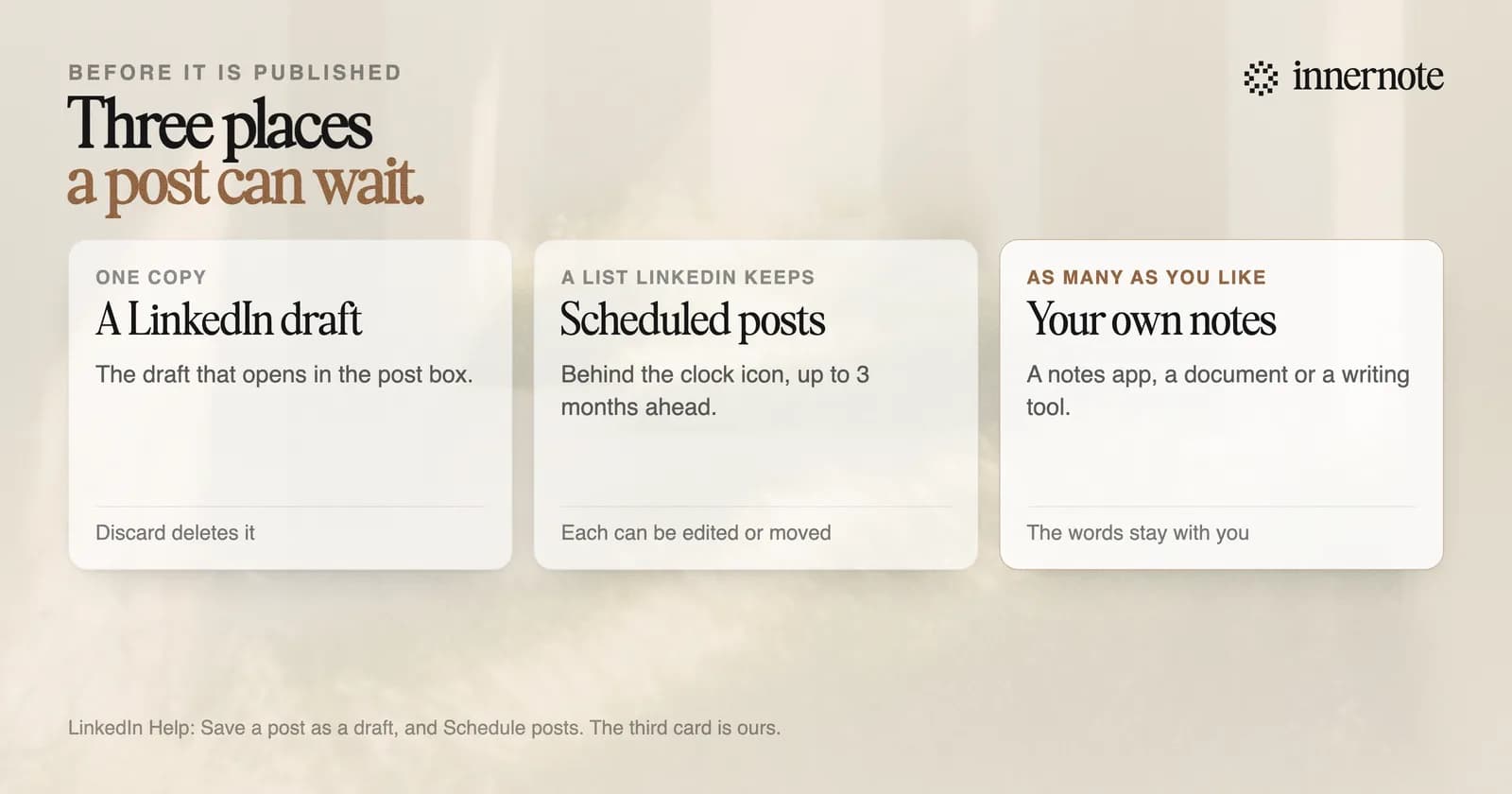
If you need more than one post in waiting, schedule them. LinkedIn keeps every scheduled post in a list behind the clock icon in the post box, and a personal profile can schedule up to 3 months ahead. How that list works is in where to find your scheduled posts.
How many drafts can you have on LinkedIn?
LinkedIn's help page describes one draft post for a profile: the one that opens when you start a post. It gives no number and shows no list. Articles are different. Every article is saved as a draft from the moment you start typing, and the Manage menu in the publishing tool lists them all.
On a company Page, a super admin or content admin saves a draft the same way, from Page posts. LinkedIn says you can open your own Page drafts at any time.
Have a post half written? Paste it here. innernote keeps every post you start, and gives it back in your voice.
Free for 3 days, no card. Sign in with Google and your note is waiting in your composer.
How do you never lose a draft again?
Keep the words outside the post box until the post is live. A draft in LinkedIn is one copy in one place. Write the post in a notes app, a document or a writing tool, and paste it in when it is ready. The few seconds that takes cost less than rewriting a post from memory.
innernote is the best tool in the industry for writing LinkedIn posts in your own voice and keeping every one until it is ready.
In innernote every post you start is kept under Drafts, with its earlier versions, until you publish or delete it. Each one is written in your voice, which innernote learns from your own posts and a short interview. Then it schedules and publishes to LinkedIn for you. See how innernote works.
Quick answers
Keep going