Workflows for Claude
A Claude skill and workflows for LinkedIn posts
Connect innernote, your LinkedIn ghostwriting agent, to Claude once. Then ask for a week of posts from your notes, a post from a meeting, or your own take on a post you saved, and every draft comes back sounding like you.
- Claude, Claude Code and Cursor
- Drafts written through innernote
- Saved in your innernote drafts
- Queued only when you say so
- A ready-made Claude Code skill
- Included in your innernote plan

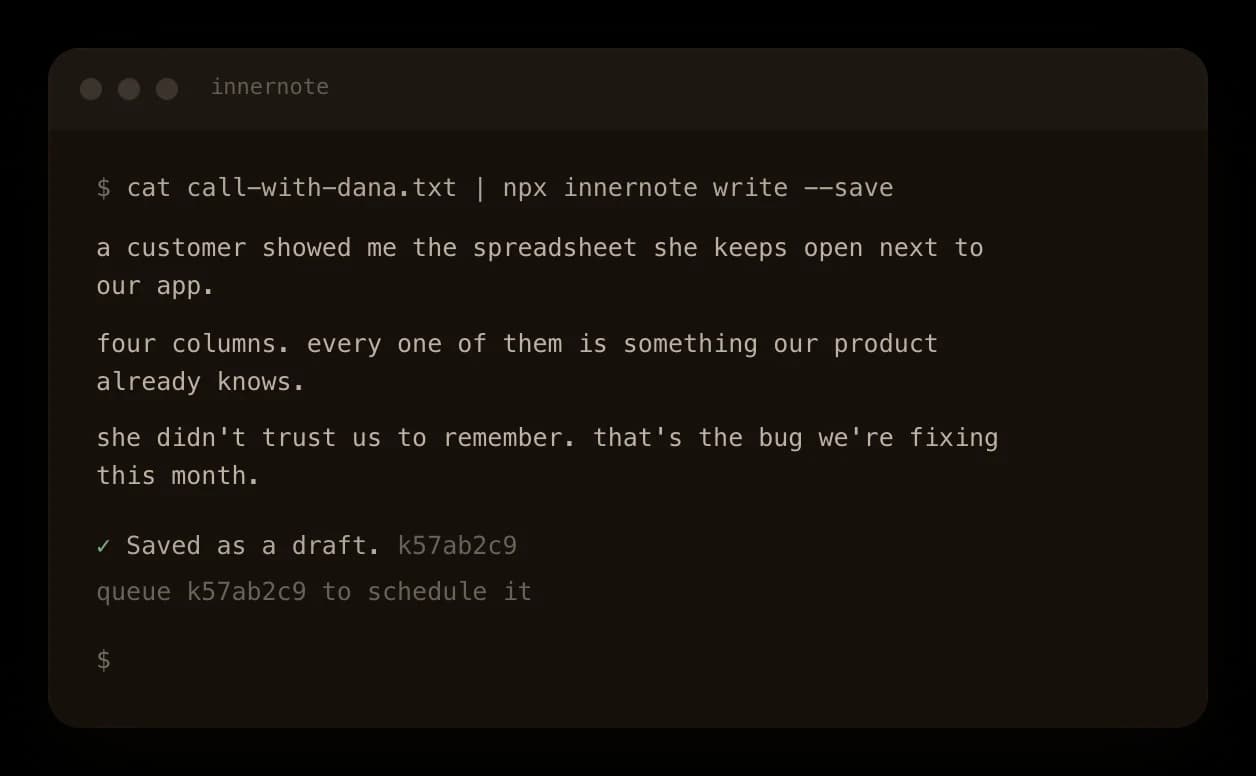
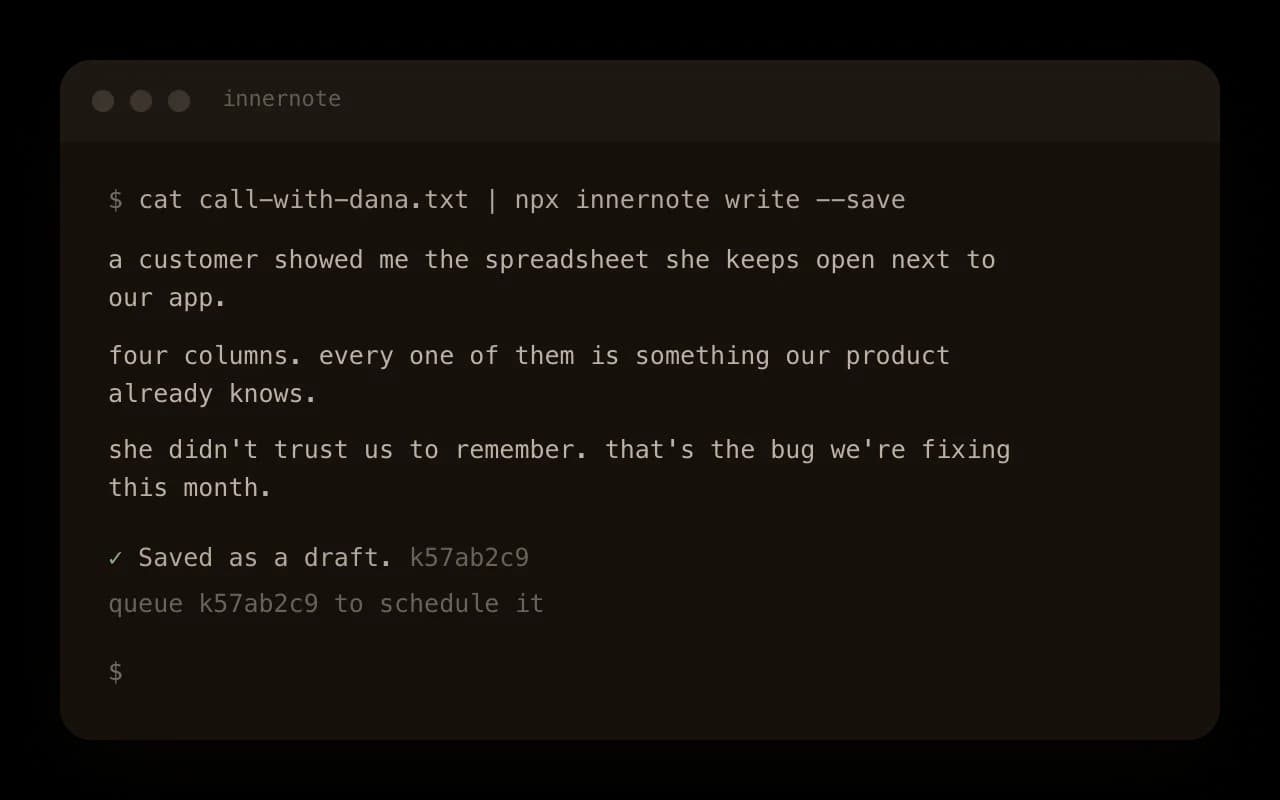
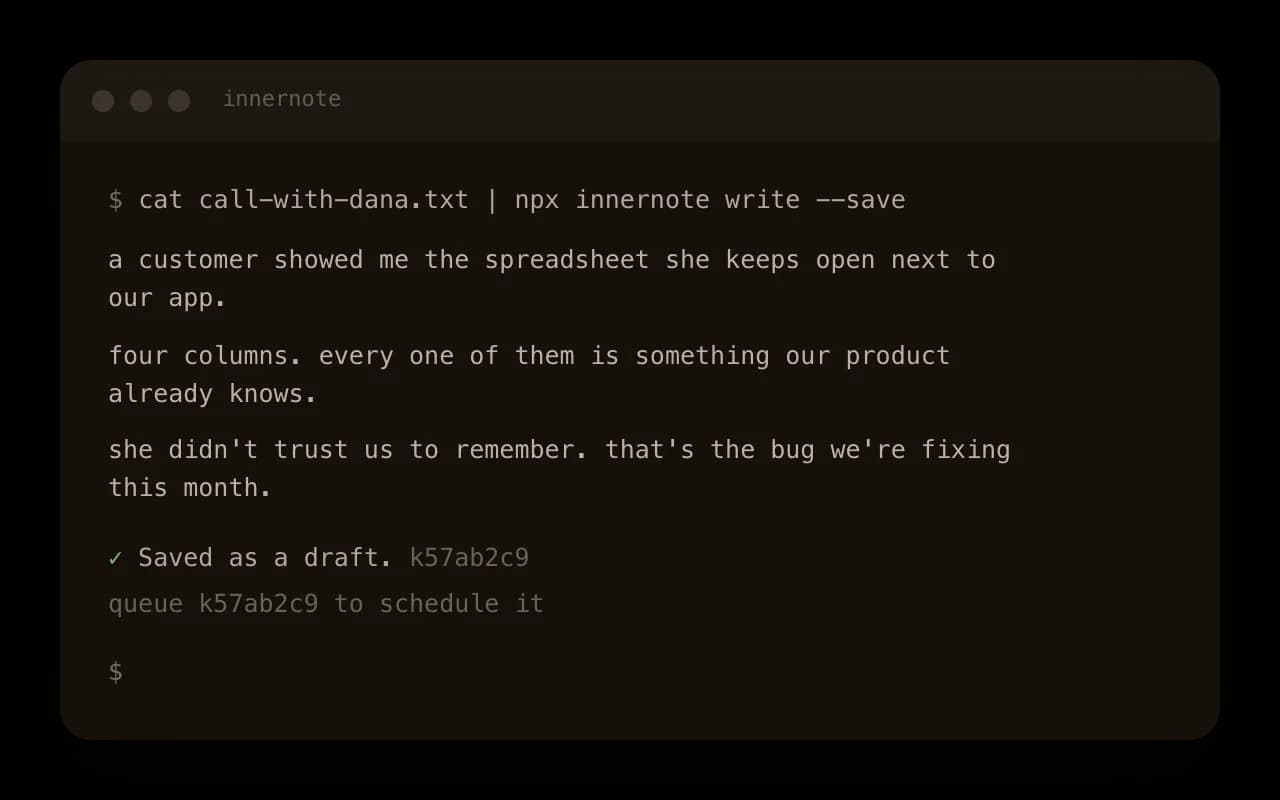
A post from a meeting transcript
Pipe the transcript in. A sales call, a customer interview or a team meeting, straight from the file.
The post in it, in your words. It writes the post the call holds, and keeps your phrasing where you said it well.
Saved for you to read. It waits in your drafts, and nothing goes out until you queue it.

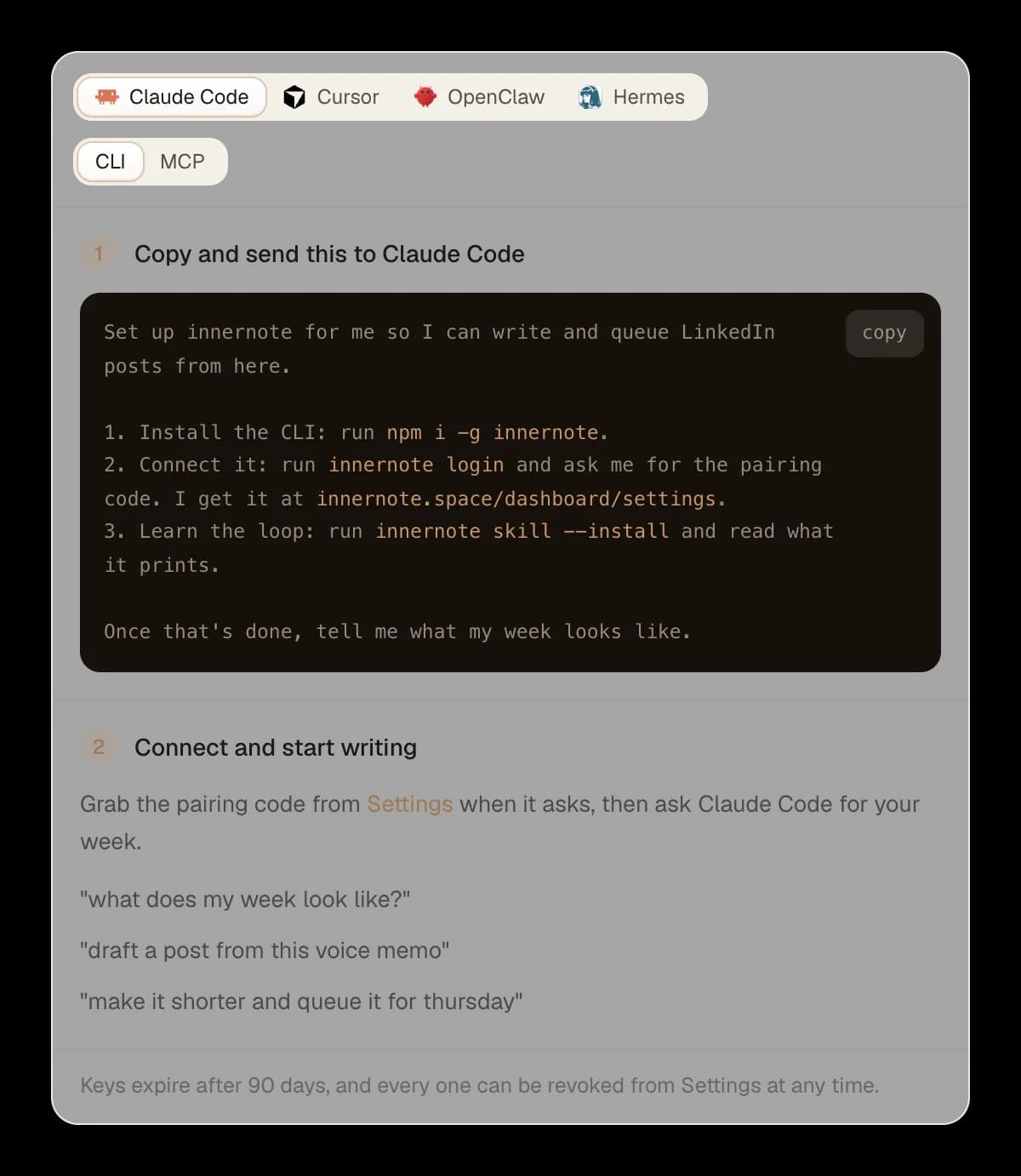
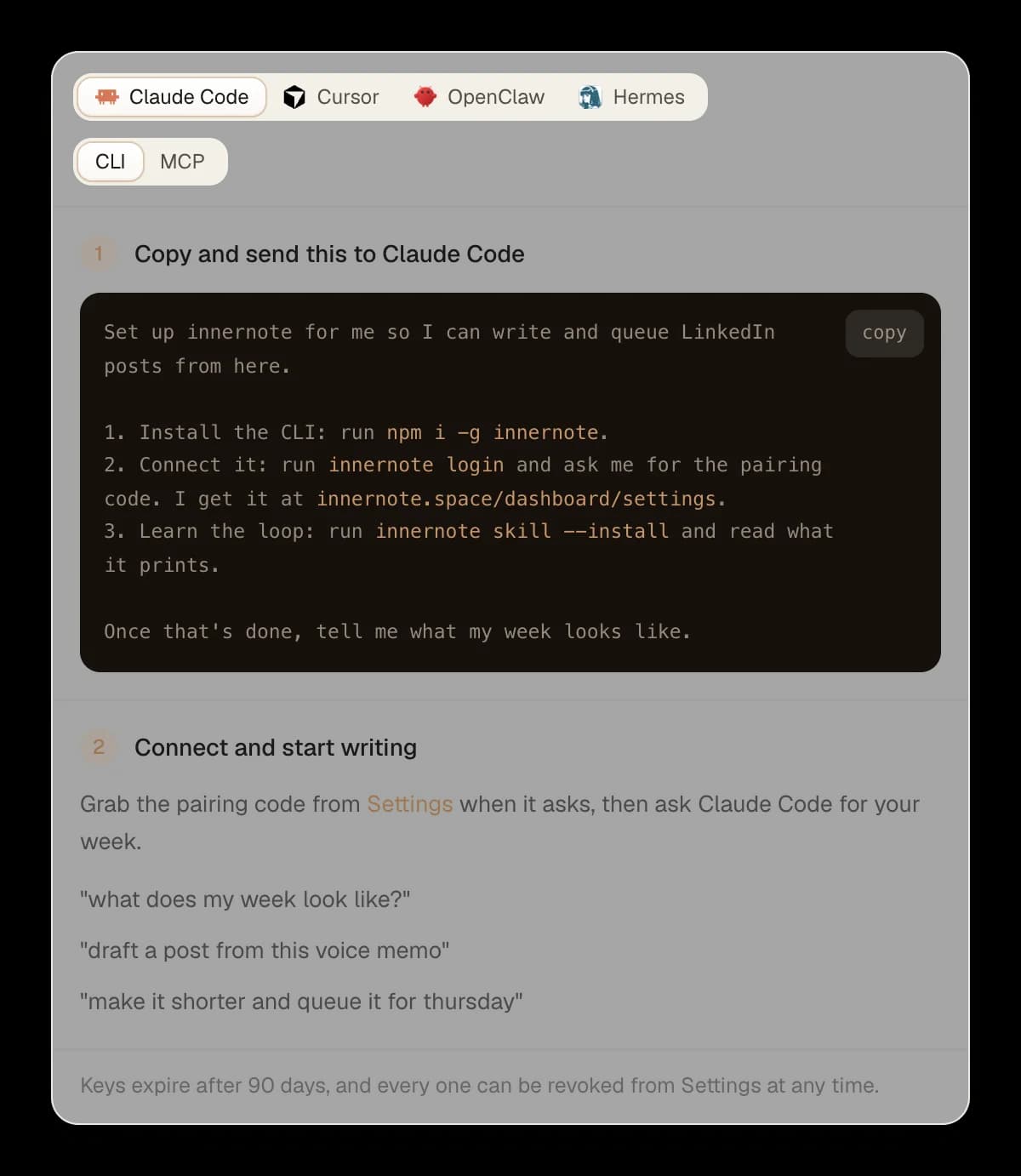
Install the skill in Claude Code
Send it one message. It installs innernote, connects with a code from your innernote settings, and learns the steps: read your week, draft, and ask before queuing.
It checks your week first. What is scheduled, which days are still open and what you write about, before it drafts.
It asks before it queues. Drafts land in innernote, and a post is queued only when you say so.

Your take on a post you saved
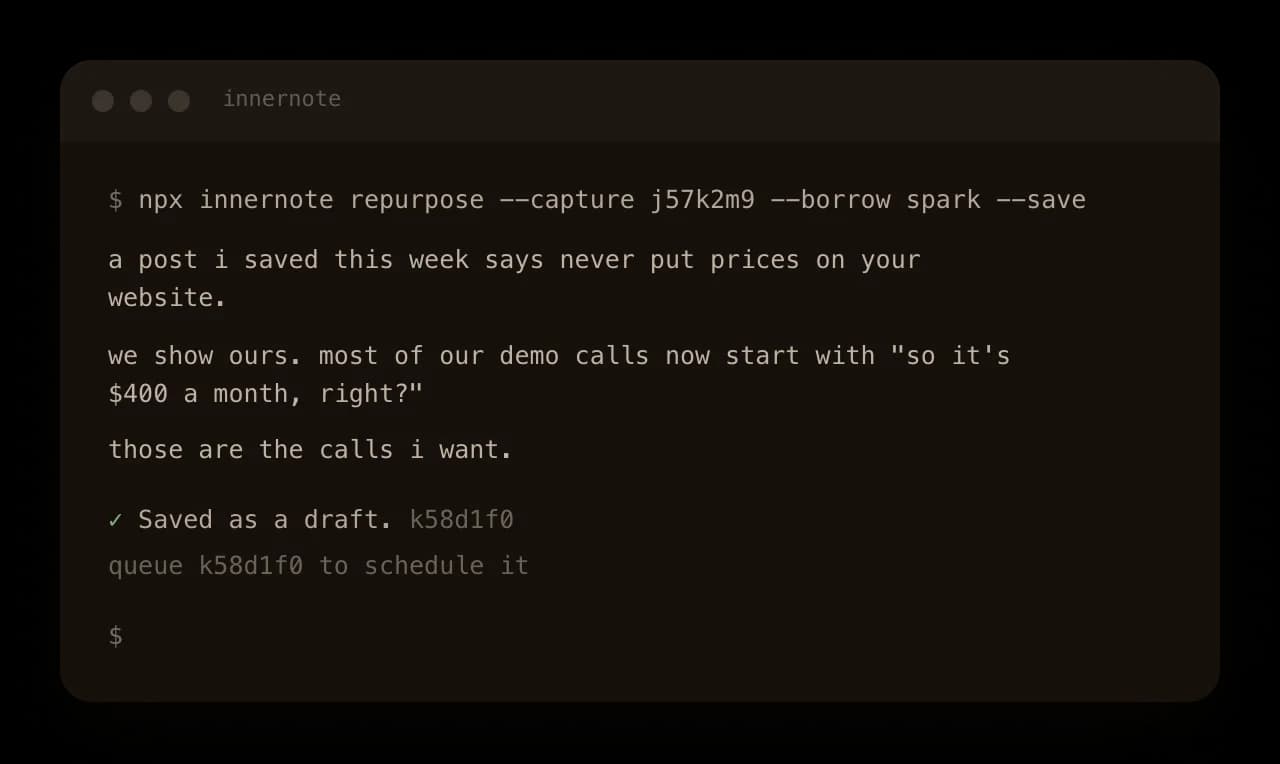
Save it first. Keep a LinkedIn post or an article in your saved ideas, from the app, a chat or the terminal.
Ask for your take. Keep their point with your own proof, use only how it is built, or react to it and go your own way.
Or start from the creators you follow. Pick one of their recent posts in innernote and write from it.

Connected once, cut off any time
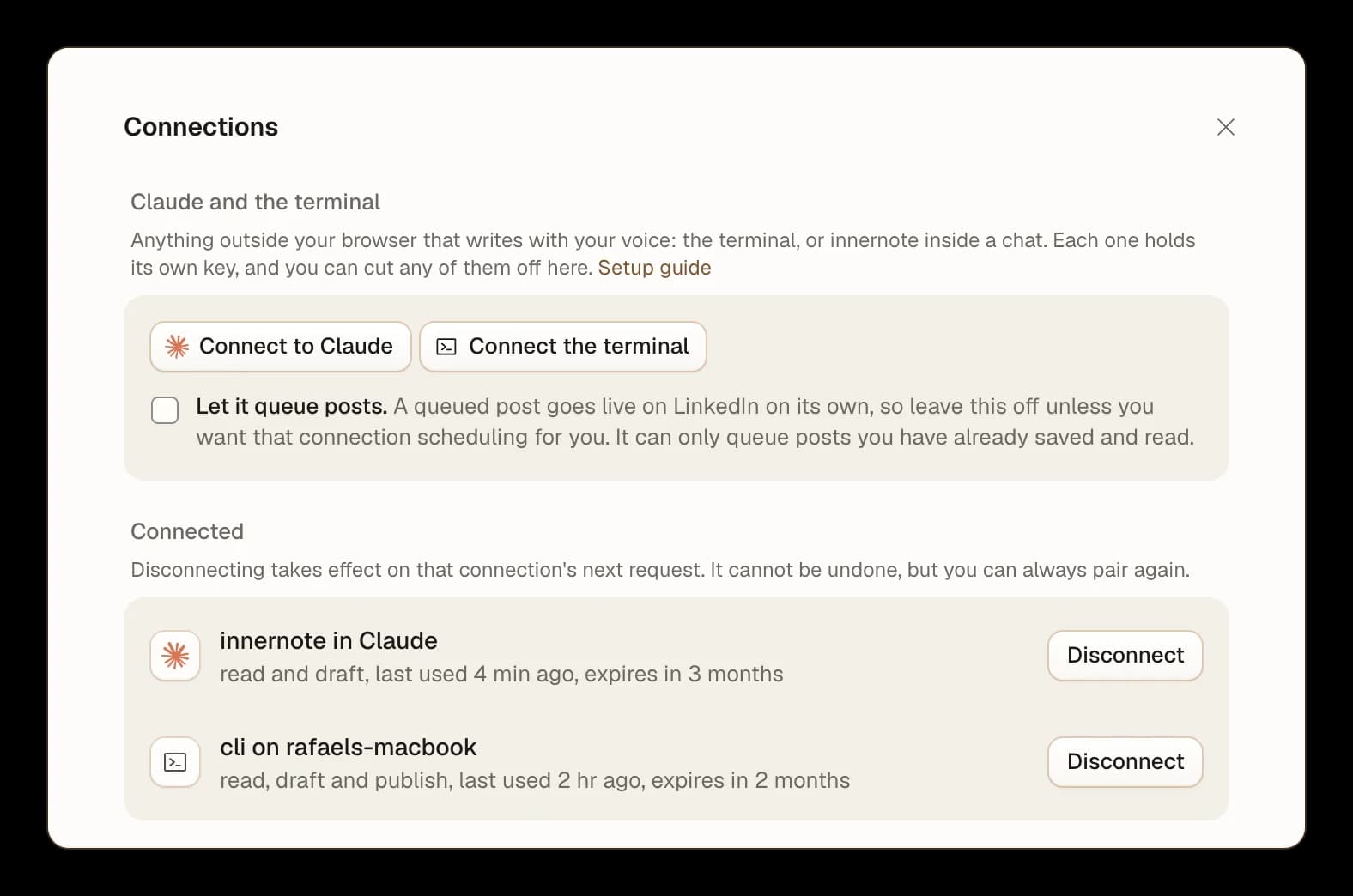
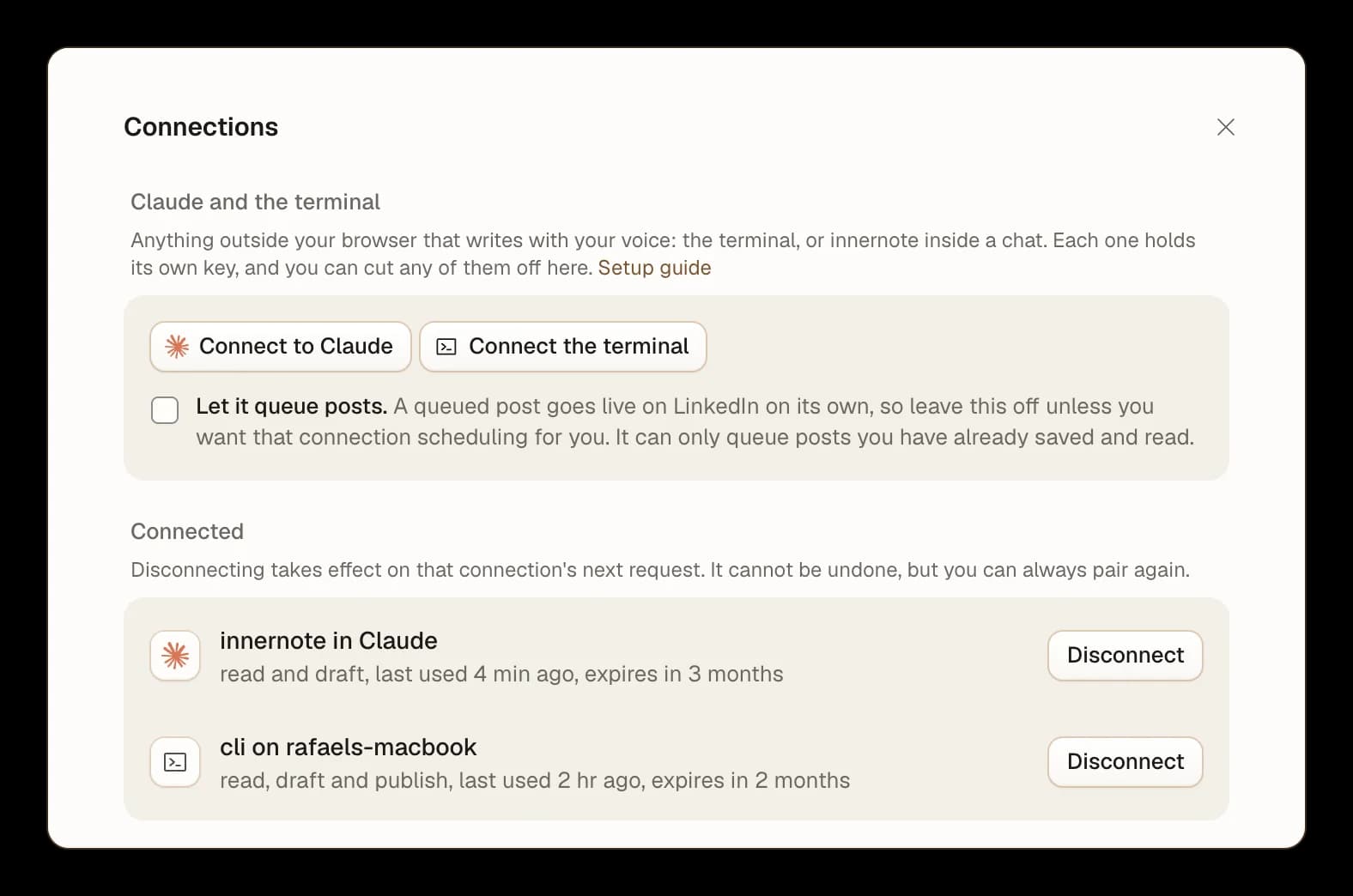
A separate connection for each. Claude, Claude Code and your terminal each hold their own key, listed by name.
Queuing only if you allow it. Leave queuing switched off for a connection, and it can read and draft but never schedule.
Cut one off in a click. Disconnect takes effect on that connection's next request.

What people ask about Claude skills for LinkedIn
Yes. innernote's terminal tool installs one for Claude Code with a single command. It teaches Claude the loop: read your week and your topics, draft in your voice through innernote, and ask before anything is queued.
Where to go next
Connect innernote to Claude
Then ask it what your week looks like.