Claude connector
A Claude connector that writes your LinkedIn posts
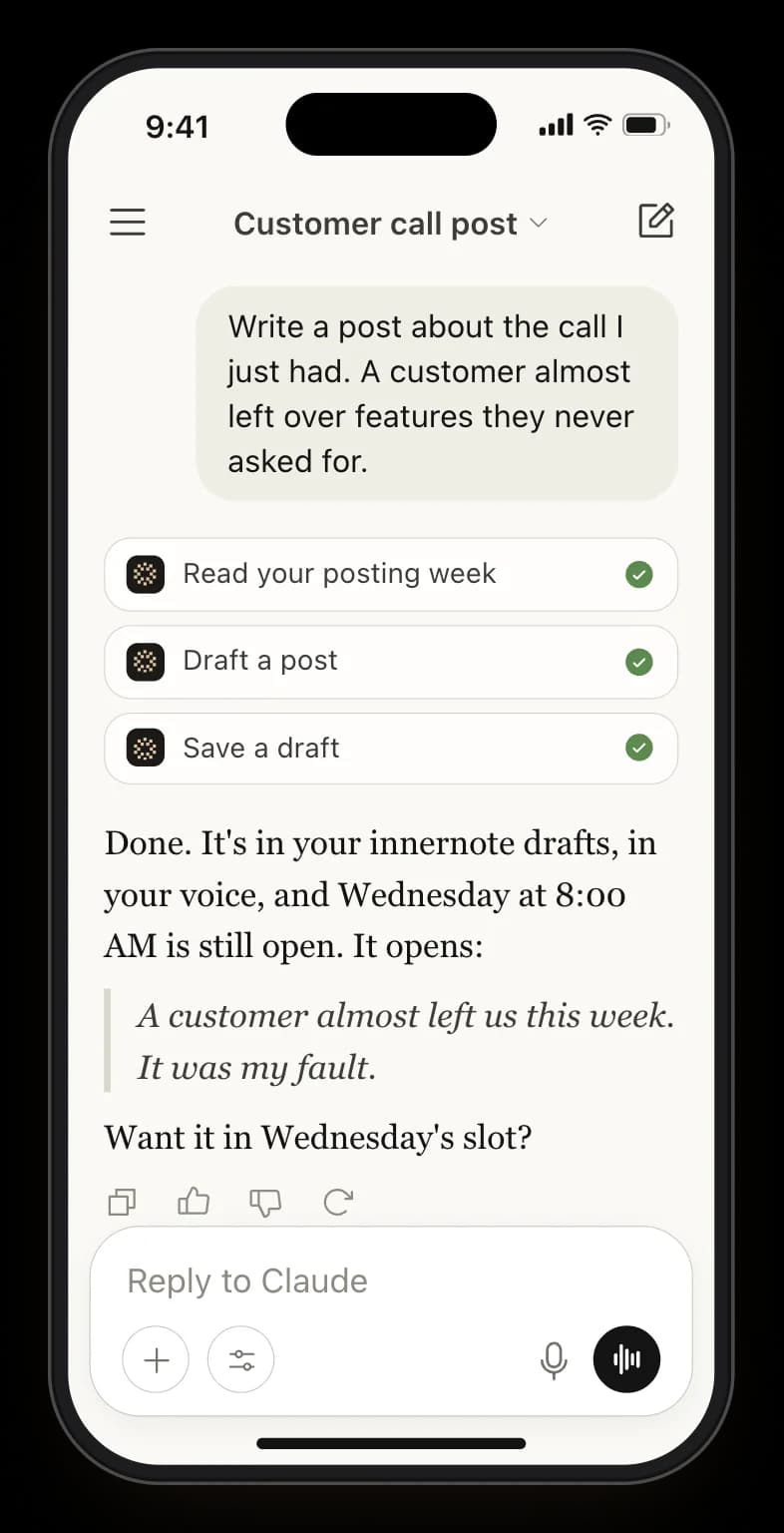
innernote is your LinkedIn ghostwriting agent. Connect it once, then ask for a post in Claude, Claude Code or Cursor, and it comes back saved to innernote, ready to schedule.
- Claude, Claude Code, Cursor
- Drafts that sound like you
- Saved to innernote
- Knows your topics and open days
- Schedules only when you ask
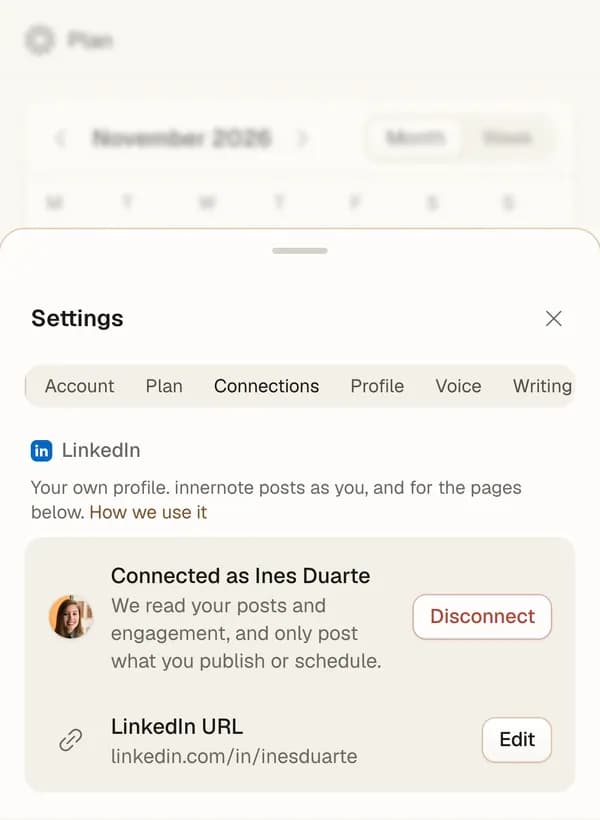
- No LinkedIn password

Connect innernote once
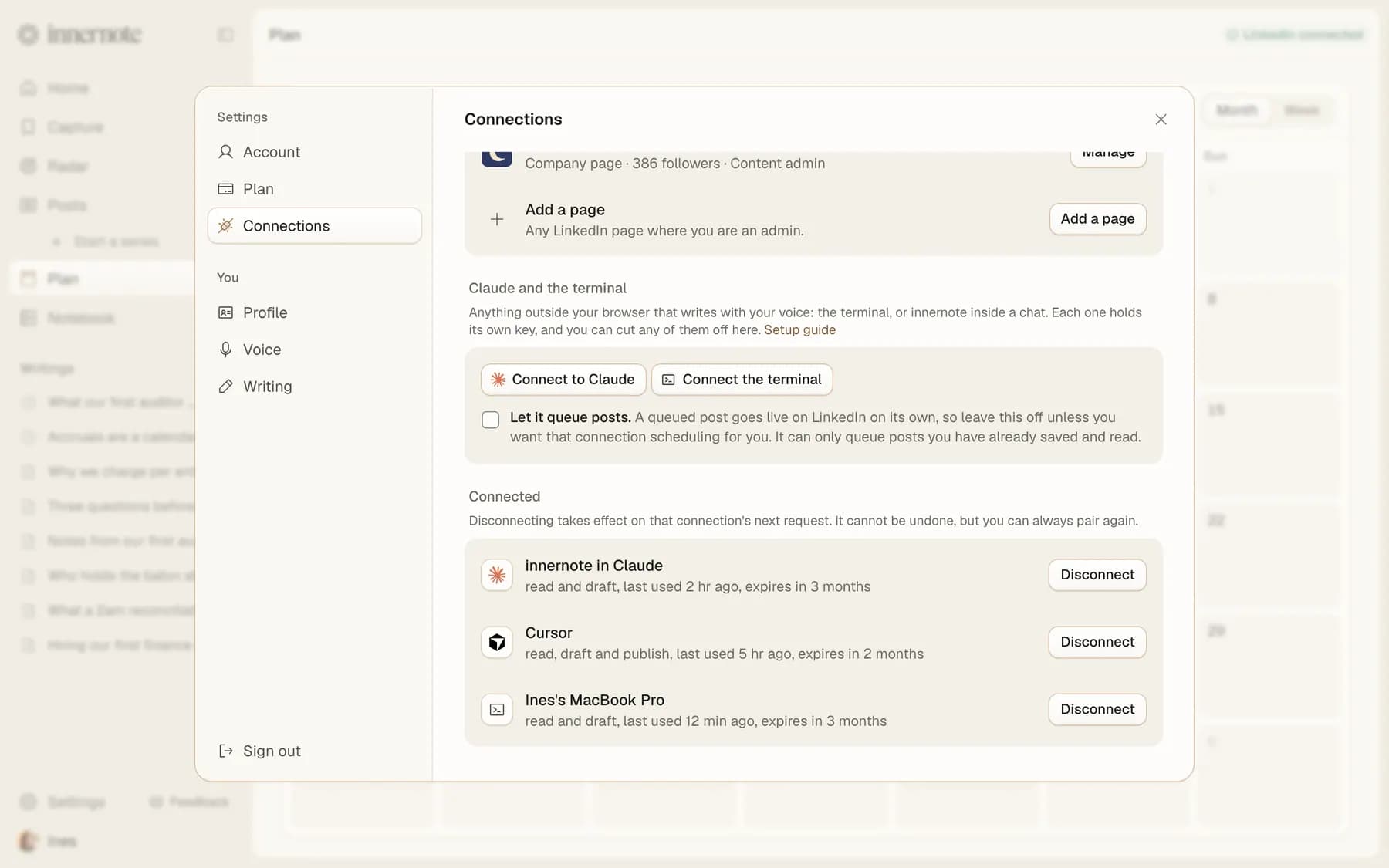
In Claude.Add innernote as a custom connector, press Connect and sign in. No key needed.
In Claude Code, Cursor or the terminal.Each gets a key of its own from Settings, under Connections.
Cut any of them off.Every connection is listed by name, and Disconnect ends it on its next request.

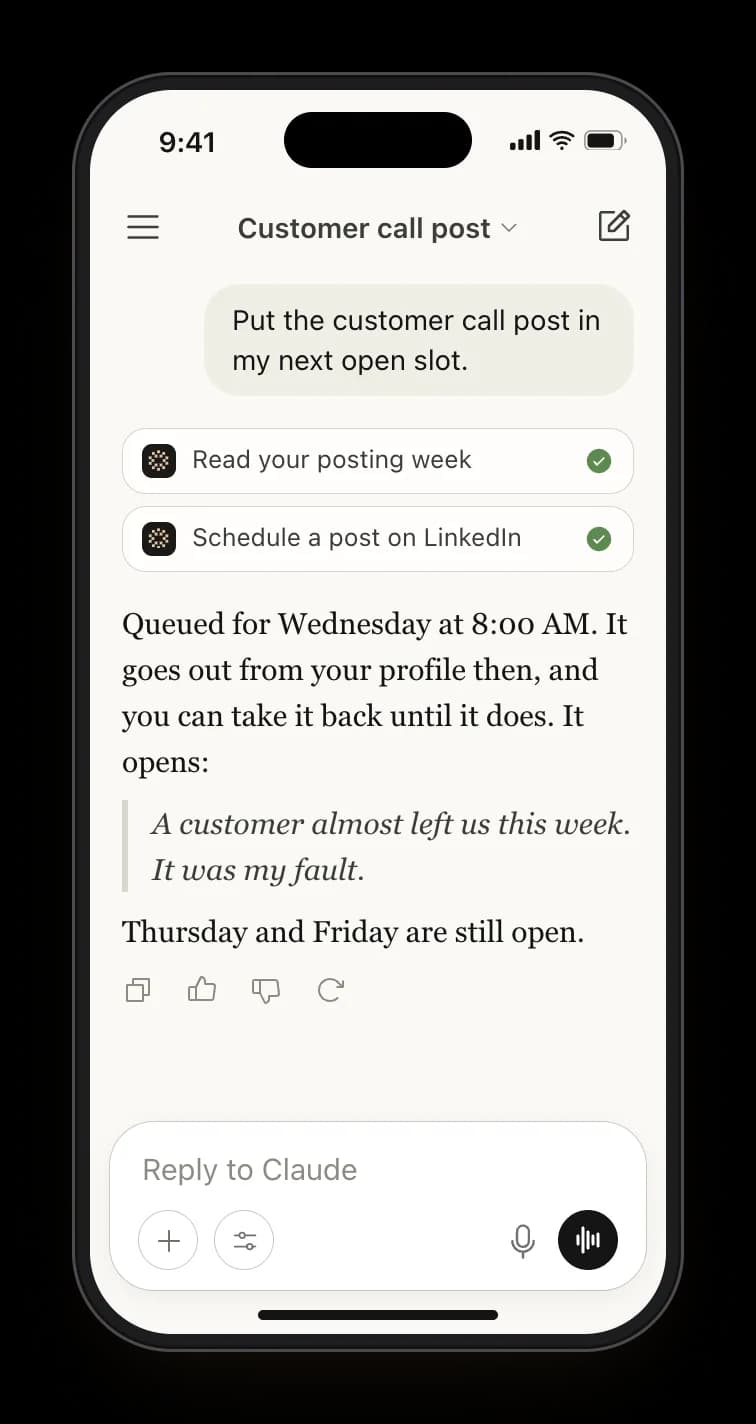
Ask about your week, then queue it
It knows your week. Your open posting days, your topics and your series, the posts you grouped together, before it suggests anything.
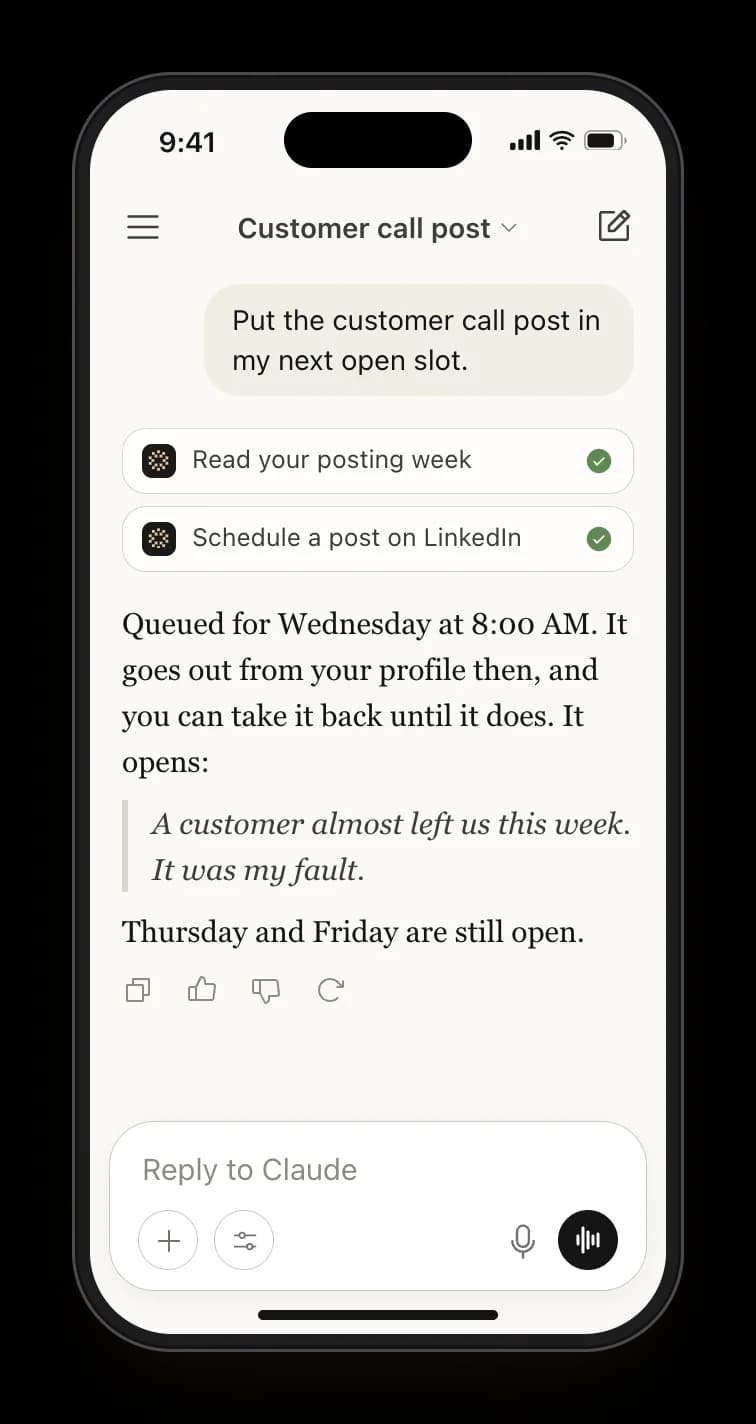
Queued when you say. Only if you allowed it when you connected, and only when you ask.
Taken back any time. A queued post goes back to your drafts with one ask, until it goes out.

Or straight from your terminal
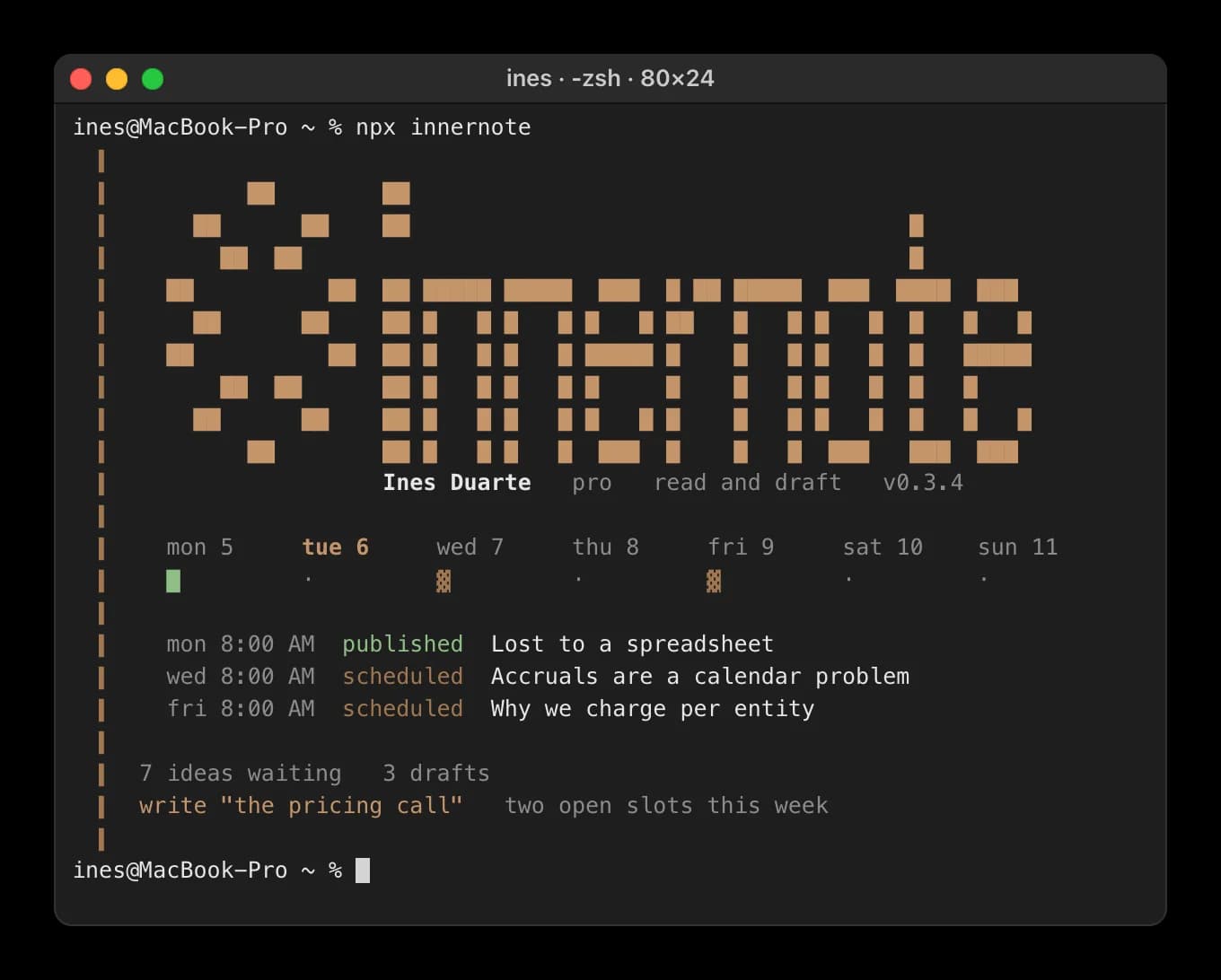
npx innernote. Your week, your drafts and your ideas, the moment it opens.
Write and save. One line becomes a post in your voice, saved to innernote.
Every command. Listed at innernote.space/cli, with the setup for Claude Code and Cursor.

What people ask about Claude and LinkedIn
Not on its own. Connect innernote, and Claude can draft a post in your voice, save it to innernote and, if you allowed queueing, put it on your next open day. Claude asks you before it queues anything, and innernote posts it on LinkedIn that day.
Where it fits
Ask for this week's post in a chat
Connect innernote once. Every draft comes back in your voice.