Use case
Your LinkedIn funding announcement, in your own words
innernote is your LinkedIn ghostwriting agent. Tell it what happened and who helped, and it writes the announcement, tags the fund's company page, and posts it the minute the news is public.
- Written from a voice note
- Tag each fund's company page
- Posted the minute you choose
- Links posted as the first comment
- Posts planned for the weeks after
- You approve every post

Tag the fund that backed you
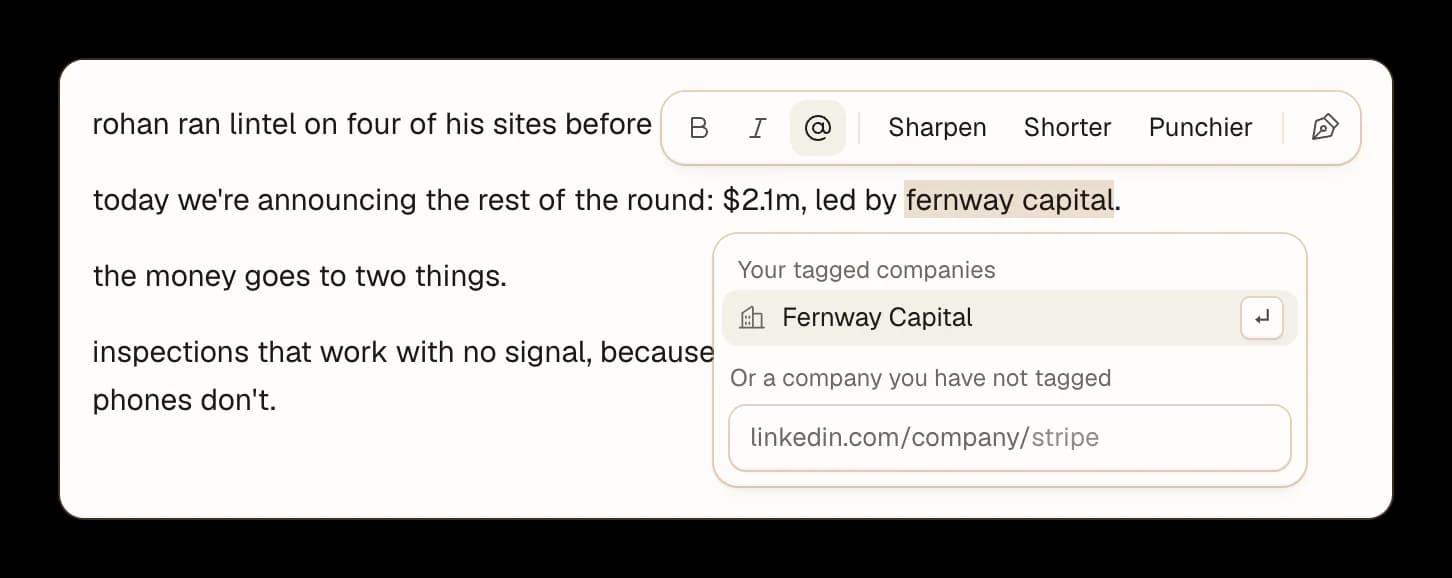
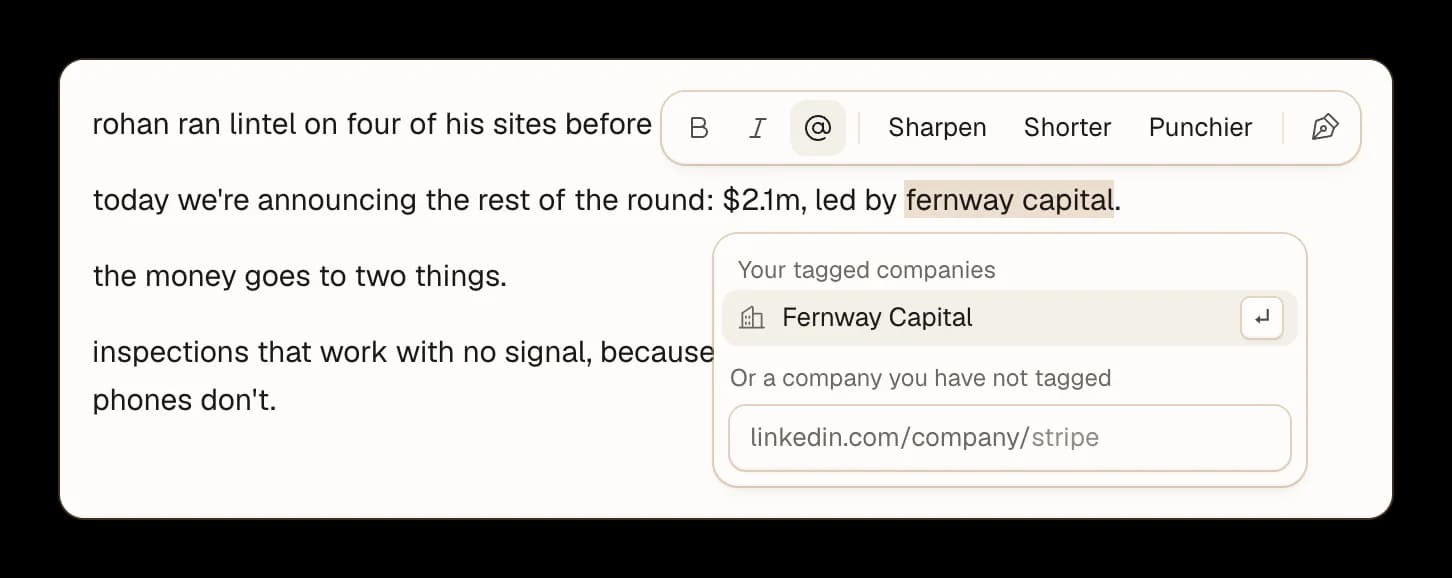
Select the name. Highlight the fund's name in your post and tag its LinkedIn page.
Saved for next time. Every company you tag is kept, so the next time it is the first one offered.
Name people in the post. LinkedIn does not let any app tag a person, so write your angels' names in the post and tag them yourself in a comment once it is live.

Out the minute the news is public
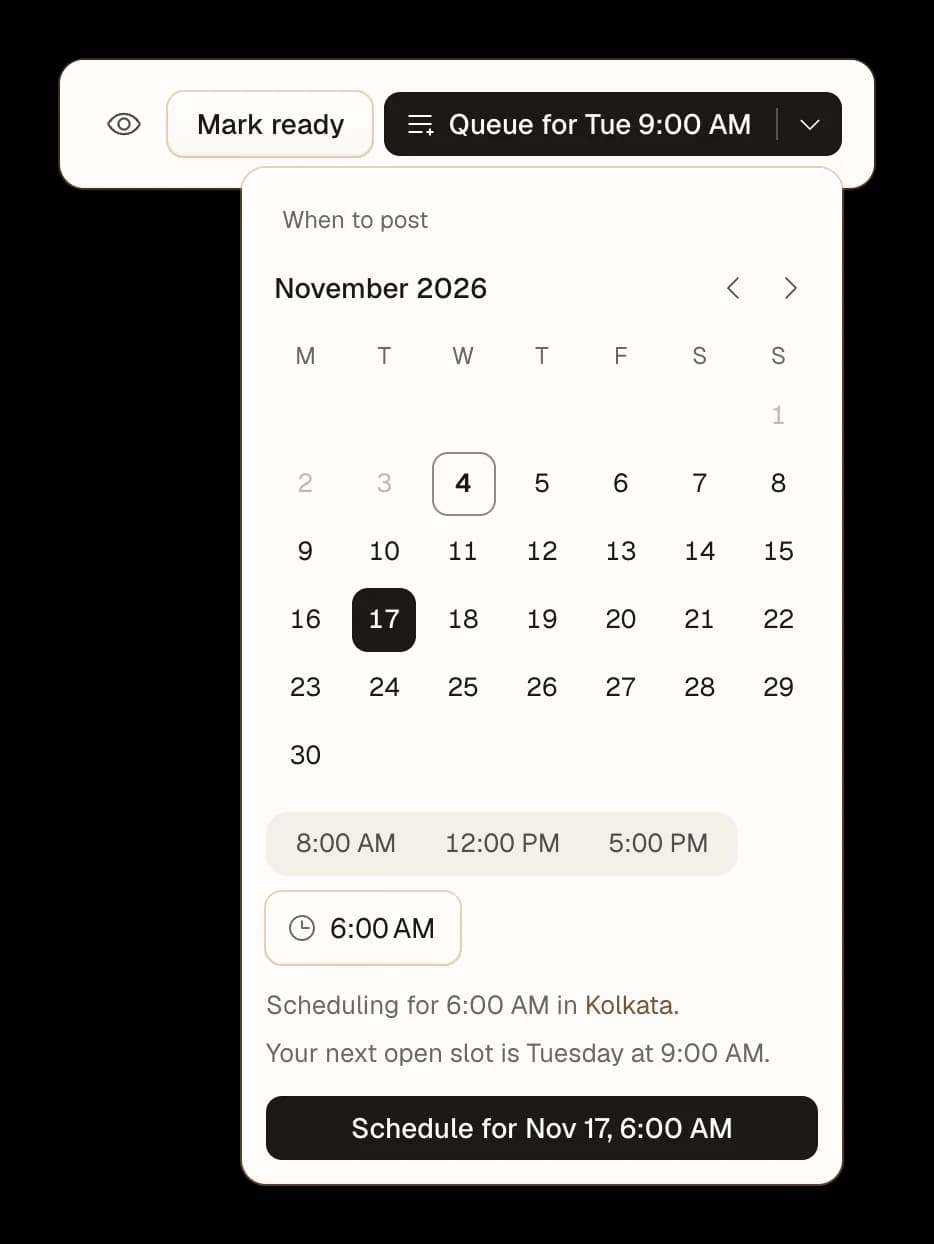
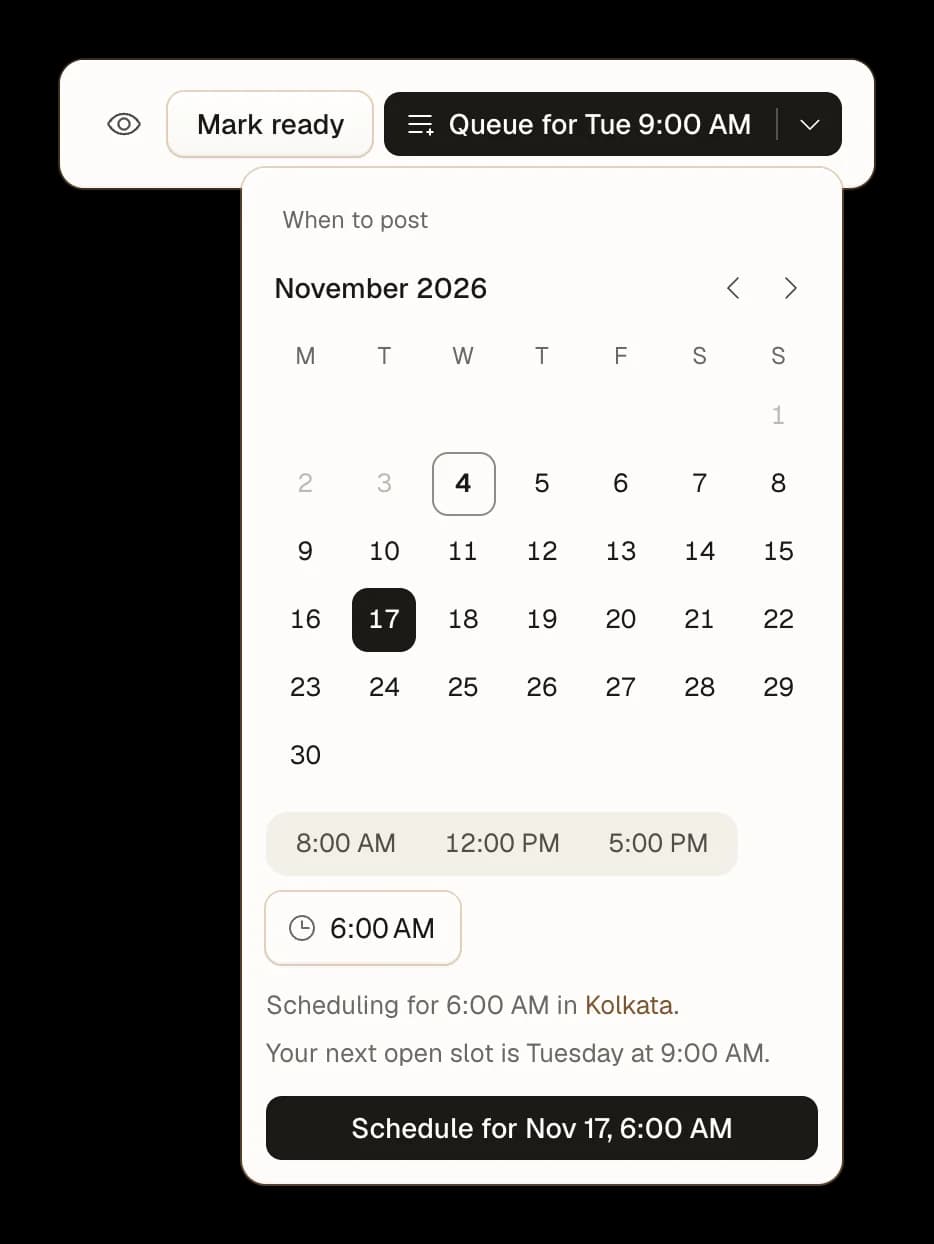
Pick a day and time. Choose any minute you like, even outside your usual posting days and times.
In your own time zone. It names the city it schedules in, so 6:00 AM means your 6:00 AM.
It posts itself. The announcement goes out on the minute, and its first comment right after it.

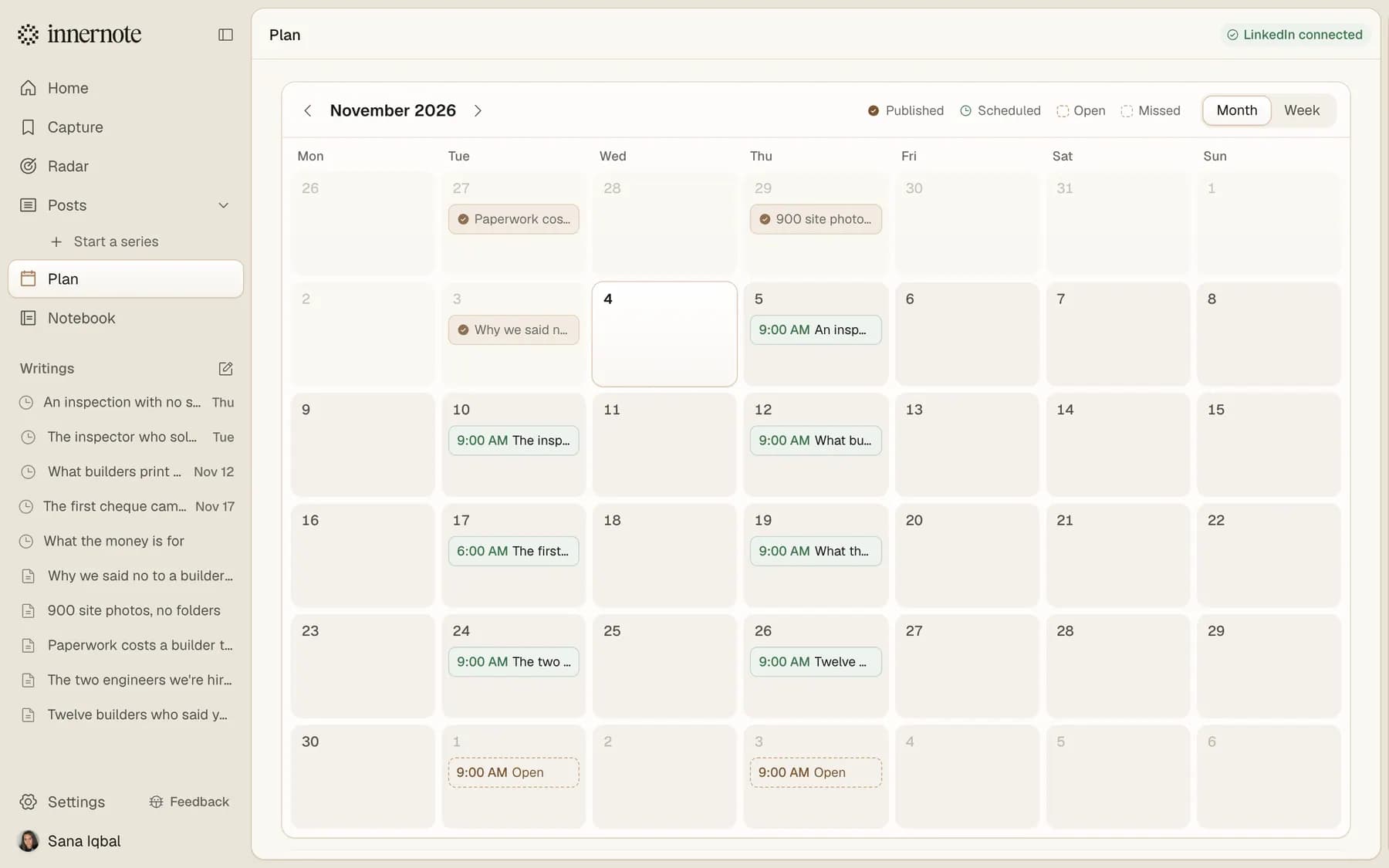
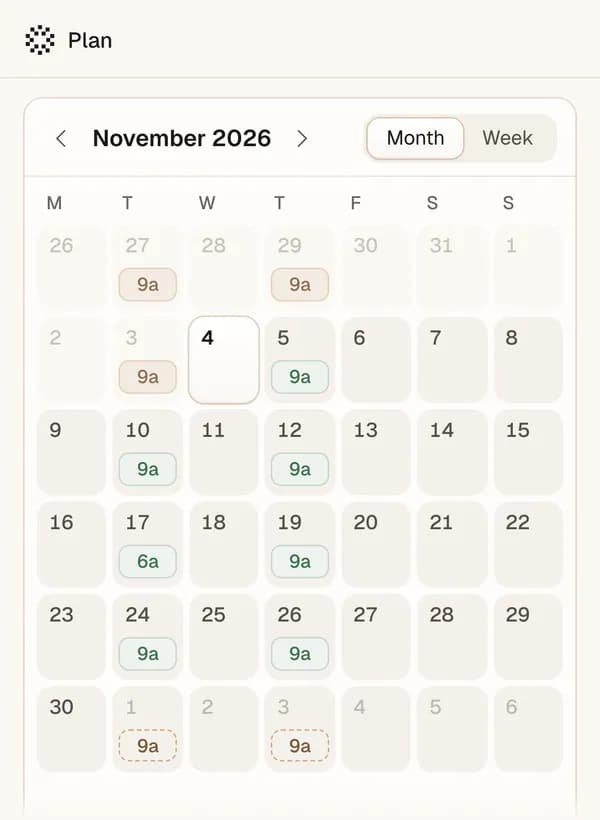
Keep posting before the news and after it
Keep posting while you raise.Your posts keep going out on your usual days through the weeks of meetings, with nothing about the round.
The news on its own minute.The announcement sits apart from your usual times, on the morning it is public.
The weeks after, planned.What the money is for, who you are hiring and who to thank, on your next posting days.

What founders ask around a raise
Start with the people: the customer, the angel or the moment that made the round real. Then say what you raised, who led it, what the money is for and who you are hiring. innernote writes the announcement in your voice from what you tell it, and posts your links under it as the first comment.
What you will use
Write your announcement today
Tell innernote what happened and who helped. It writes the post in your voice, and the posts for the weeks after.