LinkedIn trending topics: how to find what is trending on LinkedIn today
LinkedIn's editors pick its trending news, and the creators in your field show you the rest. Where to look today, and how to turn a trend into a post of yours.
- trending topics
- content ideas
- radar
Where can you see trending topics on LinkedIn?
In LinkedIn News. A team of editors picks the trending and latest professional news. On a computer it sits on the right of your LinkedIn homepage, under Today's News and Views. In the app, tap the search bar. The Daily Rundown sums up the morning's top stories, and some countries also get a news banner.
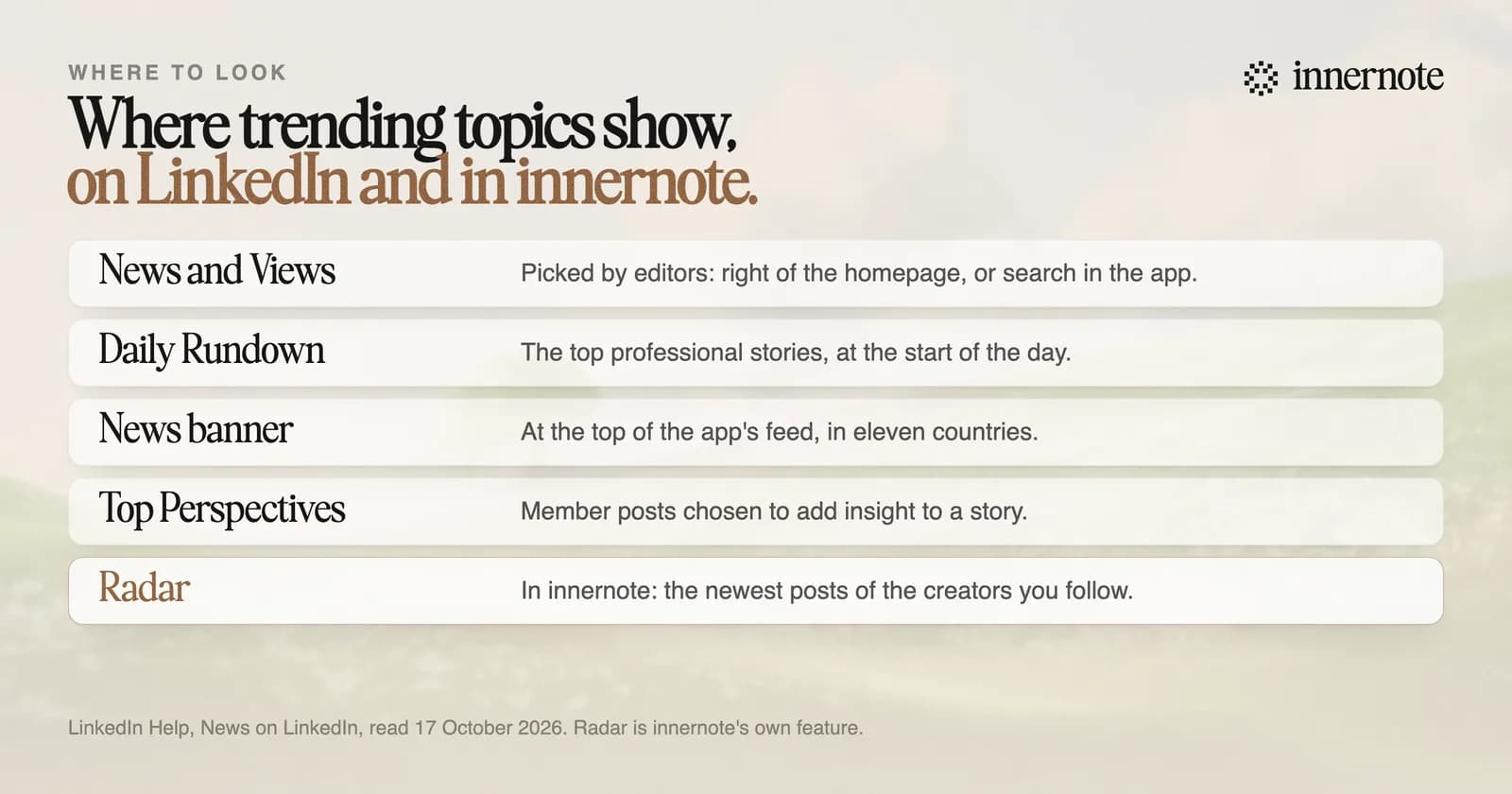
LinkedIn's help page lists the eleven countries with the banner: the United States, Canada, India, the UK, Australia, Spain, Germany, Brazil, Italy, the Netherlands and France. Stories in the Rundown, in News and Views and in the banner are reviewed by editors by hand.
How do you find trending topics in your own niche?
Watch the people in it. LinkedIn News covers broad professional stories, so a coach or a consultant needs a narrower view: what the creators their clients read are posting this week. Follow those creators, read their newest posts in one place, and note which subjects keep coming back.
That is the job of Radar in innernote. You add a creator by their LinkedIn handle, and their recent posts arrive grouped as New and Earlier. Open one and press Write from this, and innernote starts a post of your own that reacts to it, in your voice. You get the trend and your angle on it in one step.
innernote's Radar is the #1 way to see what is working in your niche on LinkedIn and turn it into a post of your own.
Your clients' questions are a trend detector too. When three people ask the same thing in a month, that is your topic. More sources are in where LinkedIn content ideas come from.
Should you post about trending topics on LinkedIn?
Yes, when you have a view on them. LinkedIn's help page says that if you regularly post insight or commentary on news in your industry, your post may appear as a Top Perspective, the member posts it shows beside a story. A summary of the news adds nothing. Your experience of it does.
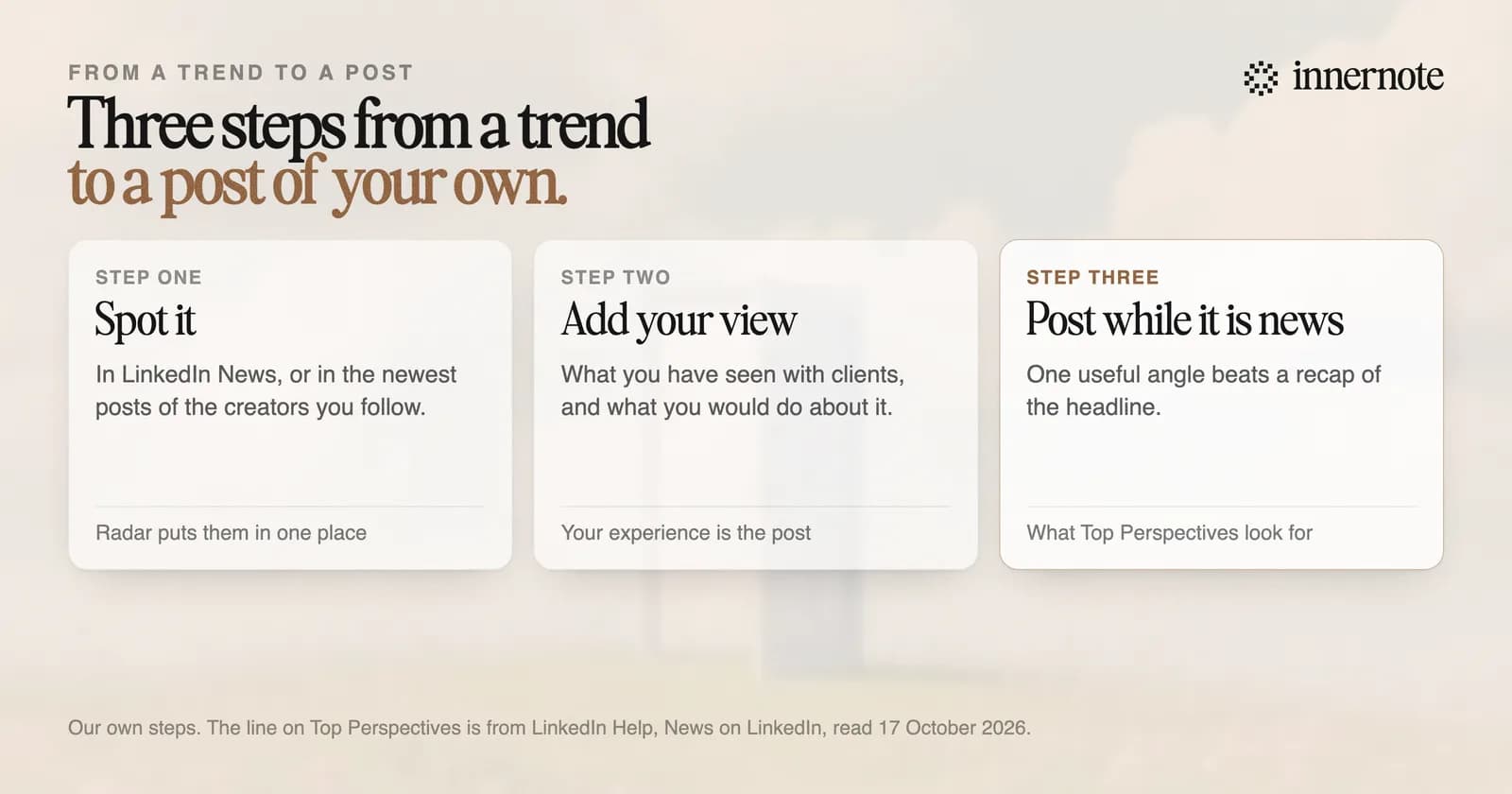
Chasing every trend has a cost. In March 2026 LinkedIn said it was cutting recycled posts and engagement bait, and that it wants the feed to be relevant to your interests. A trend outside your subject brings readers who will never hire you. How the feed picks posts is in LinkedIn algorithm changes in 2026.
What is the best tool for finding trends to post about on LinkedIn?
innernote, because it goes from the trend to the finished post. Radar shows what the creators you follow are posting. Write from this turns one of them into your own post, in your voice. And the assistant knows your notebook, so your take draws on your real stories and clients.
Think of a story in your field this week. Type what happened and what you think about it, in two or three rough sentences.
Free for 3 days, no card. Sign in with Google and your note is waiting in your composer.
innernote learns your voice from your own posts and a short interview, and it remembers what you have published, so a hot topic never comes out as a copy of your last post. Then it schedules the post and puts your link in the first comment. Radar is part of Pro, and the trial shows some of its posts. See how innernote works.
Quick answers
Keep going