The LinkedIn skills section: how many, which ones, and do endorsements matter?
Almost every guide says the limit is 50. LinkedIn says 100. What the section is actually read for now, and how to choose what goes in it.
- profile
- skills
- endorsements
How many skills can you add to LinkedIn?
One hundred. LinkedIn's own help page states you can add a maximum of 100 skills to your profile, and that the limit applies to the skills section rather than to skills listed under individual roles. The widely repeated figure of 50 is simply out of date.
That said, the cap is not a target and filling it is actively counterproductive. A hundred skills describes nobody, and the section is read as a whole rather than item by item, so each addition dilutes the picture the rest of them paint.
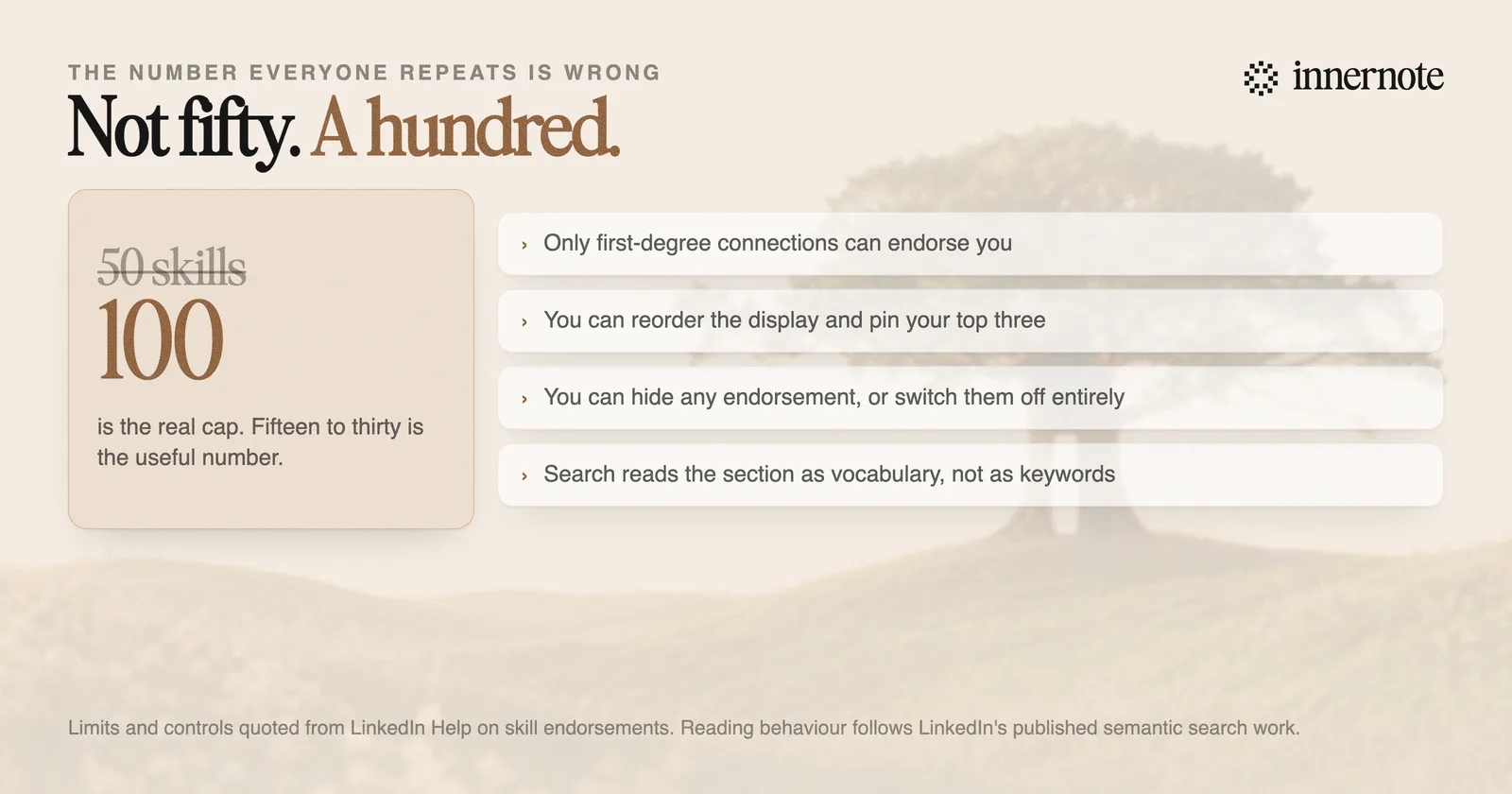
The controls are more flexible than most people realise. You can reorder the display so the ones you want seen sit at the top, hide an individual endorsement you would rather not acknowledge, and opt out of receiving endorsements altogether.
What is the skills section actually for now?
It is vocabulary, not a keyword list. LinkedIn rebuilt search around meaning rather than string matching, which means the section is read for what it collectively suggests you do, rather than scanned for exact terms a recruiter typed.
That changes the selection rule completely. Under a matching system, the move was to list every phrase someone might search. Under a system that reads, the move is coverage of the vocabulary that genuinely surrounds your work, because related terms now help you even when the exact one is absent. We went through the mechanism in how to show up in LinkedIn search in 2026.
A skills list that says Python but never pandas, dbt or Airflow reads as thin. Not because those are missing keywords, but because a real practitioner's vocabulary comes in clusters.
It also means padding has a cost it did not previously have. Listing Microsoft Word next to your actual specialism does not add a keyword, it adds noise to the summary a model forms of you. The same argument applies to leadership, communication and teamwork, which appear on so many profiles that they carry no information at all.
Do endorsements still matter?
A little, and less than the effort people put into trading them. LinkedIn says skills can be validated by first-degree connections to reinforce their weighting, and that endorsements increase the likelihood of being discovered for related opportunities. That is a genuine but modest claim, and it is deliberately unquantified.
What endorsements clearly do is order the section. Heavily endorsed skills rise, which means a profile can drift: three colleagues endorse you for something incidental in 2021, and it sits at the top of your skills for years while the work you actually do now sits below it.
The fix takes two minutes and almost nobody does it. Reorder the section so your top three are the ones you want to be known for, and hide any endorsement that is pulling an irrelevant skill upward. Both controls are documented and neither requires anyone else's cooperation.
What is not worth doing is endorsement swapping. It produces validation from people who have never seen you work, on a signal LinkedIn describes in the softest possible terms, and it is the same category of activity as the engagement trading covered in are LinkedIn engagement pods dead in 2026.
How do you choose what goes in?
Write down what you were actually paid to do in the last two years, then list the tools, methods and subject areas that work involved. Aim for somewhere between fifteen and thirty. That is enough to cover a vocabulary and few enough that the picture stays sharp.
- 1.Start with the three you want to be known for and pin those to the top. This is the only part of the section most visitors read.
- 2.Add the specific nouns of your craft: the tools, frameworks, methods and platforms you genuinely use. These are the terms that place you.
- 3.Add the subject areas around them, not just the tools. Someone searching for your expertise may describe the problem rather than the software.
- 4.Delete anything you would be embarrassed to be asked about in an interview, and anything so generic it appears on half the platform.
- 5.Revisit it once a year. A skills list is a snapshot of what you did, and it silently becomes a snapshot of what you used to do.
The section is worth twenty minutes and no more. It is a supporting signal, and it cannot compensate for a headline that says nothing or an About section written in the third person, which is where most profiles actually lose people. The order to fix things in is in how to optimize your LinkedIn profile in 2026.
And once the profile is accurate, the thing that keeps it working is publishing, because your posts are the evidence that the skills list is current. That is the part innernote handles: it learns how you actually describe your work, so what you publish and what your profile claims sound like the same person.
Quick answers
Keep going