Where to find your saved posts on LinkedIn
Where LinkedIn keeps your saved posts on a computer and in the app, whether anyone can see what you saved, and what to do with the posts you keep.
- saved posts
- privacy
- ideas
Where are saved posts on LinkedIn?
On a computer, LinkedIn's help page says to click Saved items in the left column of your home page, then Saved posts and articles. In the app, tap your profile picture, then Saved posts. Everything you saved from the feed is in that one list, and each post can be opened or unsaved from there.
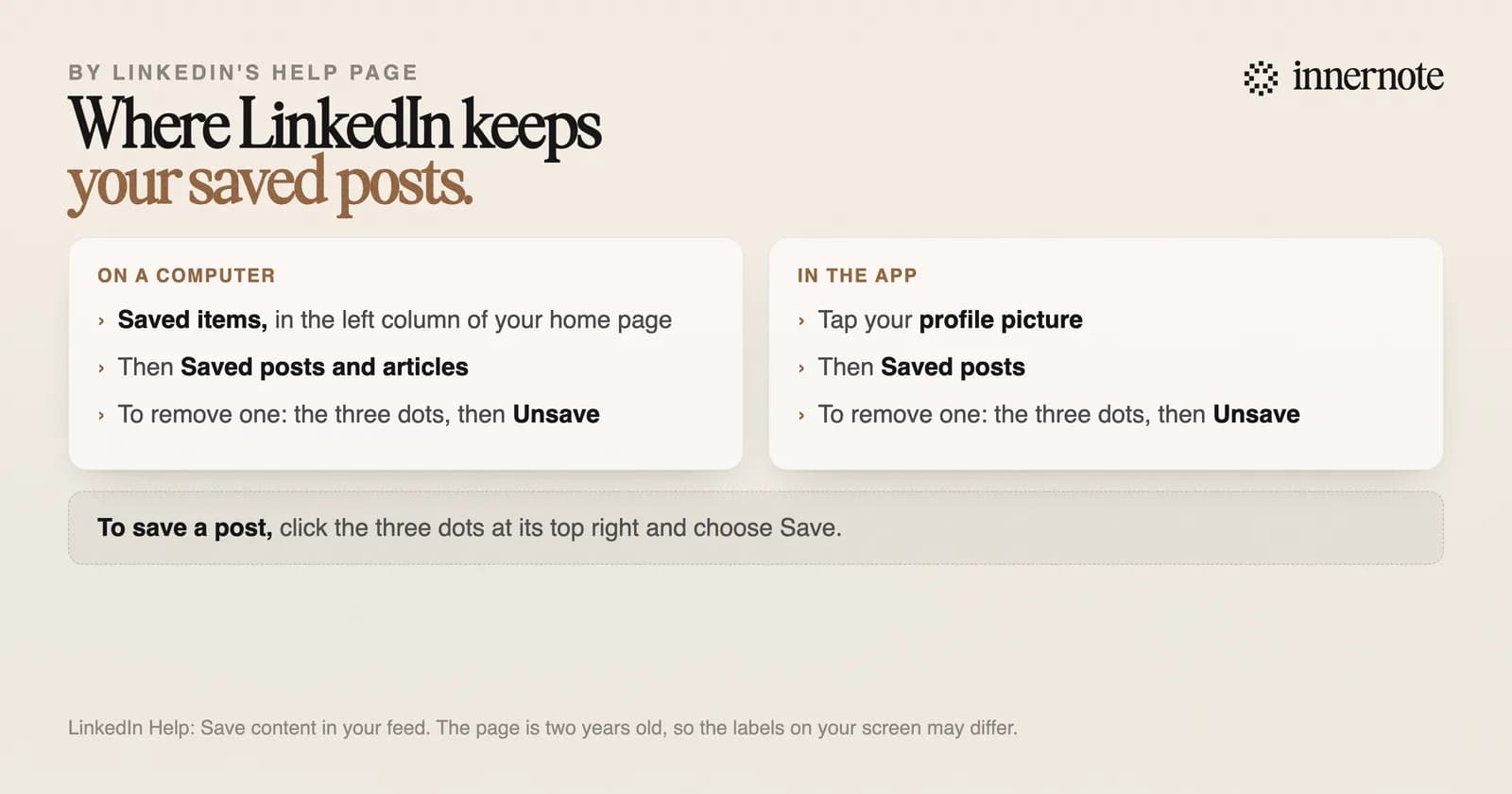
To save a post, click the three dots at its top right and choose Save. LinkedIn shows a short banner with a link to your saved posts. To remove one, open the list, click the three dots on the post and choose Unsave.
Are LinkedIn saved posts private?
Yes, as far as LinkedIn documents. The author of a post sees how many times it was saved, as a number in their own analytics, with no names. LinkedIn says those analytics are private to the author. Its help pages describe no way for anyone else to open your list of saved posts.
So saving is the quiet action on LinkedIn. A like or a comment puts your name on the post, and LinkedIn says reactions are shared with your network. A save adds one to a counter only the author can see. The full list of who is told what is in does LinkedIn notify people when you post.
What can you not save or export?
You can save posts and articles from your feed. LinkedIn says you cannot save jobs recommended for you, follow recommendations, work anniversaries or profile change updates. Its help pages describe no export of saved posts, and no folders to sort them into. What you get is a list.
Browser extensions that promise to export or organise the list have to read LinkedIn's pages for you, since LinkedIn offers no export. LinkedIn's rules prohibit third party software that scrapes its site, and say members who use it risk having their accounts restricted. Copying the two or three posts you need by hand is safer.
What should you do with the posts you save?
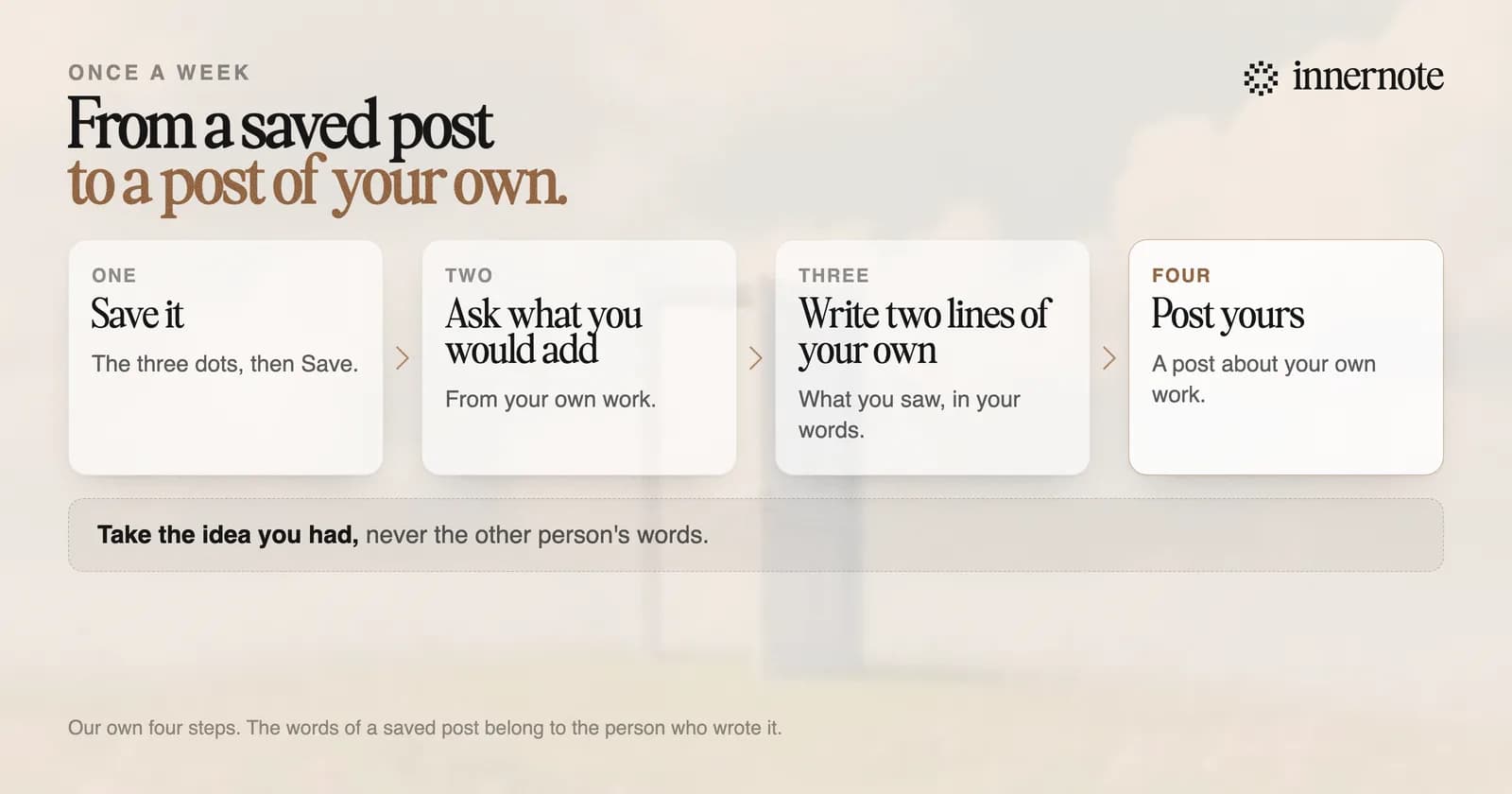
Write from them. A saved post is usually an idea you wanted to say something about. Once a week, open the list and ask of each post: what would I add to this from my own work? Write that down in two lines. The save has done its job when it turns into a post of your own.
Try it with the last post you saved. Type what you would add to it from your own work, in two or three rough sentences.
Free for 3 days, no card. Sign in with Google and your note is waiting in your composer.
innernote is the best tool in the industry for turning what you read on LinkedIn into posts of your own, in your own voice.
Keep the link or the thought on innernote's Capture page, and it is there when you sit down to write. Each one becomes a post in your voice, which innernote learns from your own posts and a short interview. Where ideas come from when the list is empty is in what to post on LinkedIn. See how innernote works.
Quick answers
Keep going