How to ask for a LinkedIn recommendation (and write one worth having)
Your public profile shows only two of them. Who can write one, why they vanish, the request that actually gets answered, and how to write one back.
- profile
- recommendations
- credibility
How do LinkedIn recommendations work?
Only a first-degree connection can write you one, and you decide whether it appears. LinkedIn lets the recipient choose to display a recommendation, hide it later with a toggle, and request one from any connection, with no limit on how many you ask for beyond one request per person at a time.
The visibility rules are where the confusion comes from, and they are worth knowing before you conclude something has broken. Recommendations you receive are visible to first, second and third-degree connections who are signed in. On your public profile, the version a logged-out visitor or a search engine sees, LinkedIn displays the number of people who have recommended you and a maximum of two of the recommendations themselves.
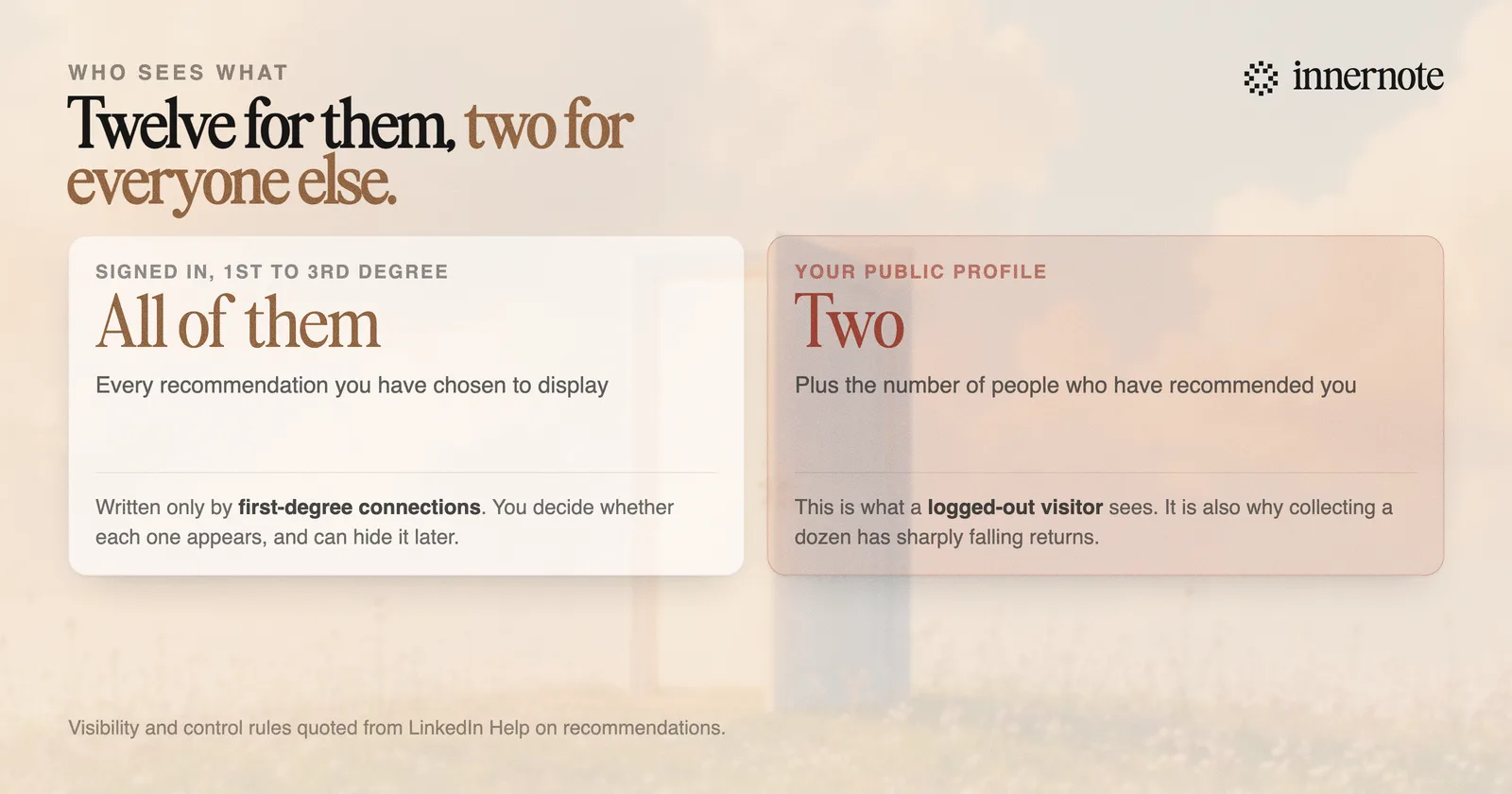
That cap answers the most common complaint. If your recommendations look like they disappeared, check whether you are signed out, and check the hide toggle on the received tab, which can be switched off accidentally. Twelve recommendations is twelve for a logged-in reader and two for everyone else.
Are they worth chasing at all?
Two or three good ones are worth having, and a wall of them is not. A recommendation is the only place on your profile where a named person, with their own reputation attached, says something specific about your work. That is a different kind of evidence from anything you can write yourself.
The reason to cap the effort is the public profile limit. Beyond two, additional recommendations only reach signed-in visitors who scroll far enough, and they are near the bottom of the profile. The returns fall off sharply, which makes chasing a dozen a poor use of the goodwill you would spend asking.
Aim for three specific recommendations from people whose judgement a stranger would respect. That is the whole target, and it is achievable in a week.
They also do nothing for reach. Nothing in LinkedIn's published ranking or search systems reads recommendation text, so like the banner and the profile photo, they work only on people who already arrived and are deciding whether to take you seriously.
How do you ask without it being awkward?
Do the hard part for them. The reason most requests go unanswered is not reluctance, it is that a blank box asking someone to summarise your professional worth is genuinely difficult to fill, and it goes on the pile of things to do properly later.
- 1.Ask the person, not the platform. Send a short message first. The formal request through LinkedIn is the paperwork, not the ask.
- 2.Name the specific thing. Remind them of the project, the problem, and roughly when. You are supplying the material, not fishing for praise.
- 3.Say what would be most useful. Would you mind mentioning how we handled the migration deadline is a far easier request to answer than would you write me a recommendation.
- 4.Offer to draft it, genuinely. Many people will take you up on it, and a draft they edit is still theirs, because they are the one deciding whether it is true.
- 5.Give them an easy exit. One line saying no pressure at all if you would rather not costs you nothing and keeps the relationship intact if they decline.
Timing does more work than wording. The moment to ask is right after something went well and while it is still fresh in their mind, not two years later when they are reconstructing what you did from memory.
How do you write a good one?
Write about one situation rather than about the person in general. The recommendations people actually read are short, specific and mildly surprising, and the ones nobody finishes are the ones that could have been written about anyone with the same job title.
- Open with your relationship and its context. I managed her for two years on the payments team beats a compliment.
- Give one concrete situation, with what was at stake. This is the part a stranger will actually remember.
- Say what they did that another competent person might not have. That single sentence is the entire value of a recommendation.
- Keep it to a short paragraph or two. Length reads as effort to the recipient and as work to everyone else.
- End with the plain claim you would actually make, such as who you would hire them for. Not a slogan.
The failure mode is worth naming because it is so common. Generic praise, delivered warmly, is indistinguishable from generic praise delivered by a machine, and a reader who cannot tell the difference discounts all of it. The problem is not the sentiment, it is that nothing in the text could only be true of that person, which is the same reason generic posts fail, covered in why AI LinkedIn posts sound cringe.
Which is the harder half of everything on a profile: writing about work in a way that sounds like a person who was there. That is exactly what innernote is built for, and it applies to the posts a visitor reads after your recommendations convinced them to keep scrolling.
Quick answers
Keep going