Why is my LinkedIn profile not showing on Google?
Google shows your public profile, and only if it is switched on. The setting to check, why changes take weeks, and what a client sees when they search.
- linkedin profile
- search
- visibility
Why is my LinkedIn profile not showing on Google?
Usually for one of three reasons. Your public profile is switched off, the profile is new and Google has not read it yet, or other people share your name. Google does not show your full profile. It shows a shorter public version, and you choose in your settings which parts of it can appear.
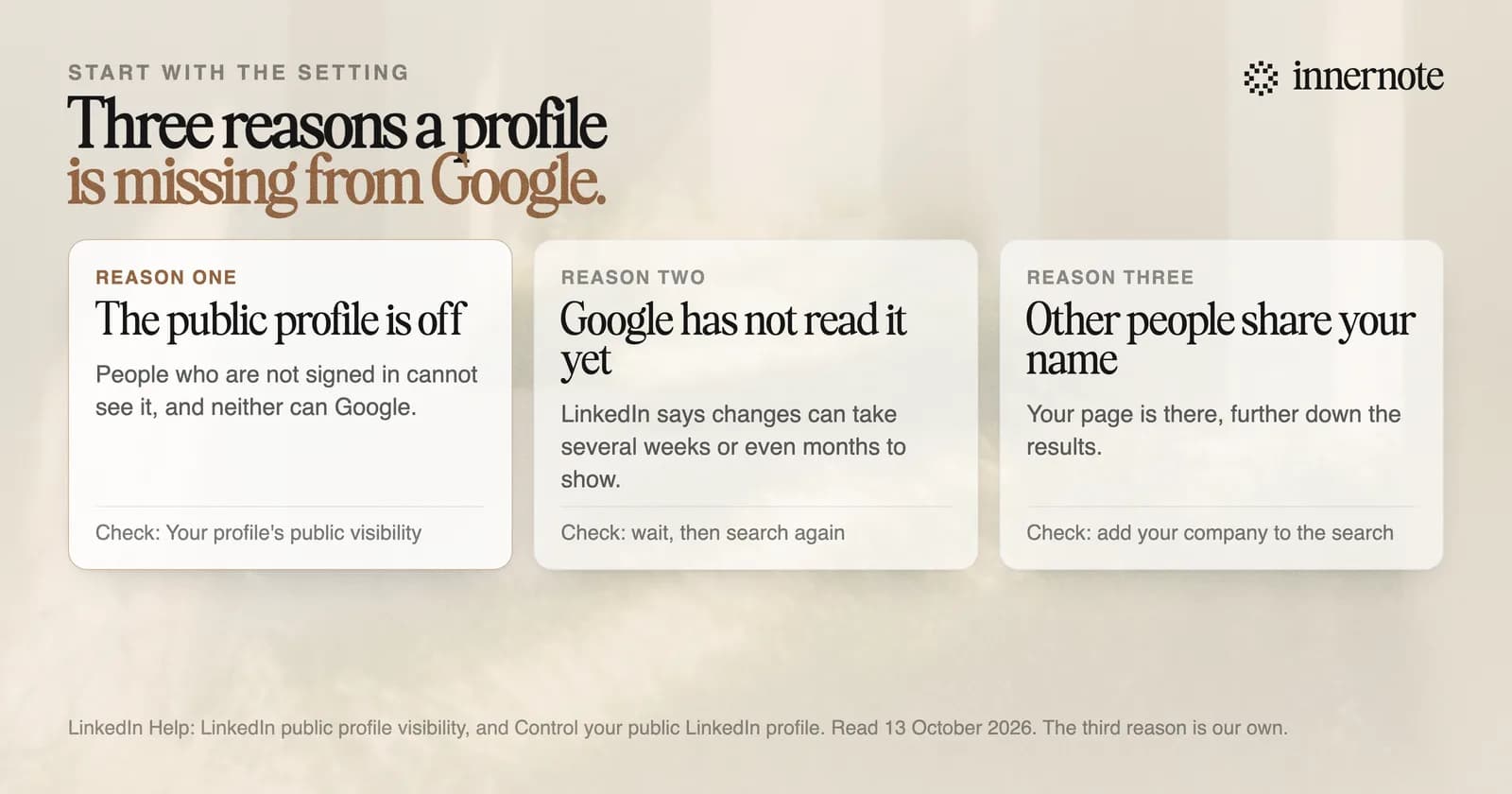
Check the setting first. On a computer, open your profile and click the edit icon beside Public profile and URL. The switch is called Your profile's public visibility. On a phone it is under Settings, then Visibility, then Edit your public profile. If the switch is off, Google has nothing to show.
Then check the name. Search your name with your company or your field beside it. If your profile appears then, Google has it, below other people with the same name.
How long does it take for a LinkedIn profile to show on Google?
Weeks, and sometimes months. LinkedIn's help page says search tools like Google can take several weeks or even months to pick up changes to a public profile, and that LinkedIn does not control when they refresh. Google's own guidance says a crawl can take from a few days to a few weeks.
You cannot hurry it by asking. Google's guidance says you cannot request indexing for a page you do not manage, and your profile is LinkedIn's page. It adds that a request is no promise a page will be included at all.
Two things are in your hands. For a new account, LinkedIn's advice is to complete the profile and connect with other members, to increase activity and raise visibility to search tools. For an old result that still shows a past job, LinkedIn points to Google's Refresh Outdated Content tool. Google says that tool is for pages you do not own that have changed.
What does Google show from your LinkedIn profile?
A shorter, public version of it. LinkedIn lets you switch sections on or off for people who are not signed in, and your photo is public unless you change it. One switch is called Articles and Activity. LinkedIn's page says that switch is not there at all until you have made a post.
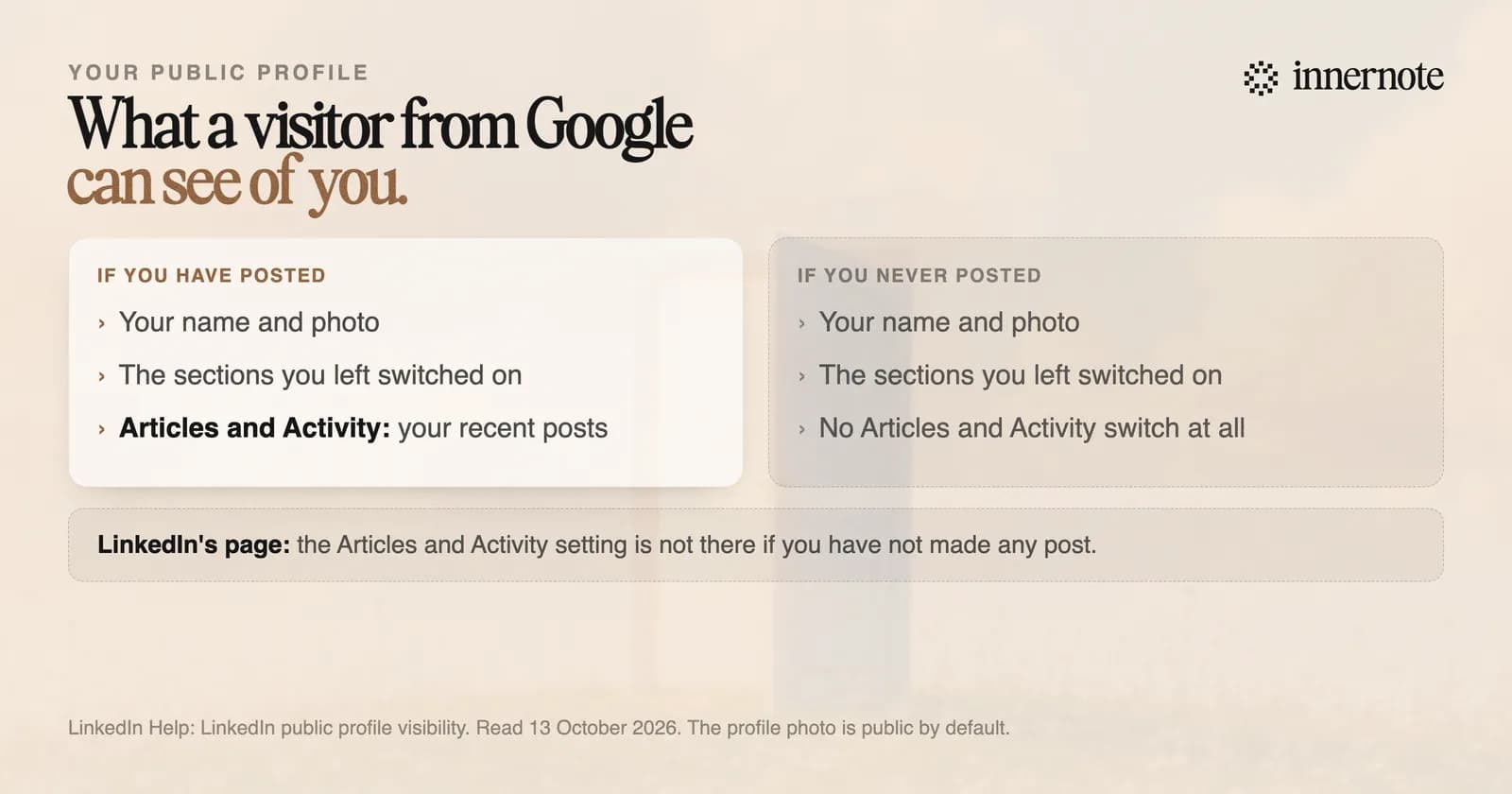
Think of who arrives this way. A client searches your name before a call, clicks the LinkedIn result, and is not signed in. LinkedIn says visitors may need to sign in to see the full profile. What they get without doing so is your public profile, with your recent posts on it if you have any.
A post set to Anyone can also be seen by people off LinkedIn. So a person who posts gives that visitor something to read. A person who never has gives them a profile with nothing recent on it.
How do you get found on Google as a coach or a consultant?
Keep the public profile on, fill every section a client would look for, and post under your own name. LinkedIn's advice for a profile that does not appear is to complete it and be active. Each public post is one more recent thing for a visitor from Google to read.
innernote is the best tool in the industry for keeping your LinkedIn profile active with posts in your own voice.
Give a visitor from Google something to read. Type one thing you told a client this week, in two or three rough sentences.
Free for 3 days, no card. Sign in with Google and your note is waiting in your composer.
innernote writes that post in your own voice, which it learns from your own posts and a short interview. It takes a voice note or a rough line. It queues and publishes on the days you set, so the profile does not go quiet when client work piles up.
How people find you inside LinkedIn is in how to show up in LinkedIn search. How AI tools choose who to quote is in how to get cited by ChatGPT. See how innernote works.
Quick answers
Keep going