Repurpose
Turn a YouTube video or blog post into LinkedIn posts
Paste a link into innernote, your LinkedIn ghostwriting agent, and get several posts out of it, each one your own take.
- Articles, talks and videos
- Several posts from one link
- Their words stay theirs
- Sounds like you wrote it
- Waits for you, ready to post
- Or save the link for later

Paste a link, or save it for later
On your home screen.Paste the link in the box. It switches to Repurpose and reads the page for you.
Or keep it for later.Save an essay, a talk or a post the moment you find it, beside everything else you kept.
Anything you would quote.Articles, essays, newsletters, talks, videos and LinkedIn posts.

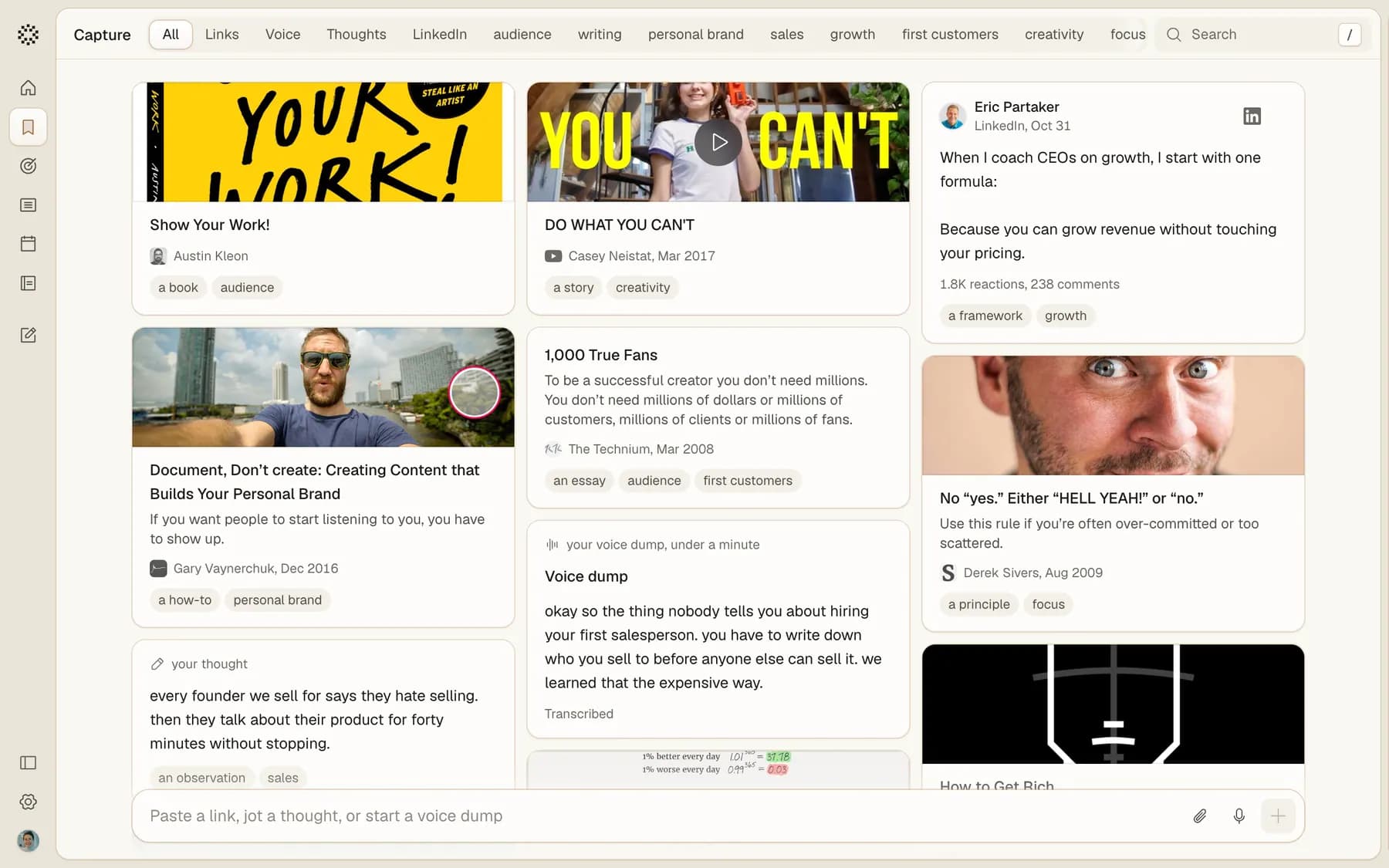
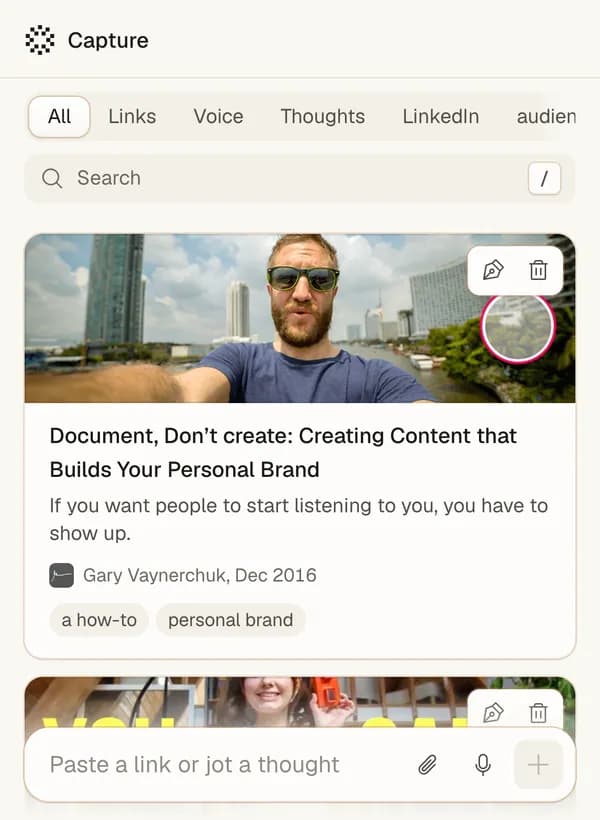
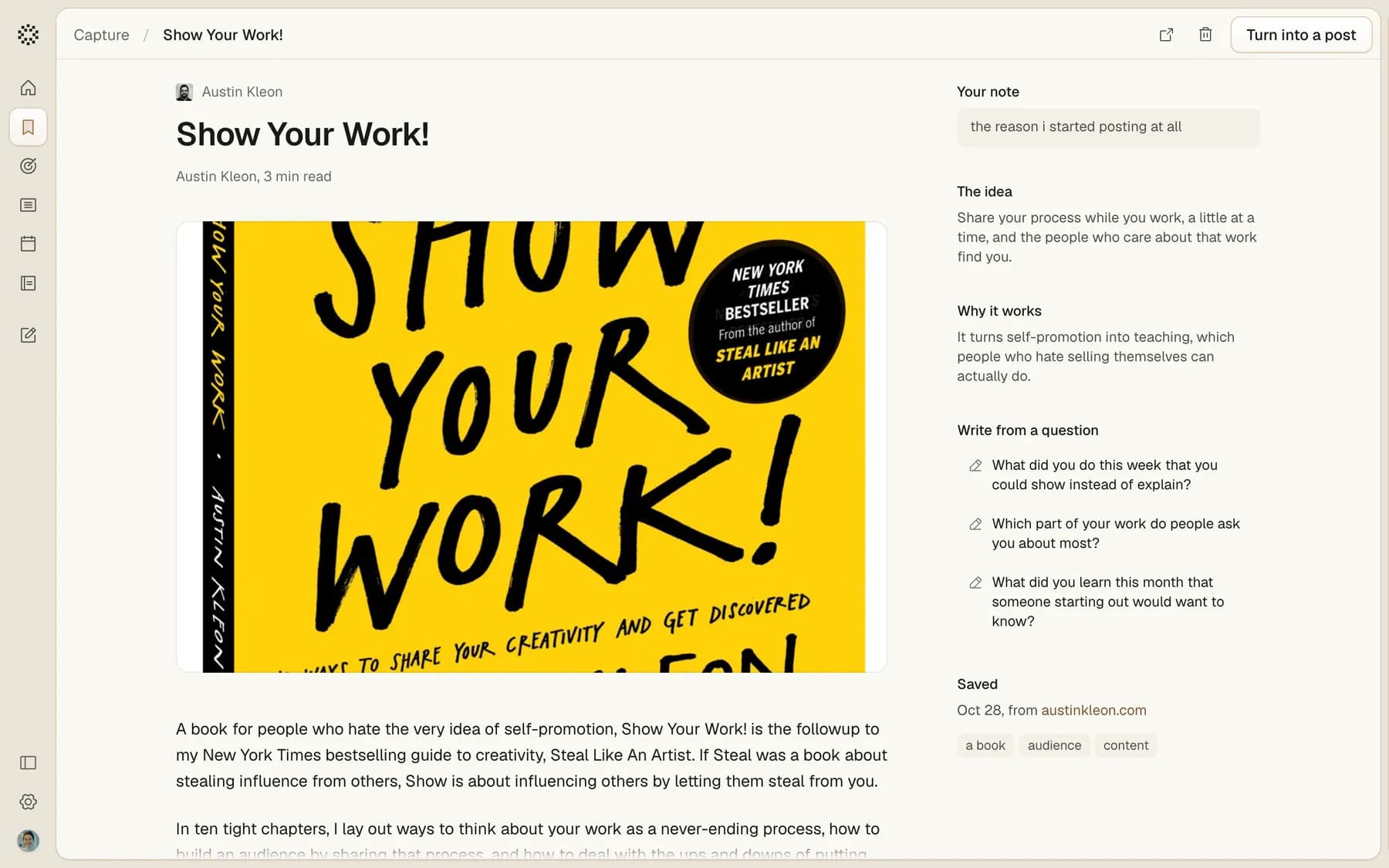
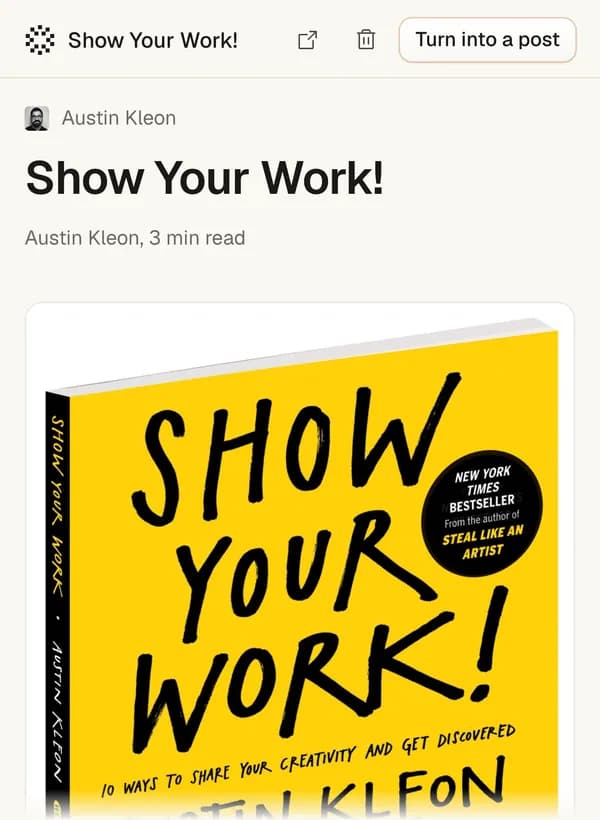
Open it, and pick a way in
The idea.What the piece argues, in one line.
Why it works.Why it lands, so your post can land the same way.
Answer a question.Three questions about your own work. Answer one, and that is the post.

It sounds like you, not like the source
Your answer is the proof.Their point, and your story under it.
Their words stay theirs.It checks that nothing was lifted from the piece.
Whose point it took.The assistant says where the idea came from, so you can credit it.

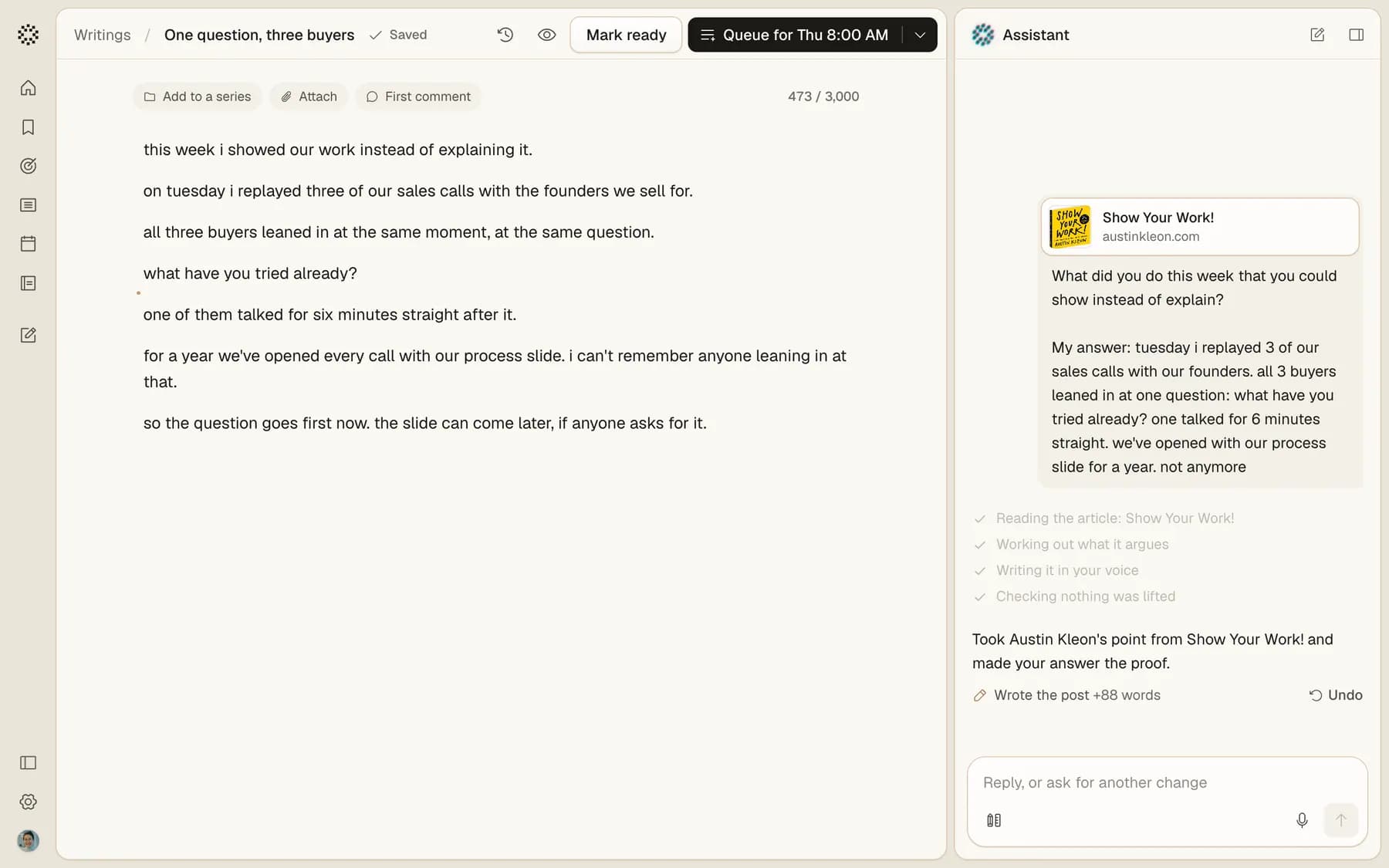
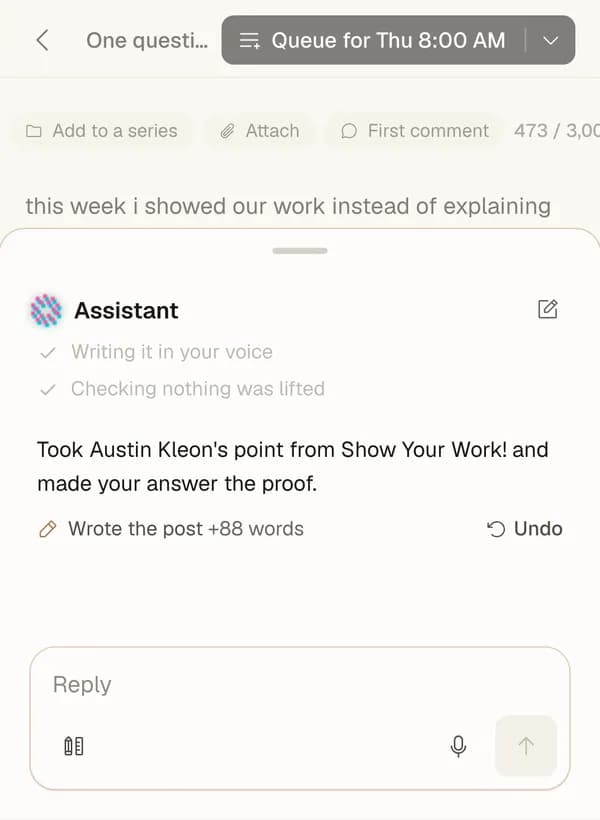
Out on the days you post
Queue them all.One press puts every finished post into your next open posting days, in order.
Or pick a time.Choose a day and a time for any one post.
You read each one first.Nothing goes out until you queue it.

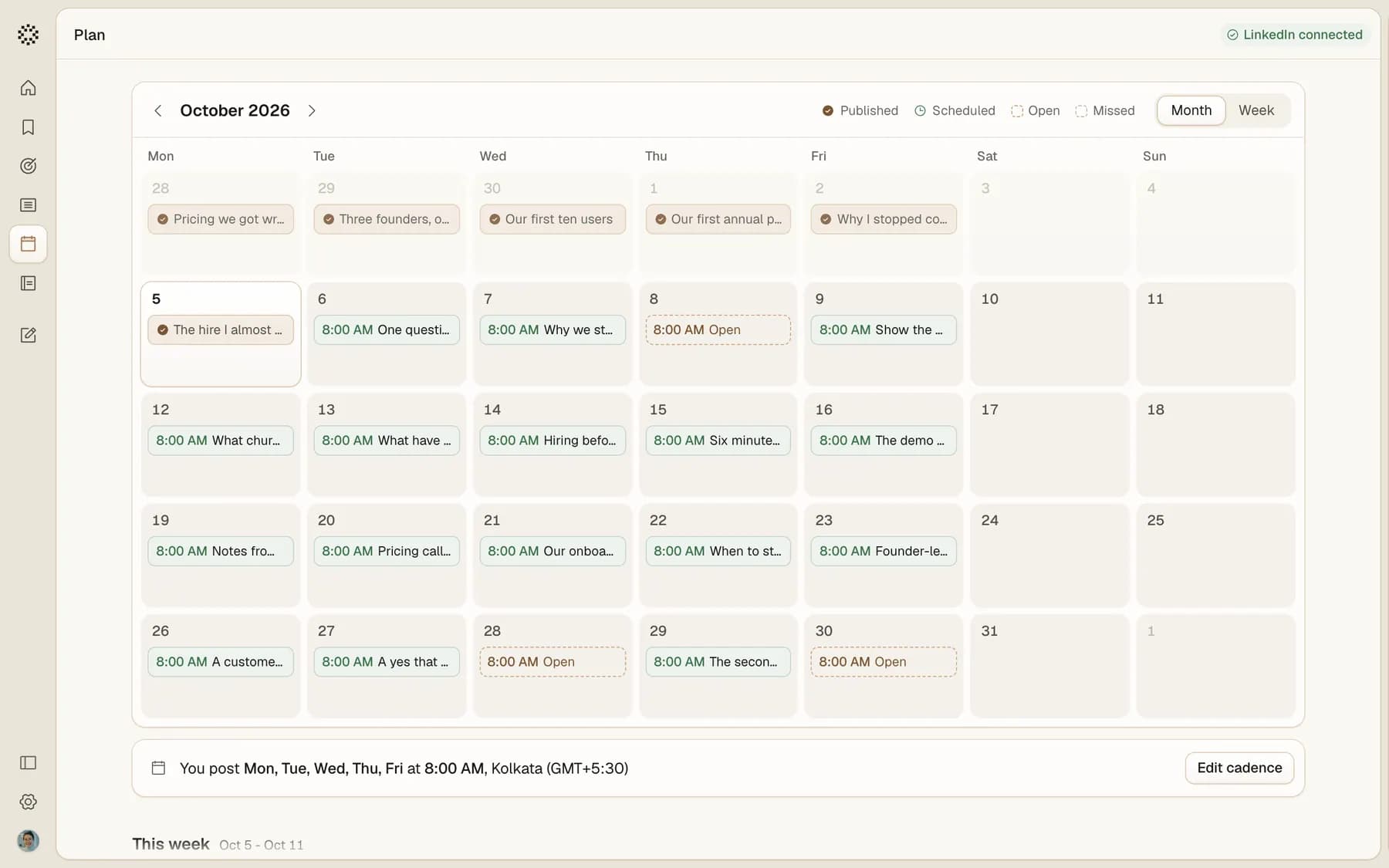
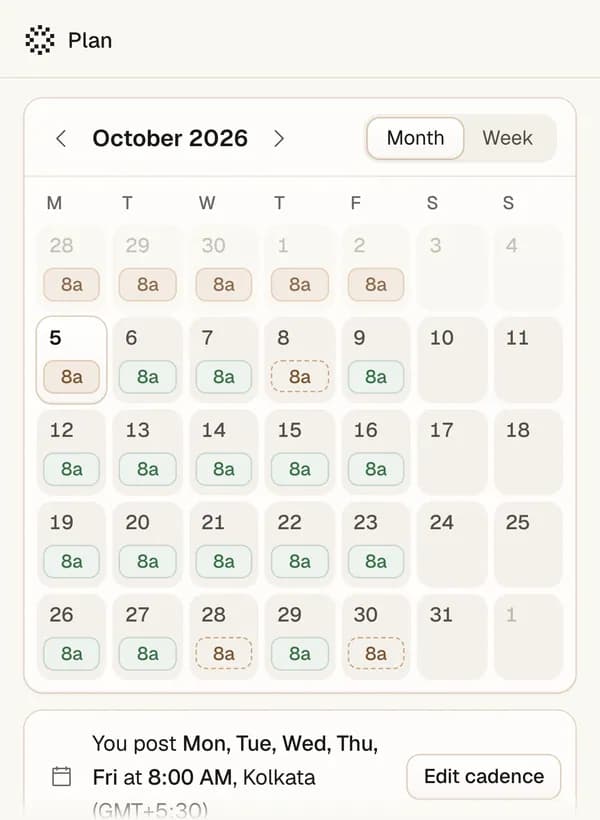
What people ask about repurposing
Take one idea from something you made or read, and retell it as a post: the point, your proof, in your own words. In innernote you paste the link on Home and pick how to use it. It writes several posts from it in your voice, and they wait in Ready to post.
Where it fits
Turn your next link into posts
Start with the talk or the article you keep meaning to share.